













How to use the prompt catalog
The catalog is built for browsing and adapting, not for copying random keywords. Open a prompt that matches your goal, copy the improved version, then replace the subject, scene, mood, colors and format with details from your own project. Keep the camera, lighting and composition instructions together because those details usually control the final image more than a long list of style words.
Categories, models and tags
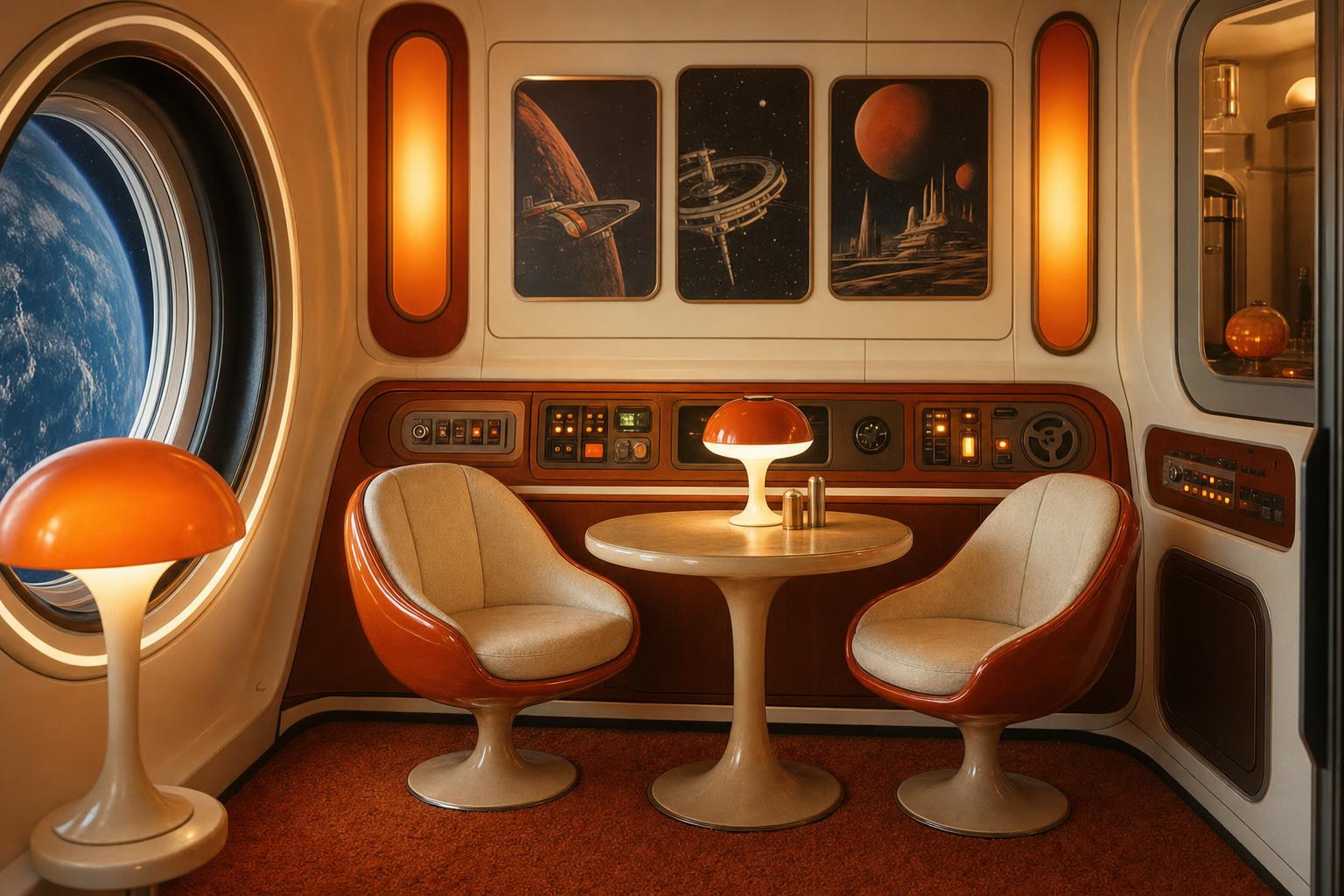
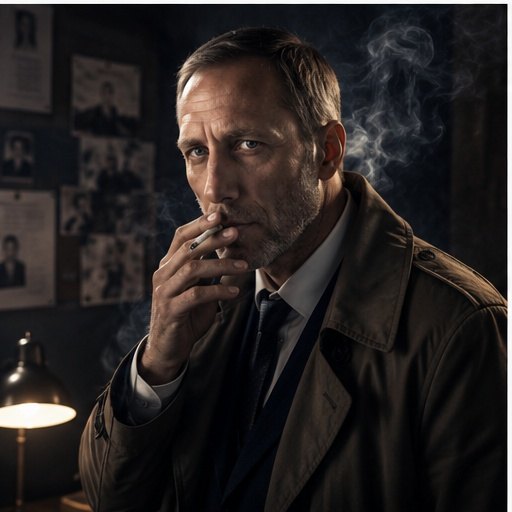
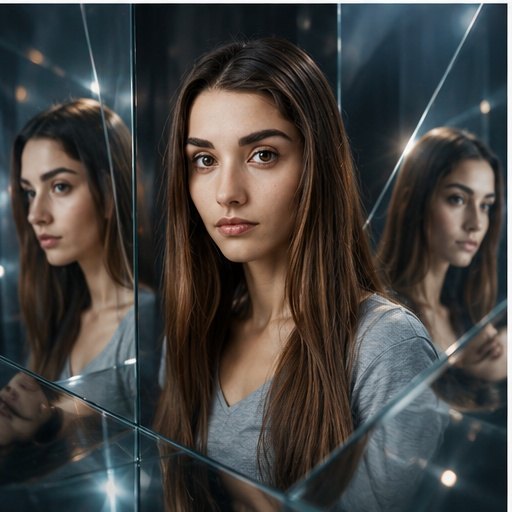
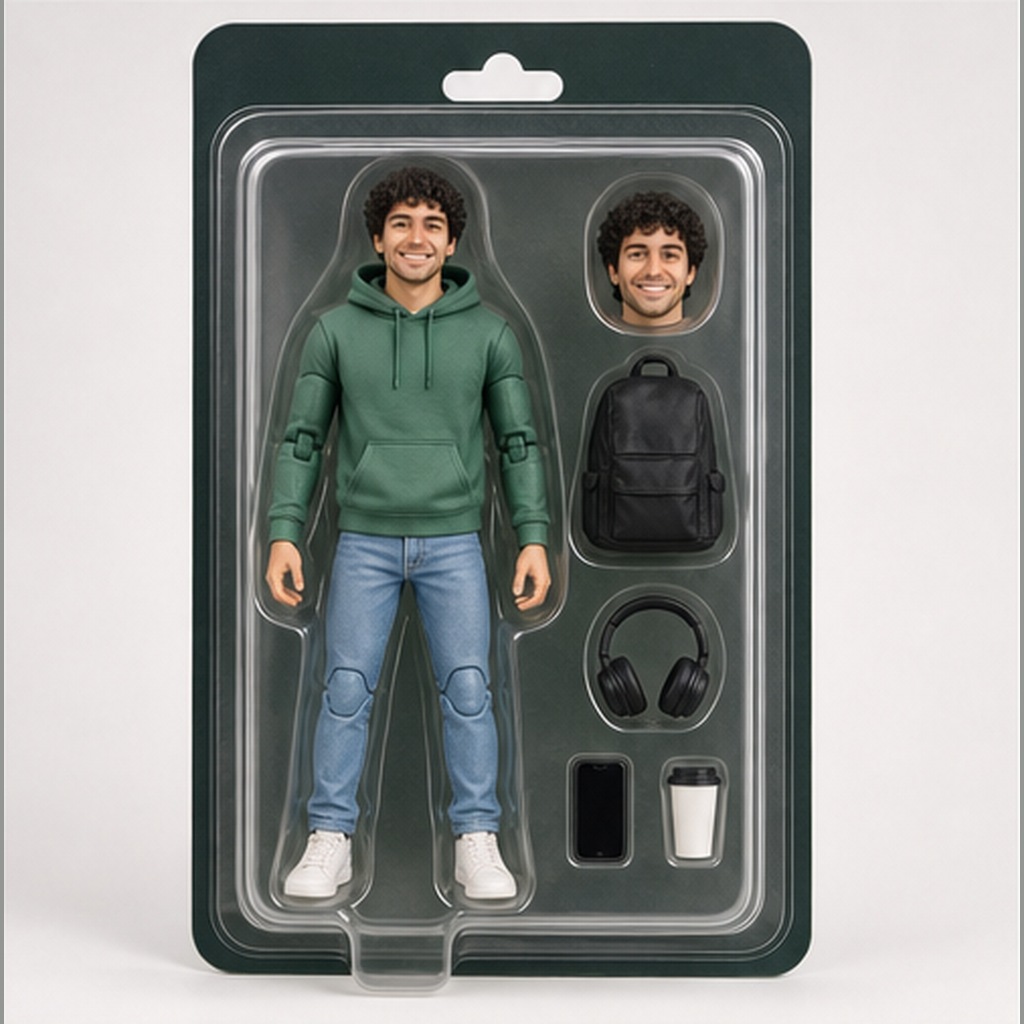
Categories group prompts by visual job: portraits, product photography, cinematic scenes, social media, realistic images and more. Model badges show the tools the wording is designed for or adapts well to. Tags and search help you find prompts by use case, style, problem type or output format, such as product photo, selfie, poster or negative prompt.
Prompt variations
Some prompt pages include manual variations, settings or common mistakes when those details add useful context. Use variations when the first result is close but needs a different crop, mood, background or level of realism. If the output gets worse, return to the original prompt and adjust only the weakest part.