Animal to Human Realistic Portrait for ChatGPT AI Images
Copy a curated Animal to Human Realistic Portrait for ChatGPT image generation with examples, negative prompt and practical tips.
Copy this prompt
Copy the Animal to Human Realistic Portrait instructions, then tune Realistic editorial portrait and Match source lighting only where your source image needs adjustment.
Transform the provided animal photo into a realistic human portrait while preserving the visible personality cues from the source image. Keep the eye shape, gaze direction, facial expression, head angle, pose, and overall mood as close as possible. Translate animal-specific traits into natural human features without creating costume elements, fur, ears, snouts, or fantasy details. Maintain the original background, camera angle, depth of field, lighting direction, color temperature, and framing so the final portrait feels photographed in the same place. Produce a natural editorial portrait with believable skin texture, realistic hair, accurate anatomy, clean hands when visible, and no obvious AI artifacts.
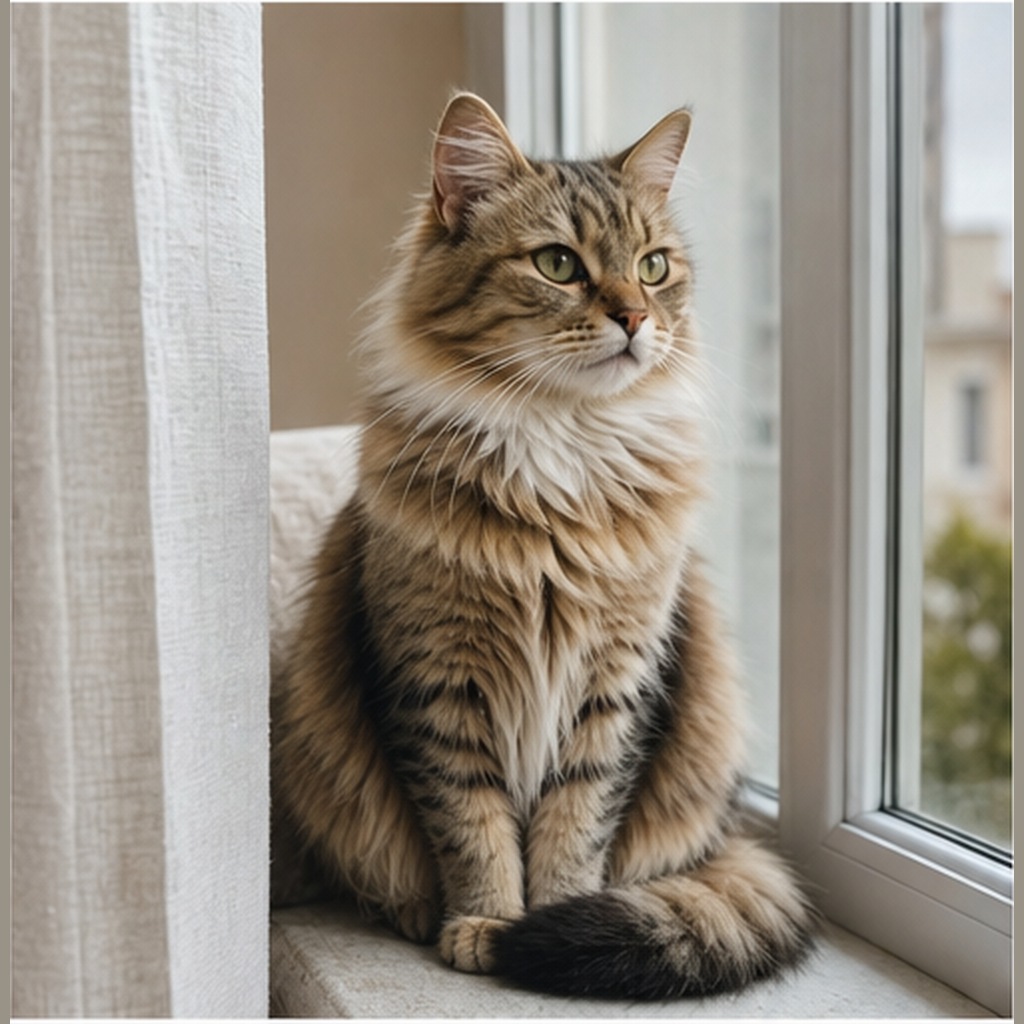
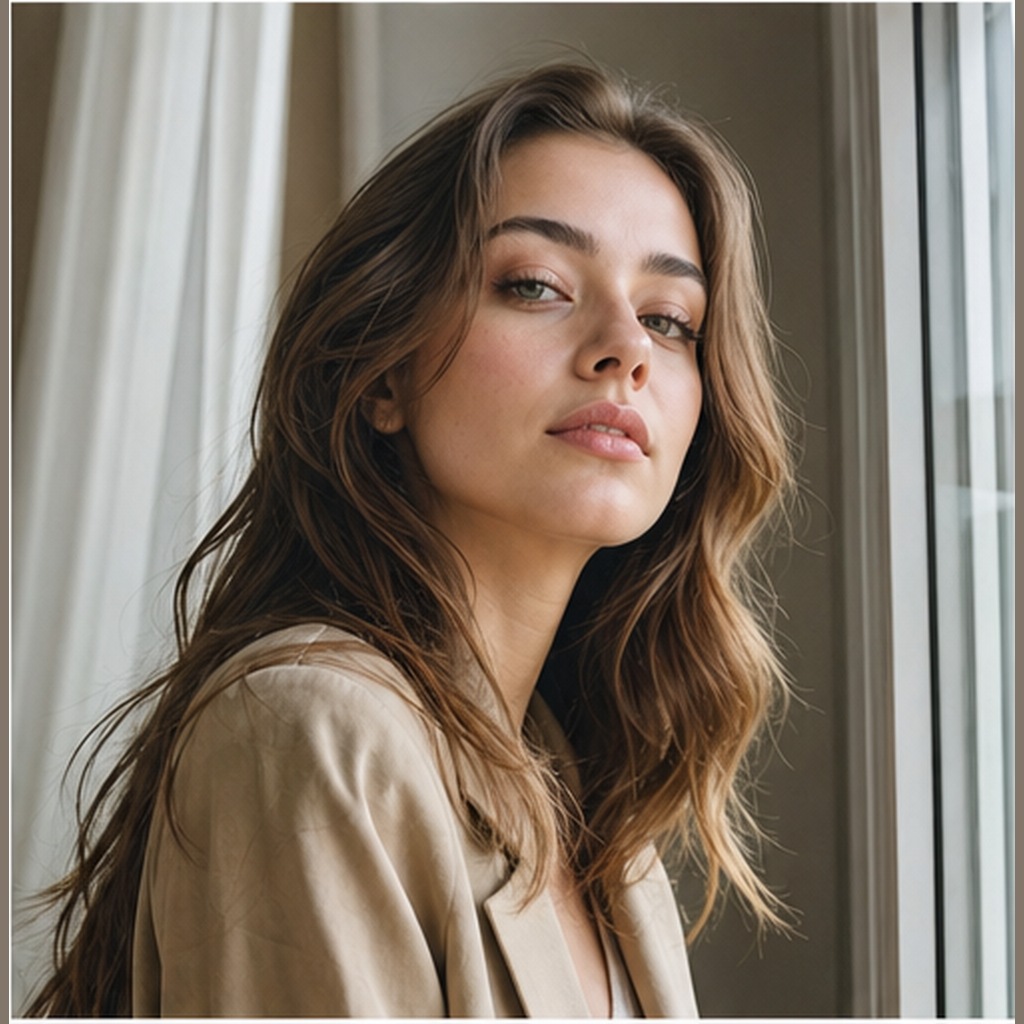
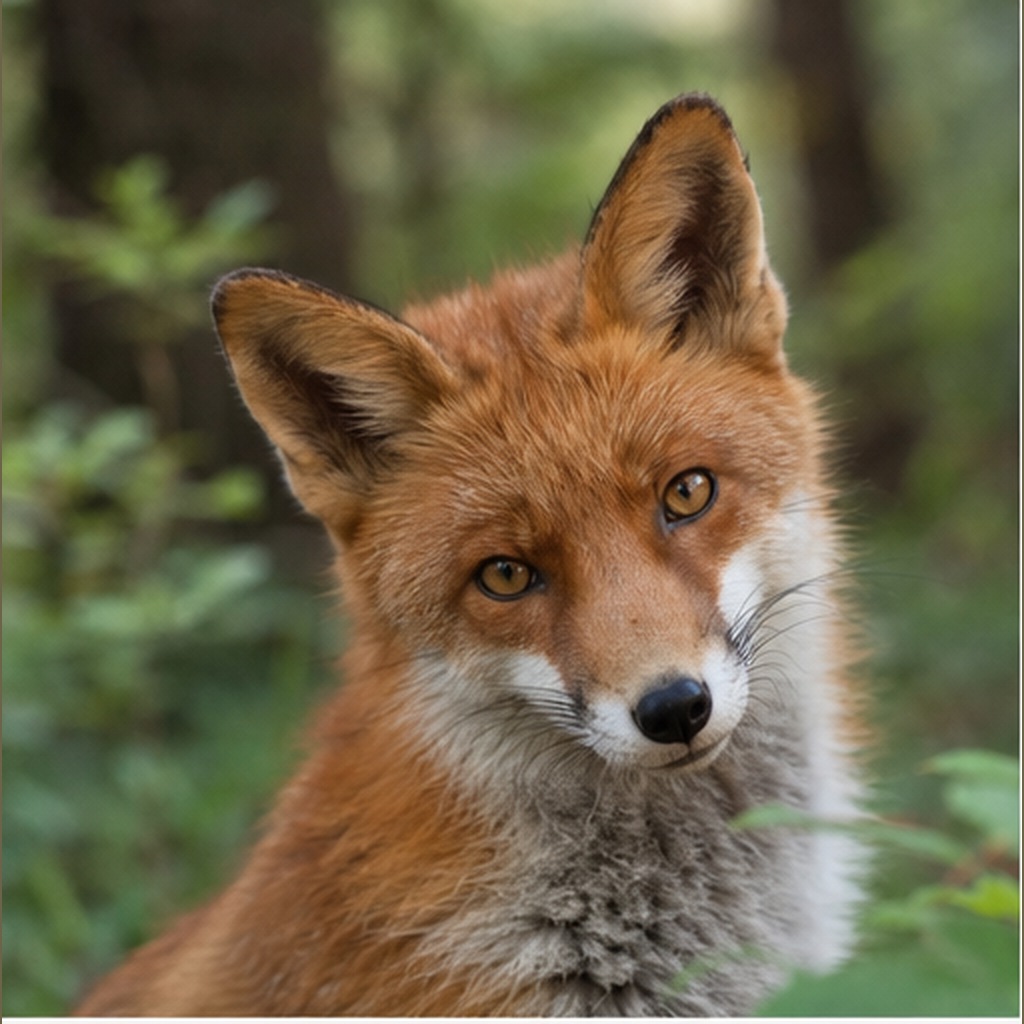
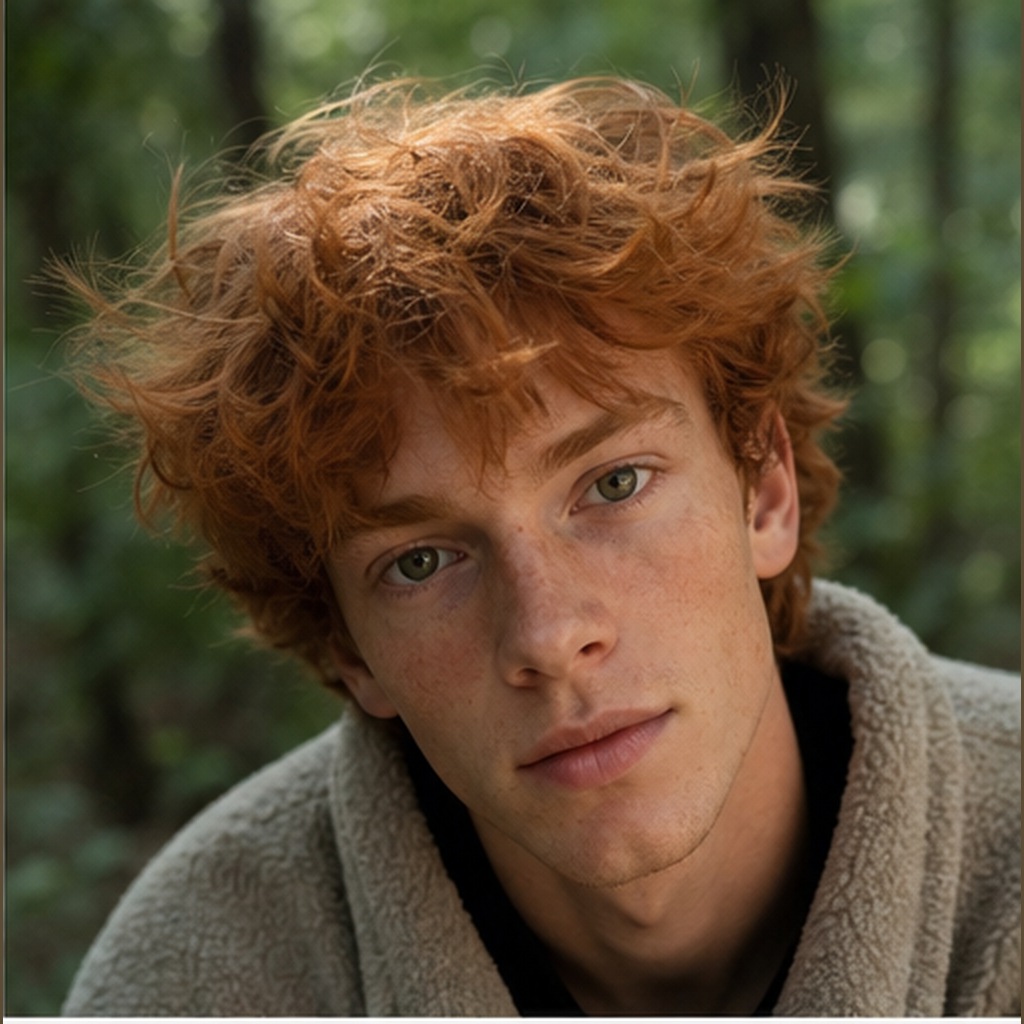
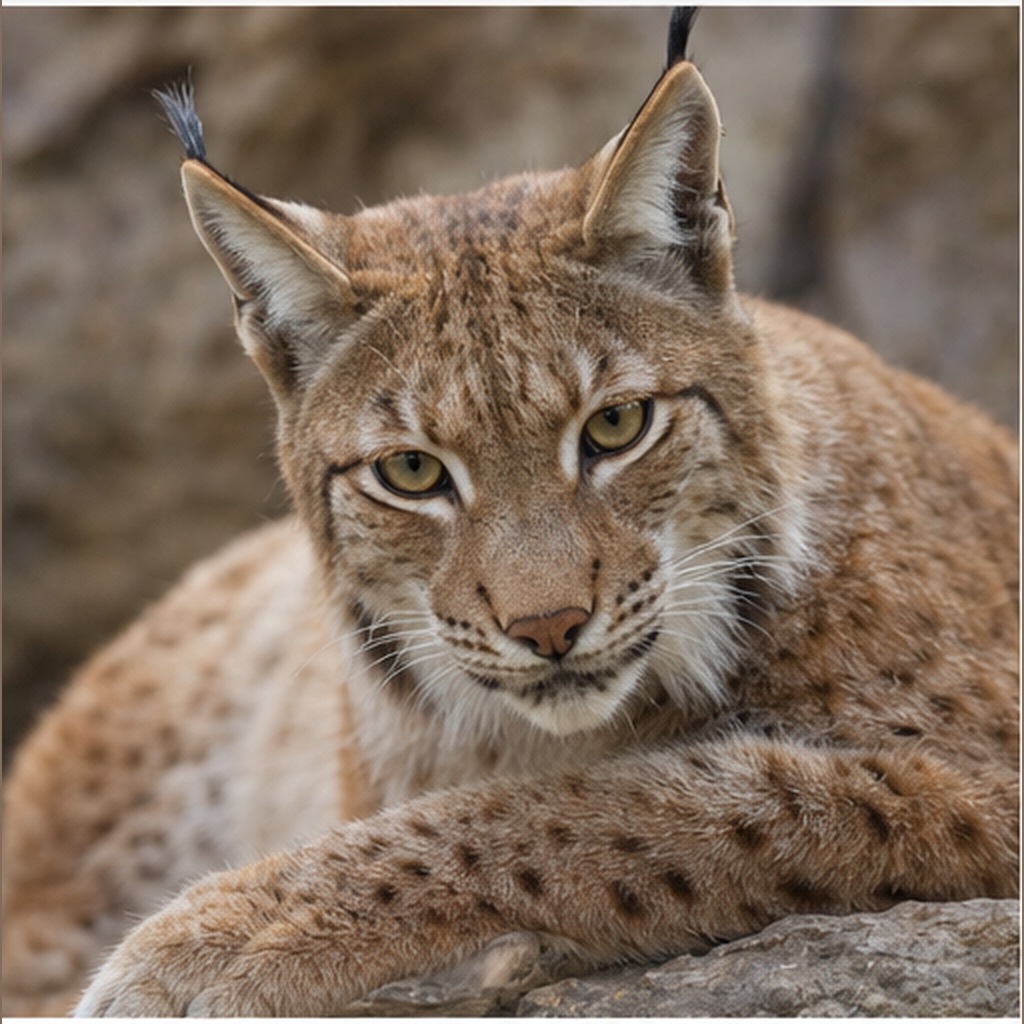
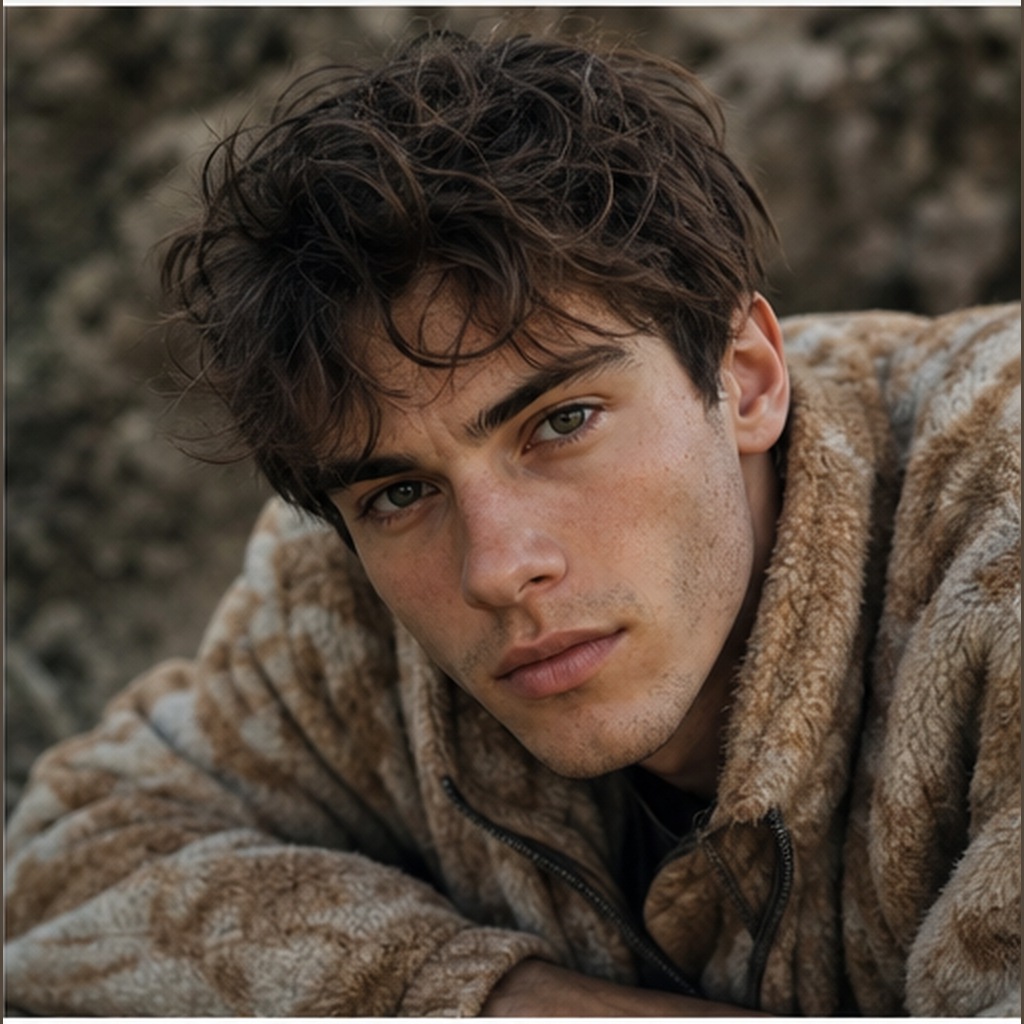
Before reference 1After result 1. The generated Animal to Human Realistic Portrait example applies the page-specific wardrobe, setting, lighting and composition instructions while retaining the source subject as the visual anchor.
Bad prompt vs improved prompt
Bad prompt
Turn this animal into a person.
Improved prompt
This portrait prompt is designed for image-to-image workflows where the source is an animal photo and the goal is a believable human portrait. It works best when the model receives clear instructions about what should transfer: eye shape, gaze, pose, camera angle, depth of field, lighting direction, background structure, and visible mood. It also needs explicit limits so the result does not keep literal animal features.
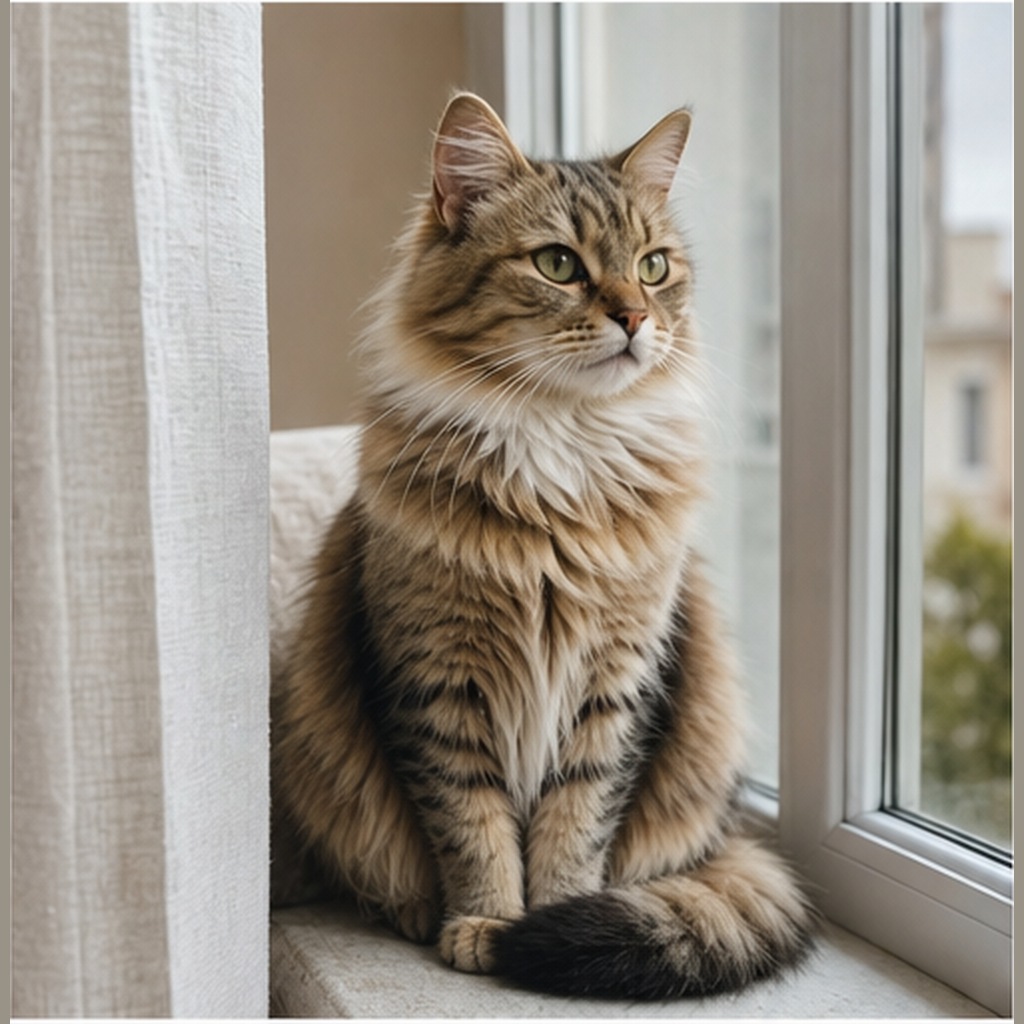
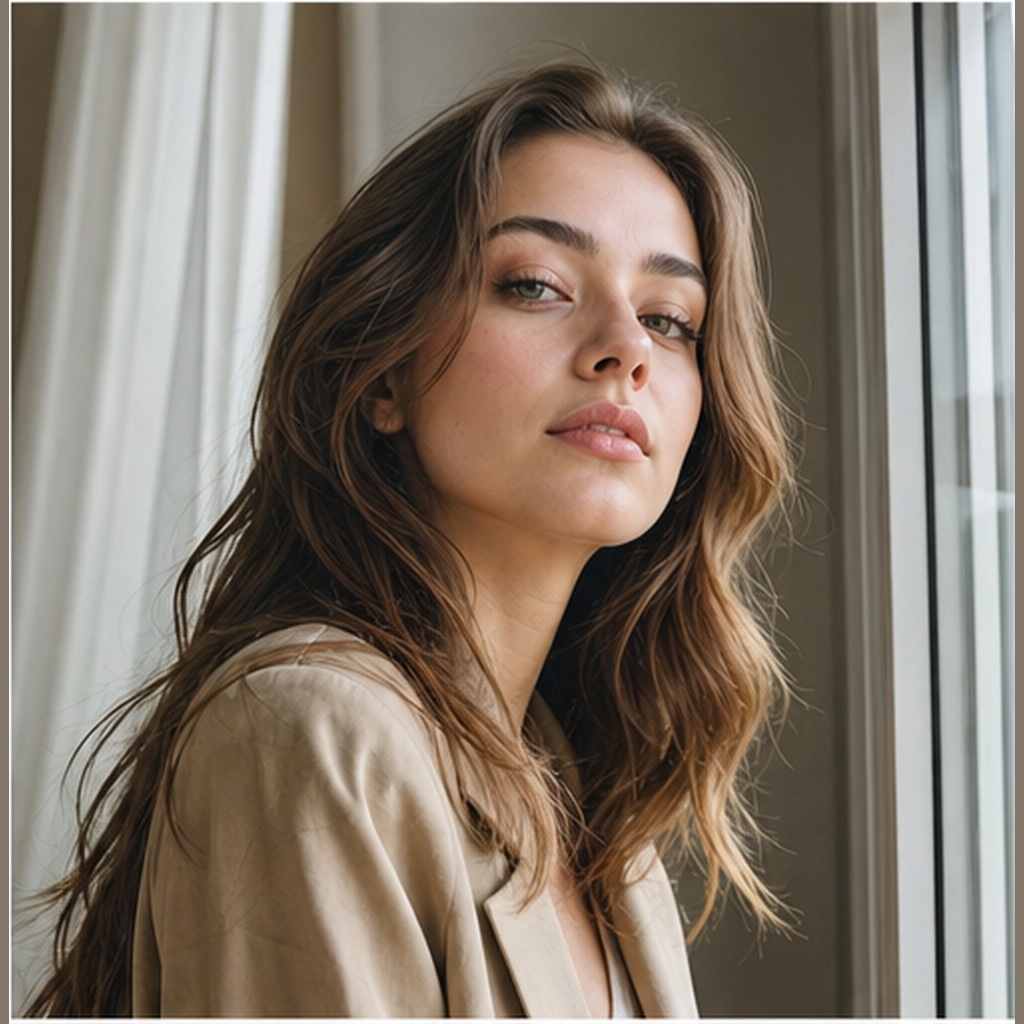
The Animal to Human Realistic Portrait gallery pairs each uploaded reference with its generated counterpart so the Realistic editorial portrait treatment can be checked image by image.
Source example 1Generated result 1Source example 2Generated result 2Source example 3Generated result 3
Best settings for this AI image prompt
Aspect ratiosKeep source aspect ratio
Why these instructions matter
Style direction: Realistic editorial portrait
Lighting direction: Match source lighting
Camera direction: Match source camera angle and depth of field
For Animal to Human Realistic Portrait, adjust one field per trial so changes to Realistic editorial portrait remain distinguishable from changes to Match source lighting.
Customization guide
Parameter
What to change
Expected effect
Example value
Subject or scene
Replace the main subject while keeping the prompt structure.
Changes the focal content without discarding the composition.
Animal to Human Realistic Portrait
Visual style
Change the style phrase.
Moves the result toward a different material or art direction.
Realistic editorial portrait
Lighting
Replace the lighting description.
Changes contrast, depth, color temperature and mood.
Match source lighting
Camera and composition
Adjust lens, angle, crop or focal point.
Changes perspective and the amount of environment in frame.
Match source camera angle and depth of field
Output format
Choose an aspect ratio supported by your image tool.
Adapts the framing for a post, poster or landscape image.
Author: Image Prompt List Editorial Team. This is the site editorial team, not a fictional individual expert.
For Animal to Human Realistic Portrait, editors checked the stored prompt and available examples for topic fit, pair order, captions, metadata, duplicates and unsupported claims. Formatting checks can be automated; this approval covers the documented Realistic editorial portrait and Match source lighting evidence, not an unreported independent model rerun.