Accidental iPhone Snapshot Selfie for ChatGPT AI Images
Copy a curated Accidental iPhone Snapshot Selfie for ChatGPT image generation with examples, negative prompt and practical tips.
Copy this prompt
Copy the Accidental iPhone Snapshot Selfie instructions, then tune Accidental smartphone snapshot and Uneven interior light with mild overexposure only where your source image needs adjustment.
Create an ordinary accidental iPhone snapshot of an anonymous person, as if the camera opened while the phone was being pulled out of a pocket. No intentional composition, no polished portrait lighting, no obvious pose. Use a strange low angle, close lens distance, messy cropped frame, slight motion blur, imperfect focus, uneven interior lighting, one mildly overexposed bright window or edge, casual camera-roll realism, natural phone noise, unedited colors, awkward everyday framing, excessively real and unplanned.
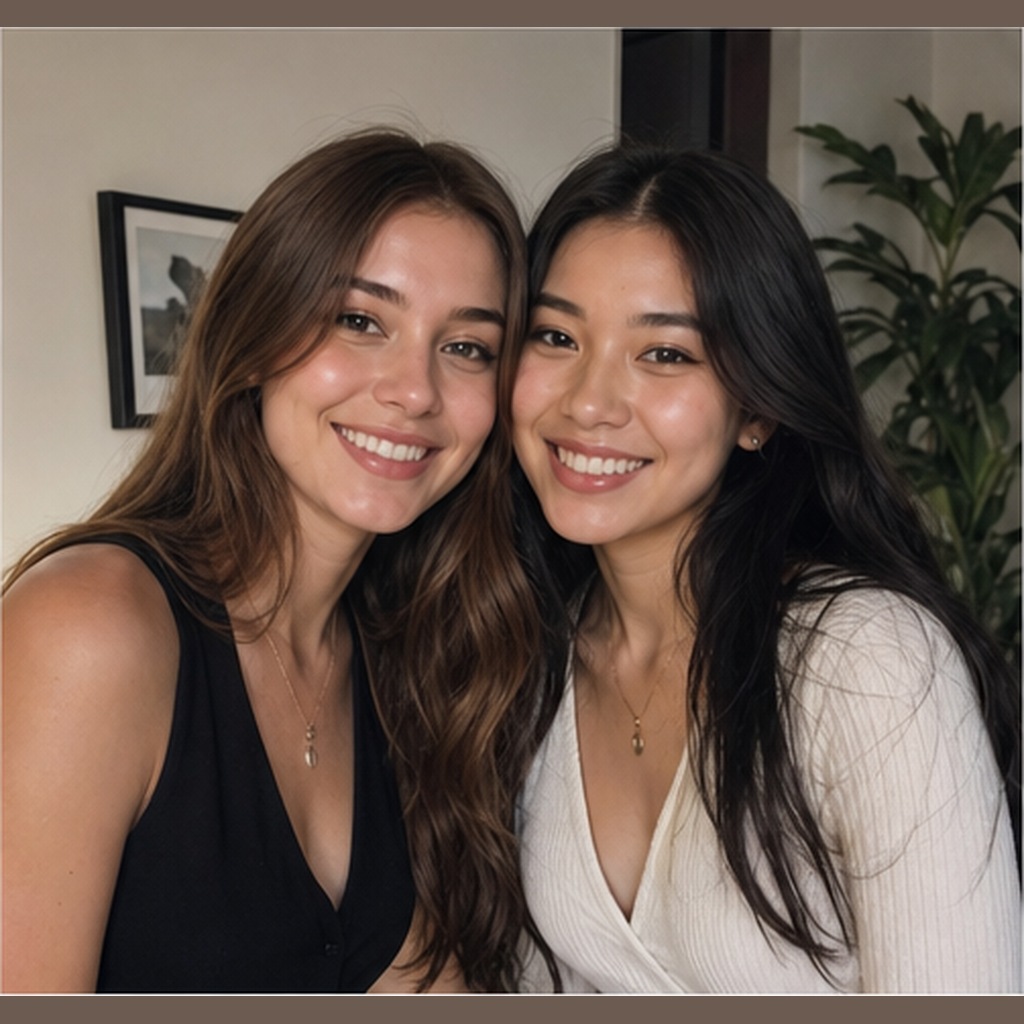
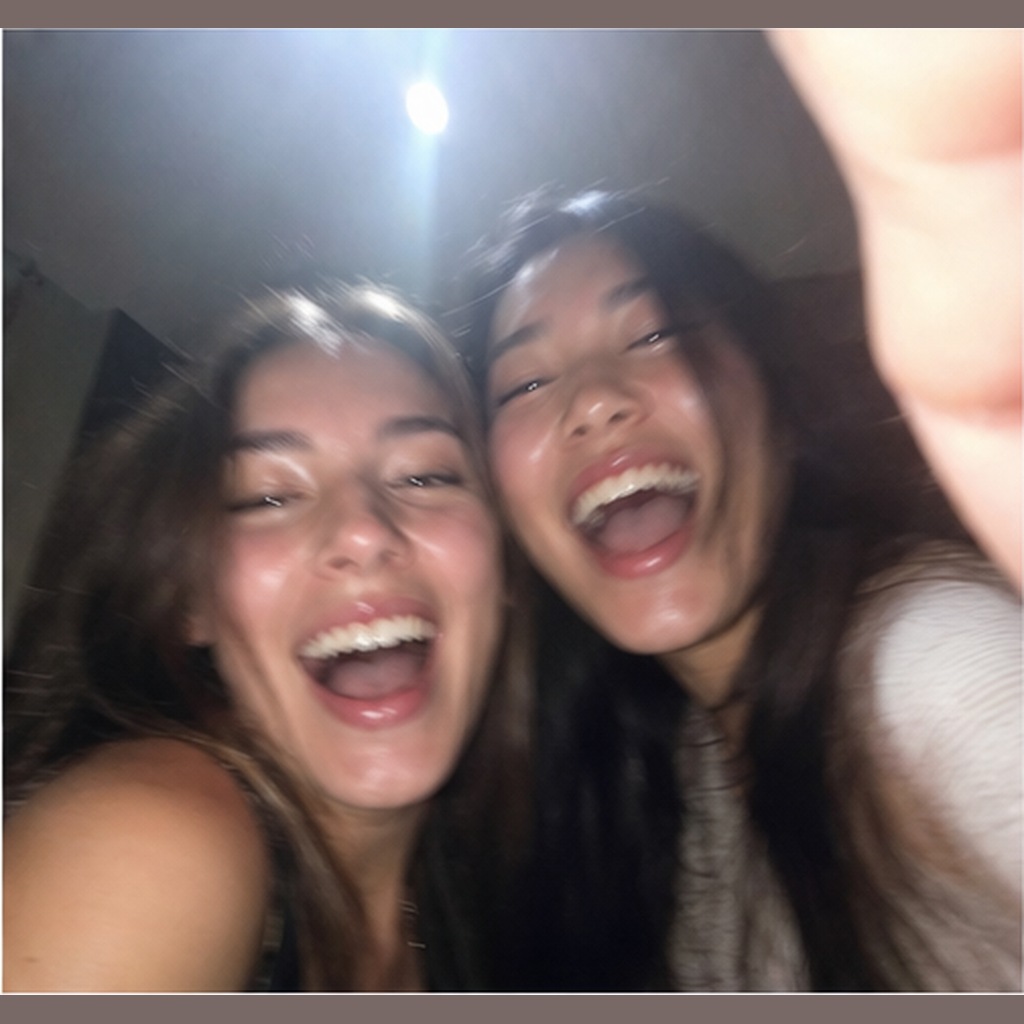
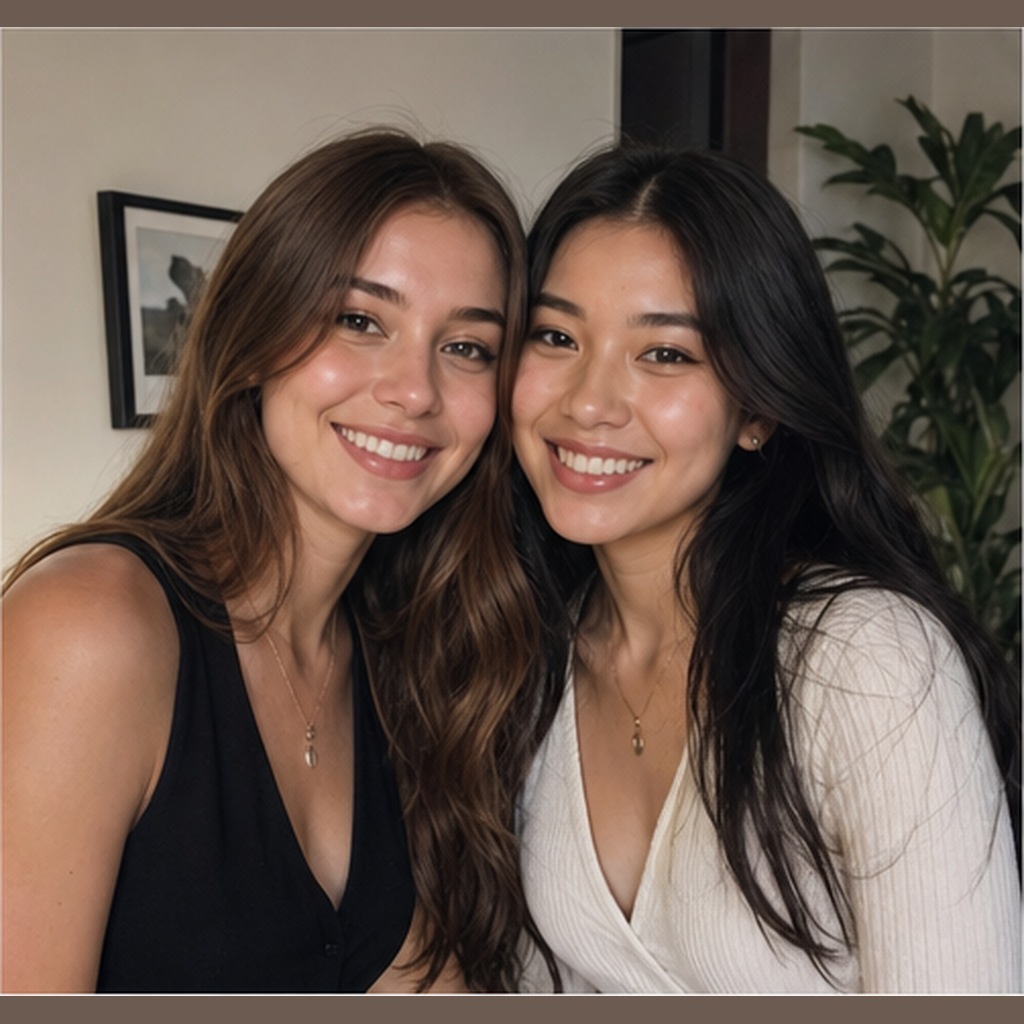
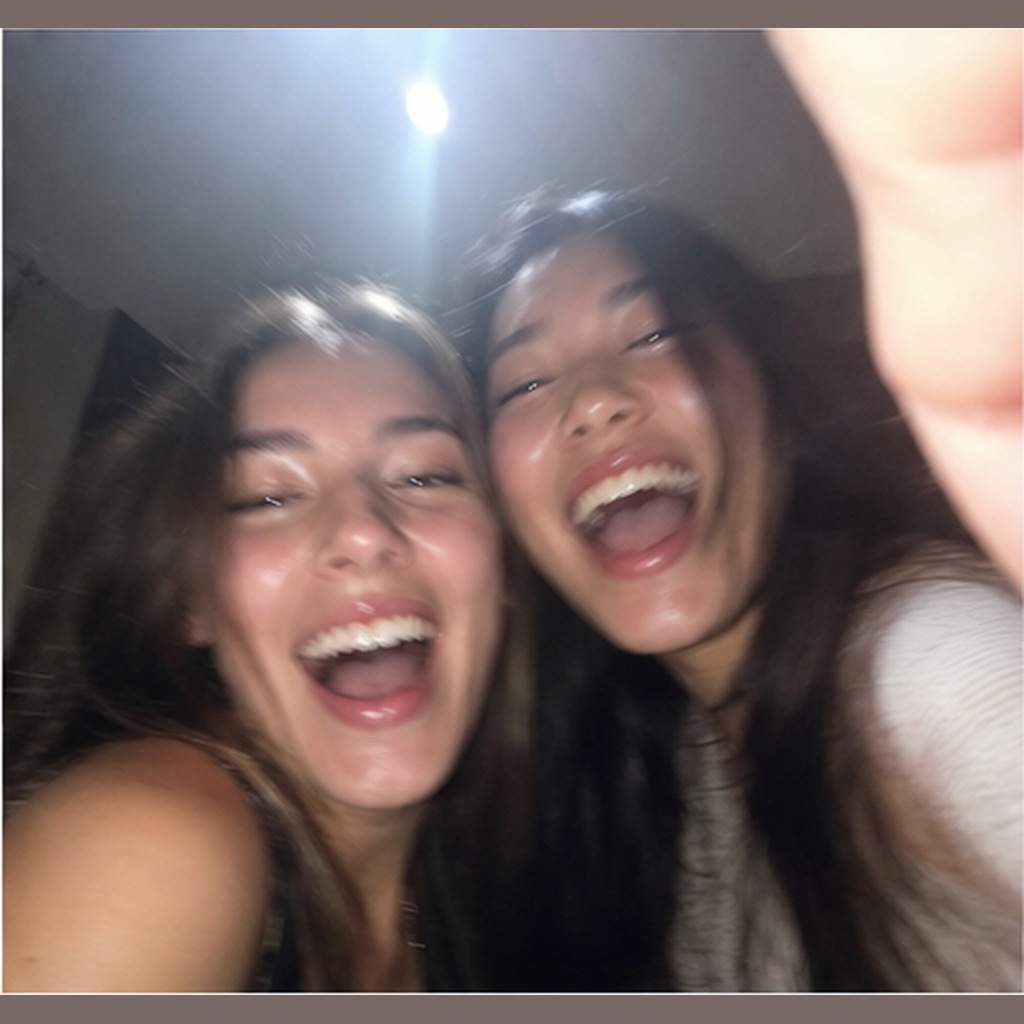
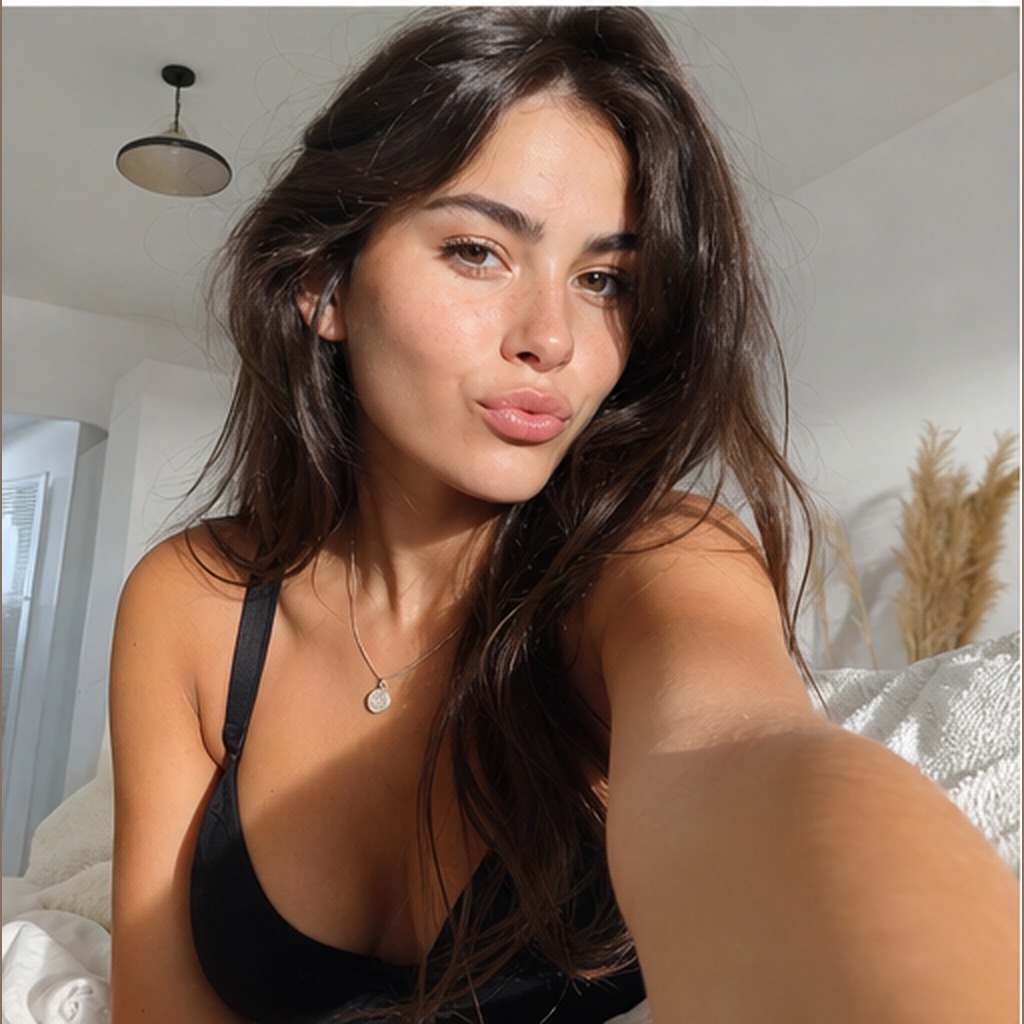
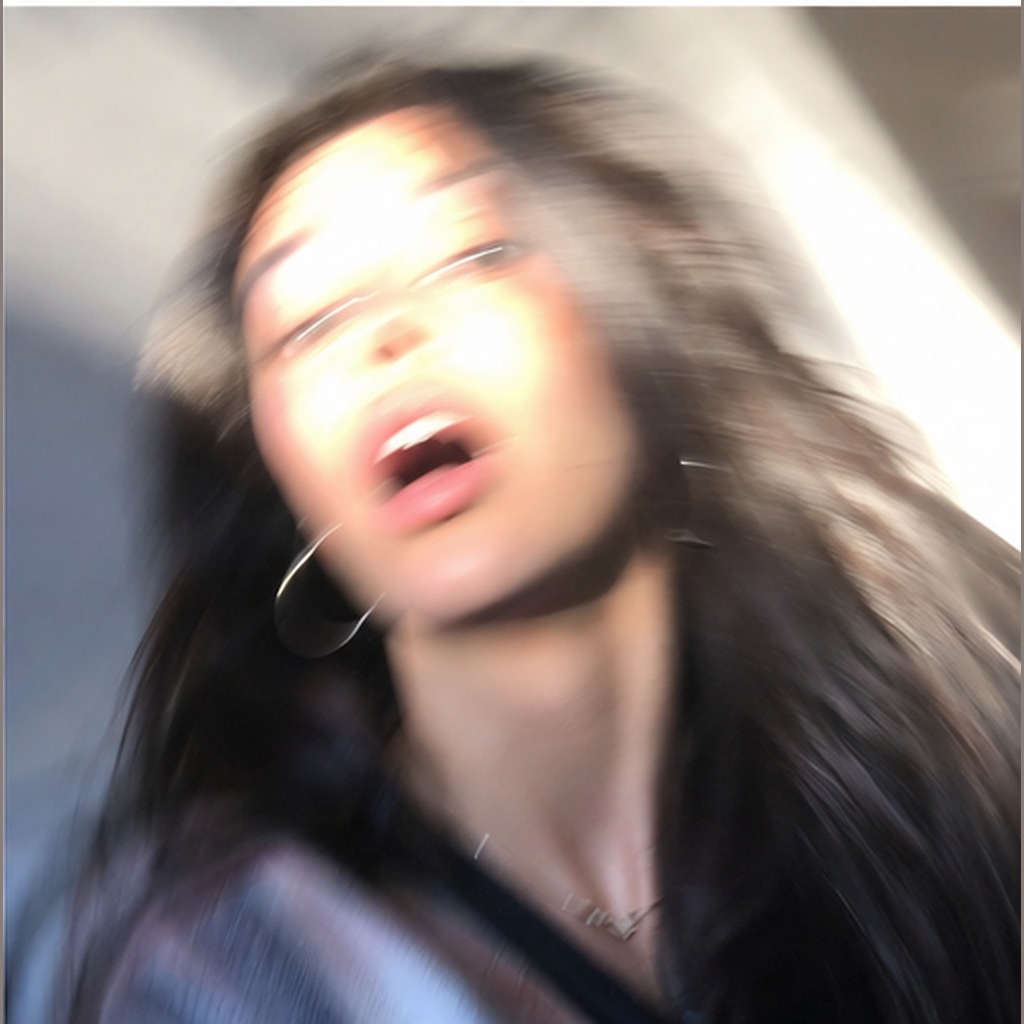
Before reference 1After result 1. The generated Accidental iPhone Snapshot Selfie example applies the page-specific wardrobe, setting, lighting and composition instructions while retaining the source subject as the visual anchor.
Bad prompt vs improved prompt
Bad prompt
selfie, iPhone photo, casual
Improved prompt
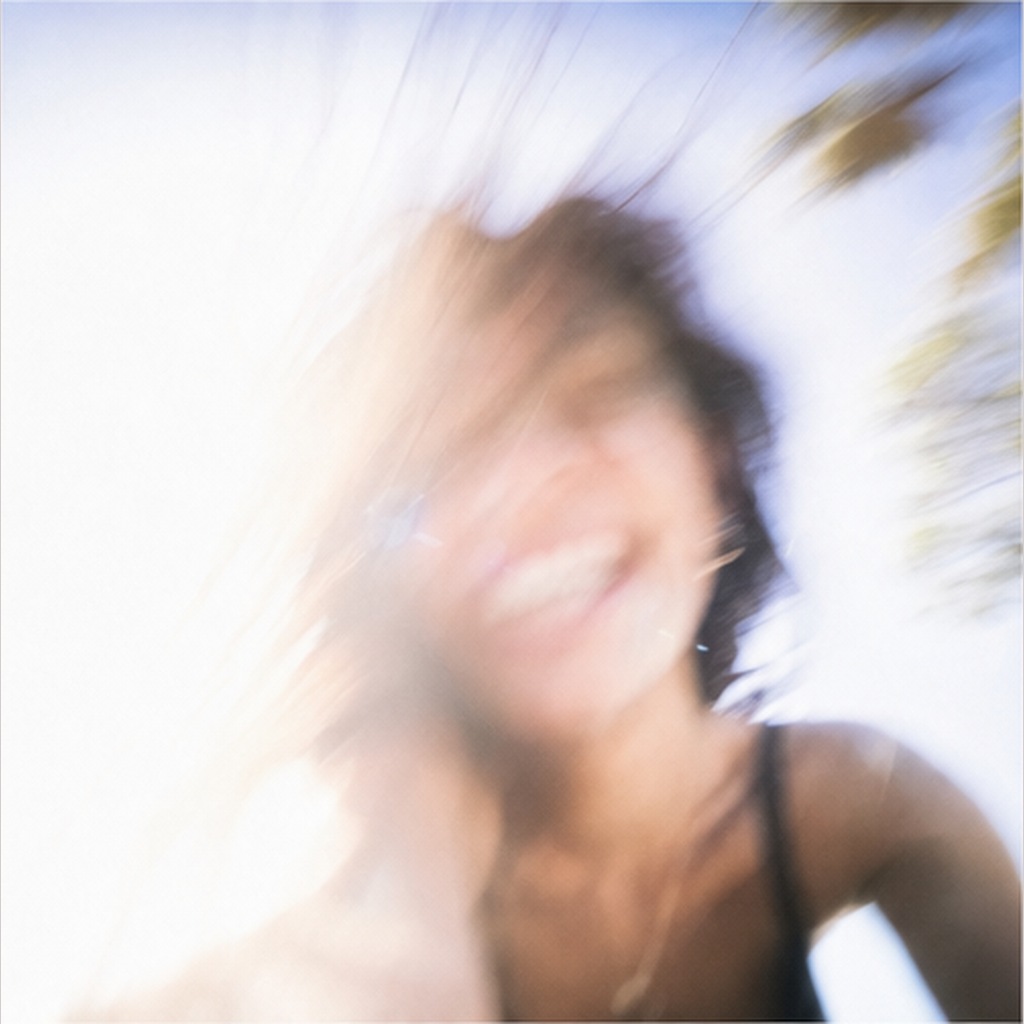
This prompt works by replacing polished portrait language with believable phone-camera flaws: uneven exposure, low angle, accidental cropping, slight shake, soft focus and ordinary interior light.
Real source and result examples
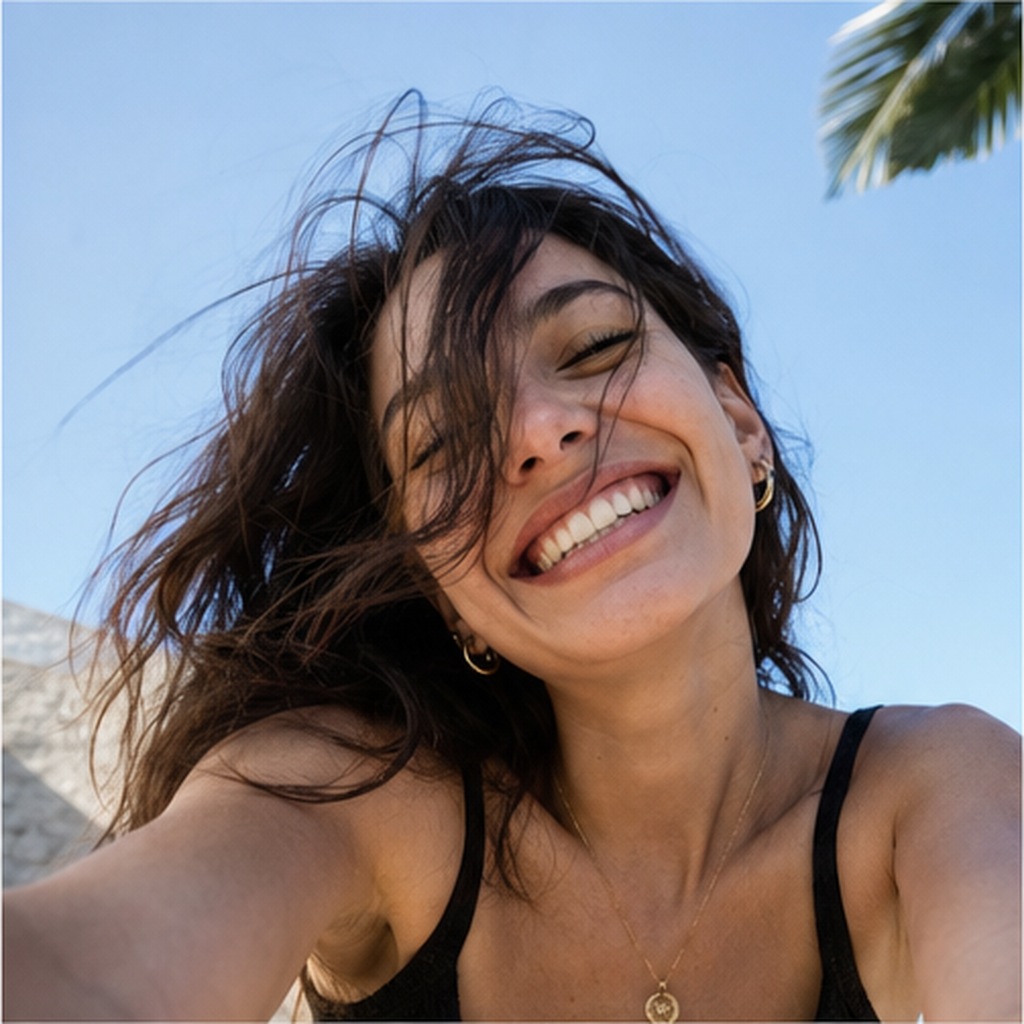
The Accidental iPhone Snapshot Selfie gallery pairs each uploaded reference with its generated counterpart so the Accidental smartphone snapshot treatment can be checked image by image.
Source example 1Generated result 1Source example 2Generated result 2Source example 3Generated result 3
Best settings for this AI image prompt
Aspect ratios3:4 vertical
Best modelsChatGPT
Why these instructions matter
Style direction: Accidental smartphone snapshot
Lighting direction: Uneven interior light with mild overexposure
Camera direction: Low-angle iPhone-style front camera, slight shake
For Accidental iPhone Snapshot Selfie, adjust one field per trial so changes to Accidental smartphone snapshot remain distinguishable from changes to Uneven interior light with mild overexposure.
Customization guide
Parameter
What to change
Expected effect
Example value
Subject or scene
Replace the main subject while keeping the prompt structure.
Changes the focal content without discarding the composition.
Accidental iPhone Snapshot Selfie
Visual style
Change the style phrase.
Moves the result toward a different material or art direction.
Accidental smartphone snapshot
Lighting
Replace the lighting description.
Changes contrast, depth, color temperature and mood.
Uneven interior light with mild overexposure
Camera and composition
Adjust lens, angle, crop or focal point.
Changes perspective and the amount of environment in frame.
Low-angle iPhone-style front camera, slight shake
Output format
Choose an aspect ratio supported by your image tool.
Adapts the framing for a post, poster or landscape image.
3:4 vertical
Negative prompt
professional portrait, studio lighting, cinematic composition, fashion editorial, beauty retouching, perfect symmetry, centered subject, crisp product photo, clean background, intentional pose, glamour selfie, sharp controlled focus, dramatic color grading, perfect exposure, flawless skin, advertisement, watermark, text, logo, extra fingers, distorted anatomy, duplicated face, heavy blur, unusable face
FAQ
What is this prompt for?
It is for creating an intentionally ordinary phone snapshot with awkward framing, slight blur and uneven light.
Why avoid cinematic words?
Cinematic and editorial words usually make the image look planned, while this prompt needs accidental camera-roll realism.
Can I use it with a reference image?
Yes, but describe only visual camera effects and avoid identity or personal-trait claims.
Author: Image Prompt List Editorial Team. This is the site editorial team, not a fictional individual expert.
For Accidental iPhone Snapshot Selfie, editors checked the stored prompt and available examples for topic fit, pair order, captions, metadata, duplicates and unsupported claims. Formatting checks can be automated; this approval covers the documented Accidental smartphone snapshot and Uneven interior light with mild overexposure evidence, not an unreported independent model rerun.