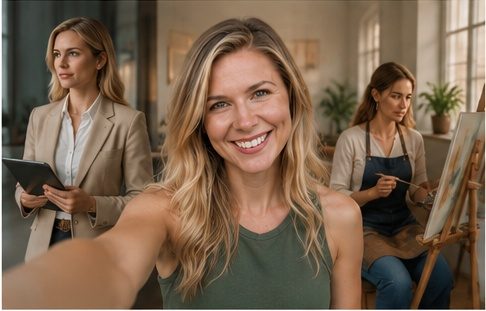
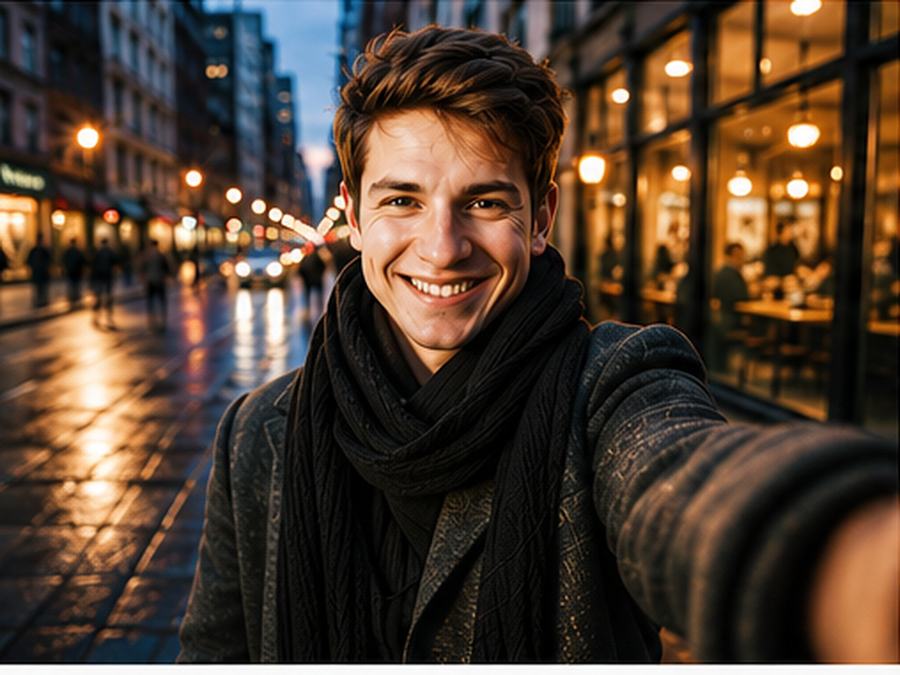
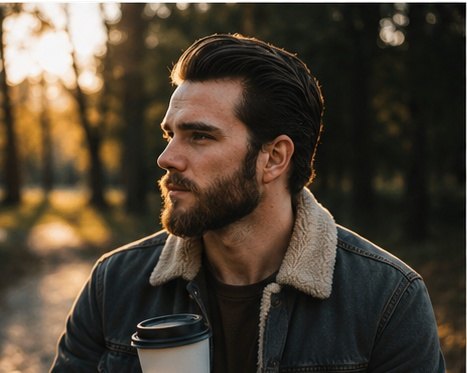
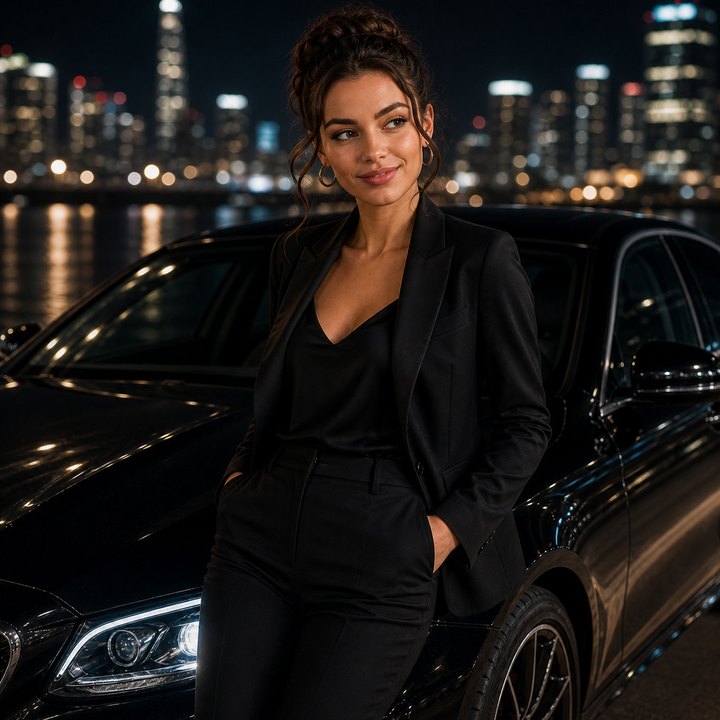
ChatGPT image prompt examples from the catalog
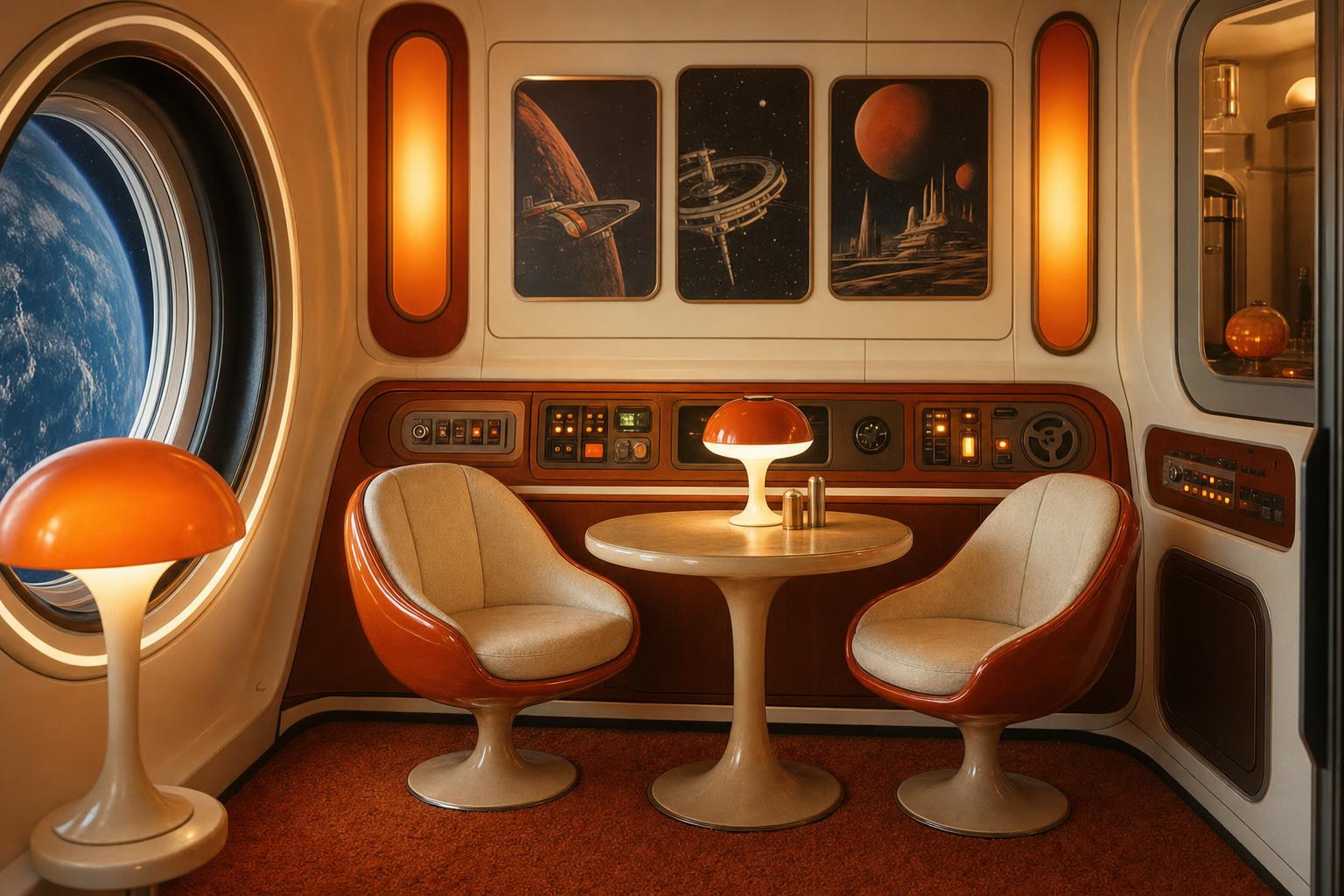
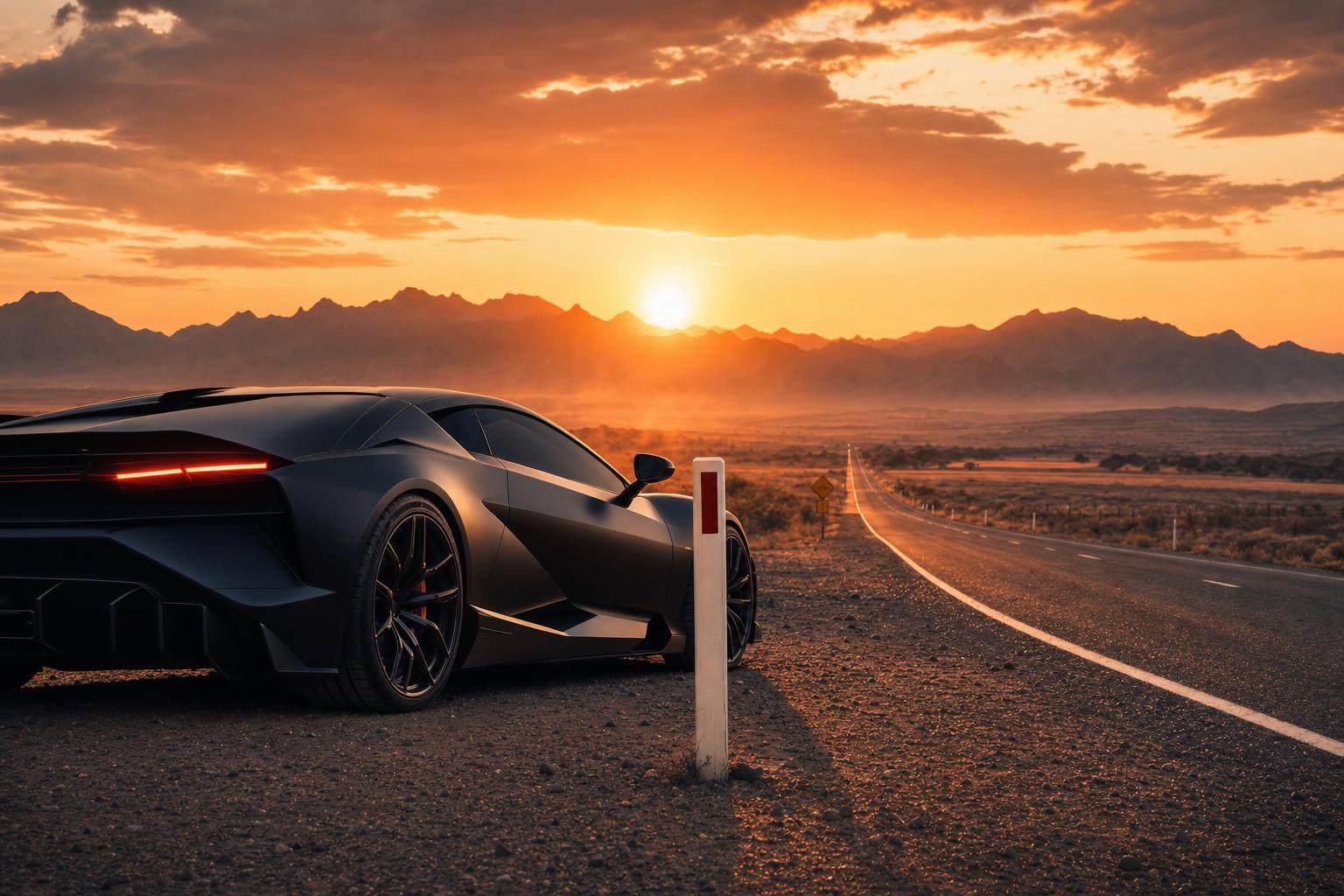
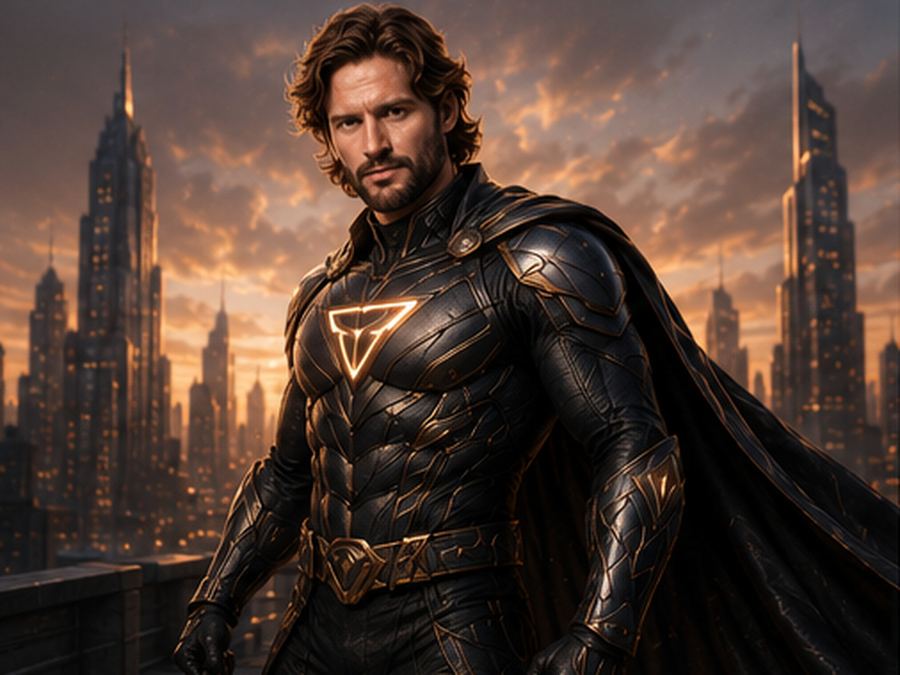
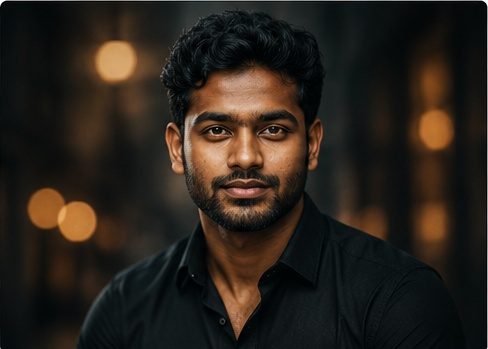
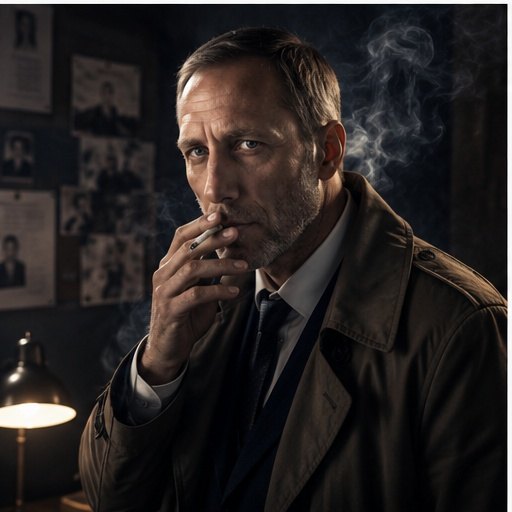
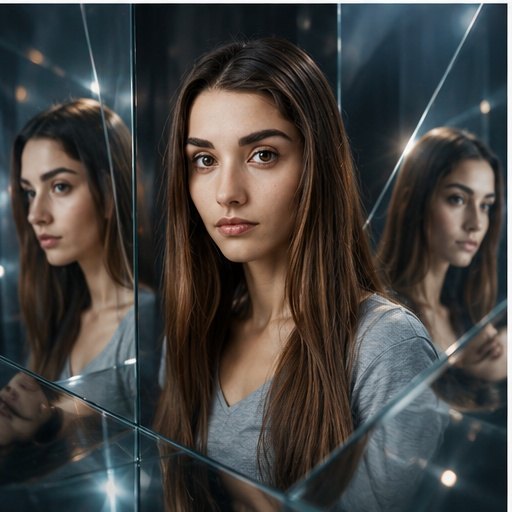
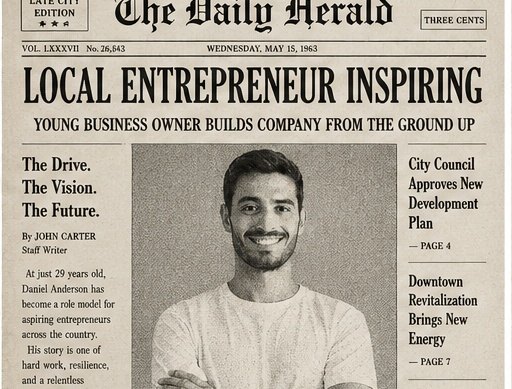
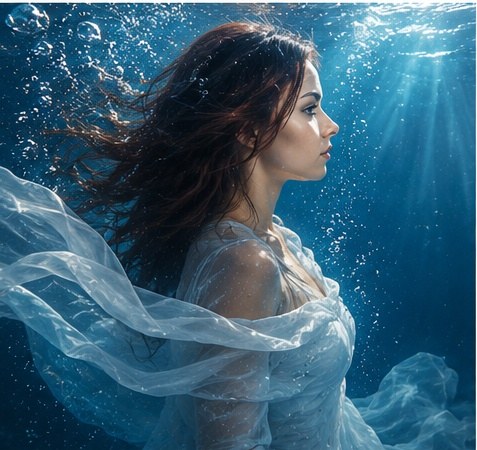
These are active catalog prompts with real result examples, not placeholder ideas. Use them for portraits, product photos, social media images, funny edits, realistic scenes and before-and-after prompt improvements.
How to adapt a catalog prompt
Keep the structure of the example, then swap in your subject, camera angle, background, style, lighting and constraints. The most reliable ChatGPT image prompts describe the image as a finished visual instead of a vague command.
For more options, browse the full AI image prompts catalog, compare before and after prompt examples, or create a custom version with the AI image prompt builder.
How to write better ChatGPT image prompts
ChatGPT image prompts work best when they describe the finished image in plain language. Start with the subject, then add the setting, visual style, camera angle, lighting, composition, important details and constraints. Instead of asking for a "nice product photo", describe the object, surface, shadow, background, crop and what should stay accurate.
Practical prompt examples
- Portrait: realistic editorial portrait of an adult person, soft window light, natural skin texture, relaxed expression, simple background, 50mm lens.
- Product: premium studio product photo on a matte surface, softbox reflections, realistic shadow, clean background, sharp material detail.
- Poster: cinematic poster composition with one clear subject, dramatic rim light, readable negative space and no generated text.
Tips that improve results
Keep one main visual direction, avoid mixing too many aesthetics, and add negative constraints only for likely failures. If you upload a reference image, say what should remain recognizable, such as face shape, outfit colors, product proportions or background mood.