Photo editing prompt examples from the catalog
Use real catalog prompts for uploaded-photo edits, portrait transformations, product edits and realistic photo-style changes.
Copy ChatGPT photo editing prompts for portraits, products, lighting changes, cleanup, backgrounds and social media images.
Use real catalog prompts for uploaded-photo edits, portrait transformations, product edits and realistic photo-style changes.
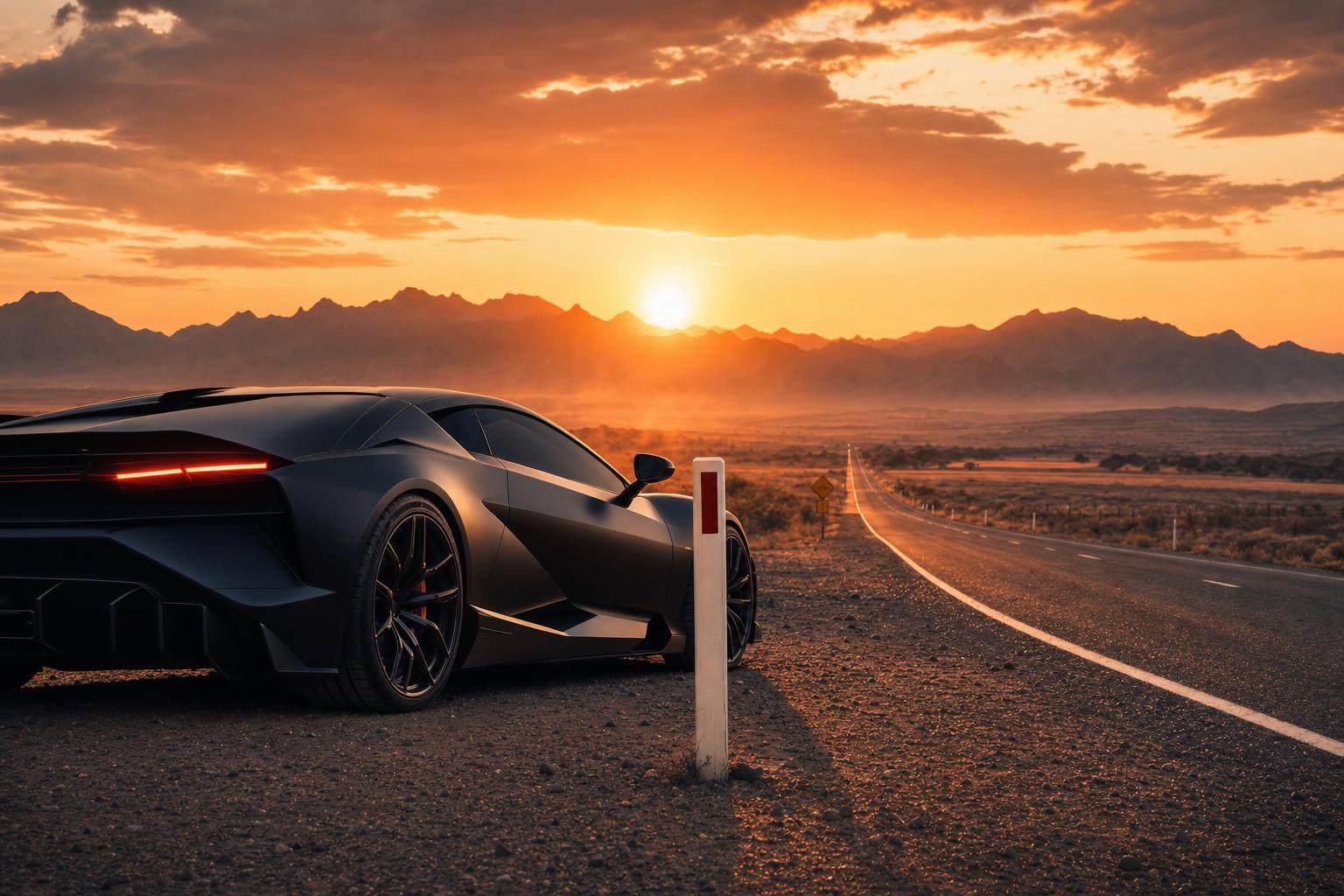
Use this automotive prompt to create a cinematic poster of a matte black supercar on an empty desert road at sunset. The prompt defines the car finish, desert setting, mountains, dust haze, golden-hour light, rim reflections, low-angle camera, and road leading lines. It is useful for automotive advertising concepts, poster mockups, social campaign visuals, moodboards, and cinematic vehicle images that need a bold premium look.
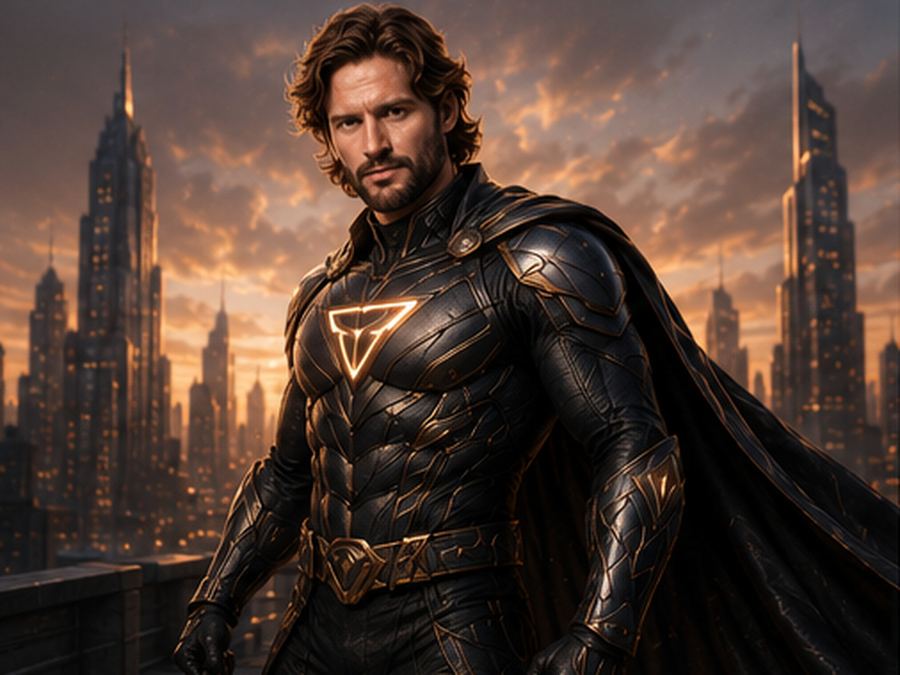
Transform a portrait into a realistic original superhero image with a custom suit, cinematic lighting and preserved identity.
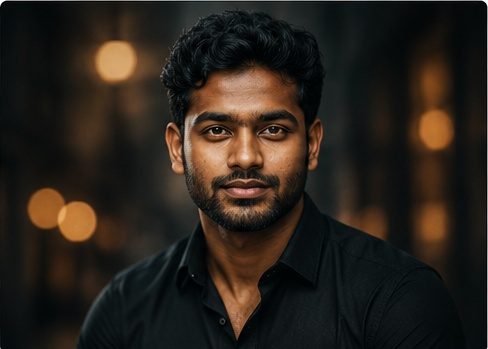
Upgrade a male portrait into a realistic rugged masculine editorial image with cinematic lighting, natural texture and preserved identity.
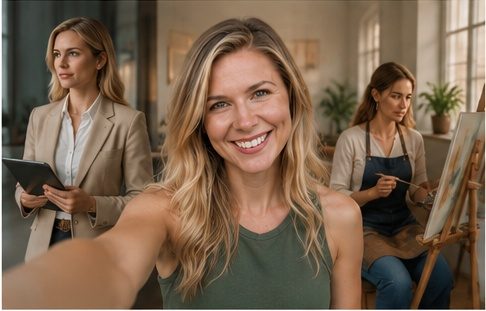
Create a cinematic parallel lives selfie with the same recognizable person shown as a foreground selfie and subtle alternate futures.
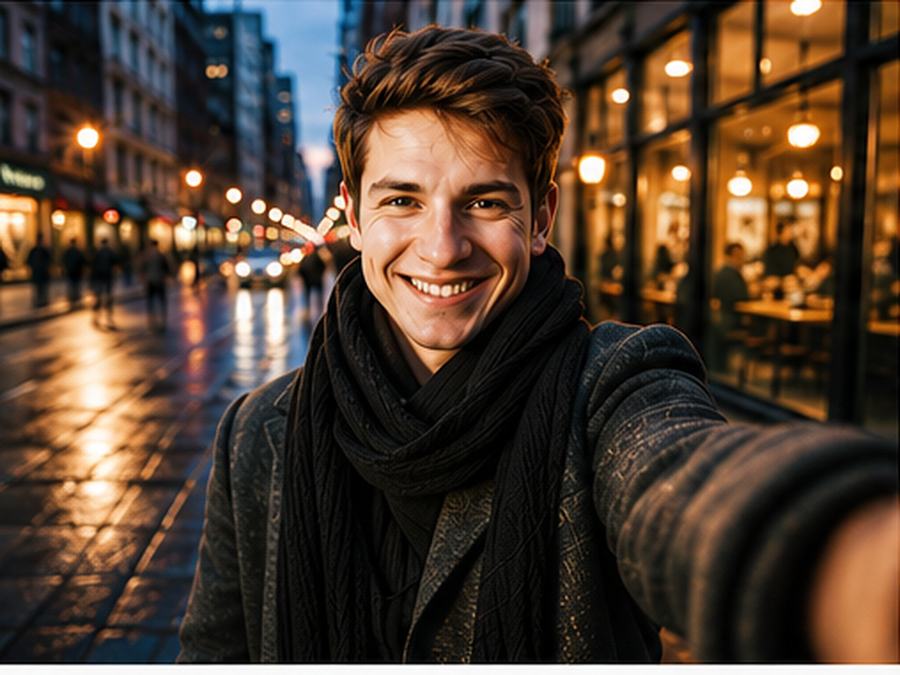
Transform a selfie or portrait into a cinematic main-character street selfie with city lights, natural identity, phone-photo framing and editorial mood.
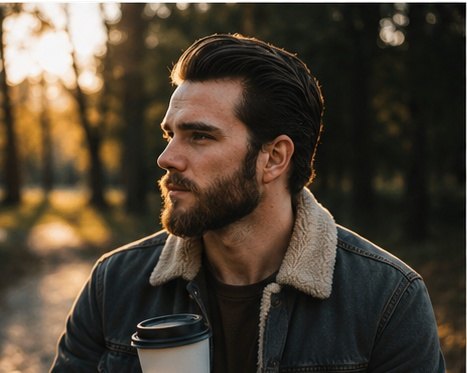
Transform an uploaded portrait into a realistic private-moment editorial selfie with soft window light, lifestyle details and warm modern mood.
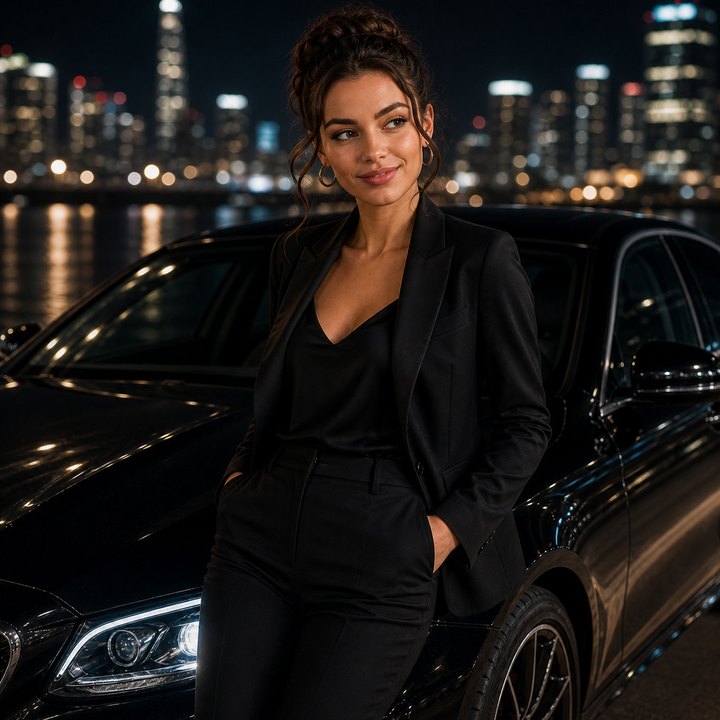
Create a realistic luxury car advertisement portrait with glossy reflections, city-night lighting, stylish outfit and cinematic premium campaign mood.
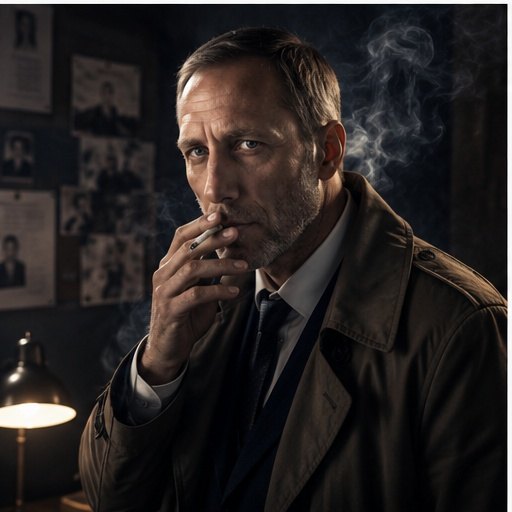
Create a cinematic detective character portrait with trench coat, rainy city background, old street lights, smoke and a mysterious editorial poster mood.
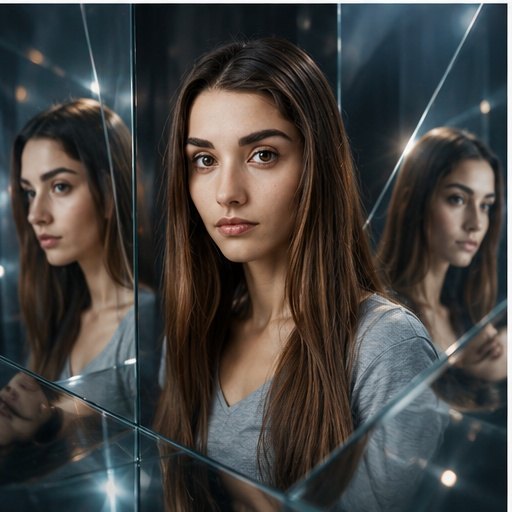
Create a surreal mirror-world portrait from a photo with reflective glass panels, soft distortions, elegant lighting and a conceptual fashion-editorial look.
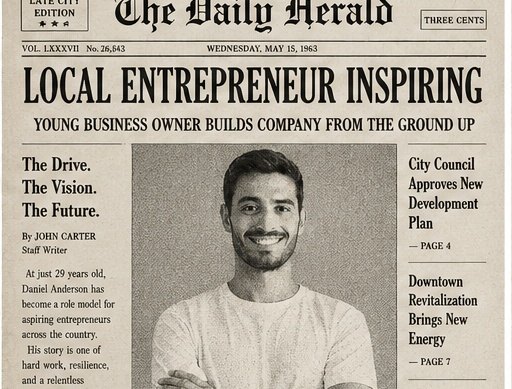
Copy this ChatGPT image prompt to turn an uploaded portrait into a recognizable vintage newspaper cover with black-and-white press style, bold headline layout, halftone texture, and old paper grain.
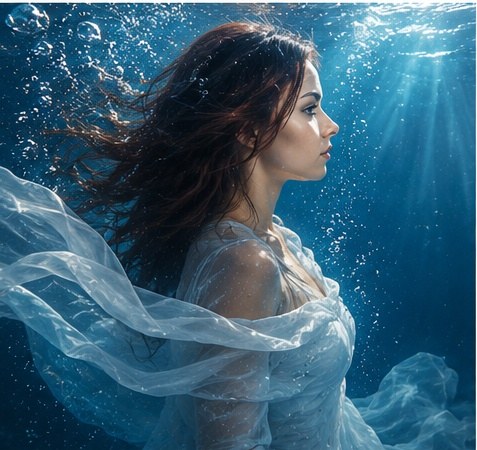
Copy this ChatGPT image prompt to turn an uploaded portrait into a dreamy underwater fashion editorial with recognizable identity, flowing fabric, blue light rays, bubbles, and premium campaign styling.
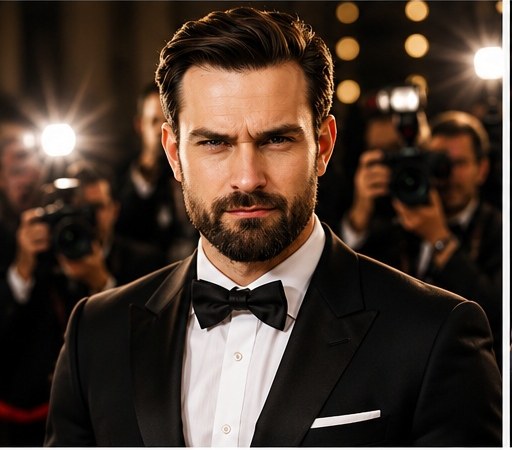
Turn an uploaded portrait into a recognizable red-carpet celebrity photo with elegant outfit styling, camera flashes, blurred photographers and glossy evening lighting.
Tell the model what must stay recognizable, what should change, and what should be avoided. Include face, hair, outfit, background, lighting and final image style.
Browse more examples in the AI image prompts catalog, or use the AI image prompt generator to build a custom version.