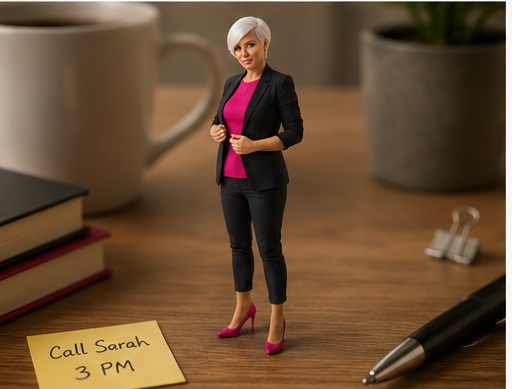
Create a realistic miniature version of the person from the uploaded photo standing on a desk next to everyday objects. Keep the face, hairstyle, outfit colors, accessories, and overall expression recognizable, but make the person feel tiny through strong scale contrast with normal desk items such as a pencil, mug, notebook, keyboard, paper clips, or camera gear. Use realistic contact shadows under the feet, natural desk-surface lighting, shallow depth of field, macro-style perspective, believable fabric and skin texture, and a playful behind-the-scenes photography look. Make it feel like a real candid photo of a tiny person on a desk, not a toy figure, not a cartoon, and not a plastic figurine.
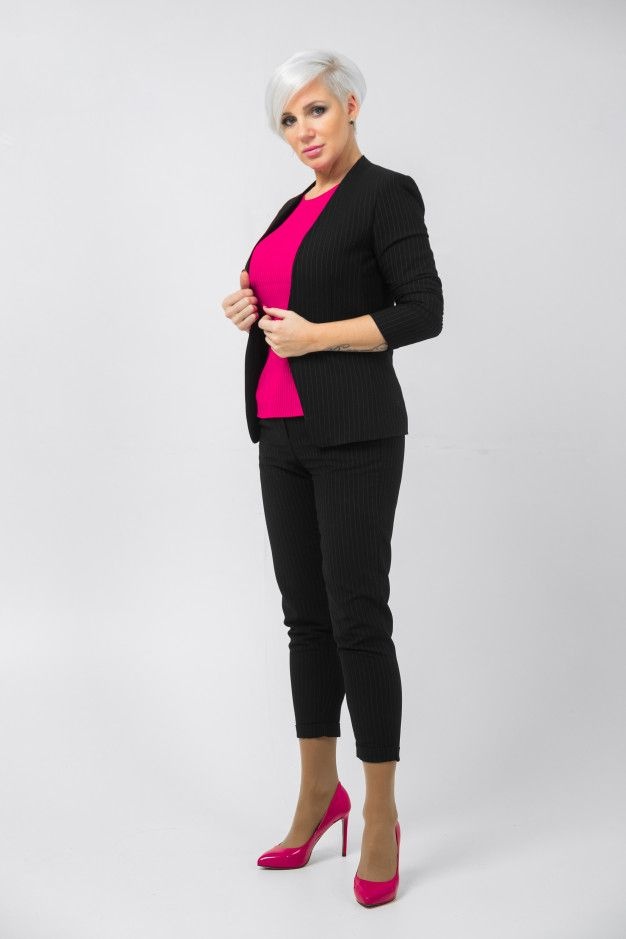
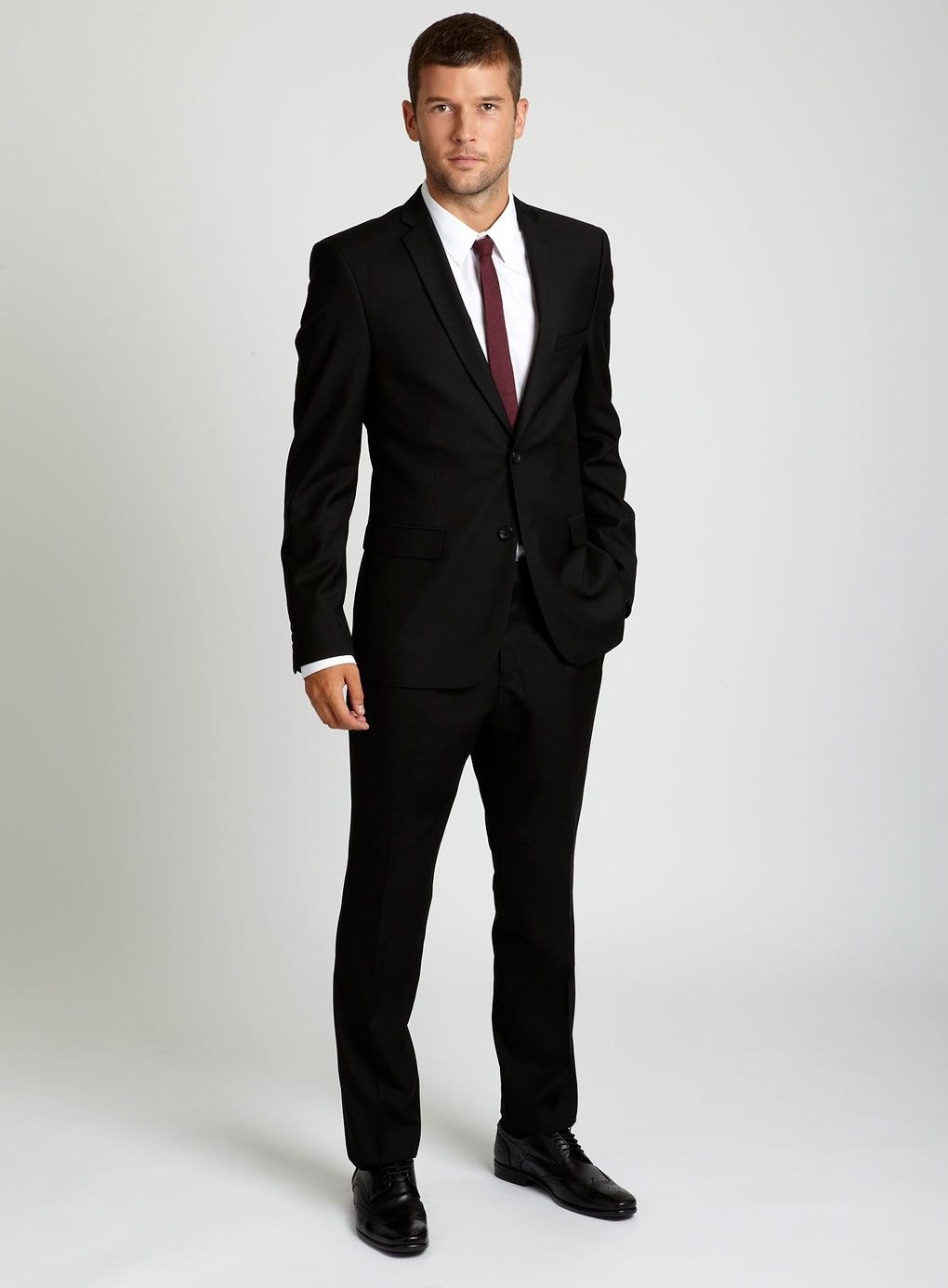
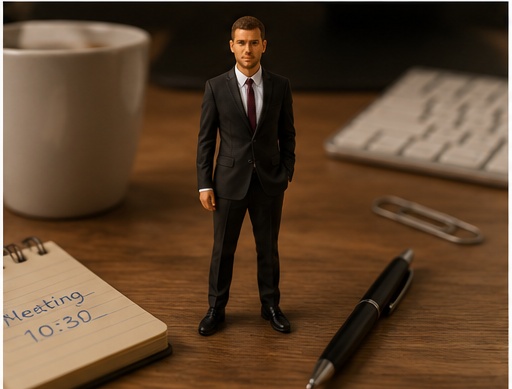
Before reference 1After result 1. This example shows how a simple portrait reference can become a polished AI image while keeping the person recognizable. The result improves the lighting, styling, background and overall composition without losing the main facial identity.
Bad prompt vs improved prompt
Bad prompt
Make this person tiny on a desk.
Improved prompt
This prompt is built for uploaded-photo transformations where the person becomes a realistic miniature version standing on a desk. It keeps the face, hairstyle, outfit colors, and expression recognizable while changing the scale, camera distance, shadows, and surrounding objects to create a believable tiny-person scene.
Best source photo
Choose a clear adult portrait with visible face, hair, and outfit colors.
Use distinctive clothing or accessories if you want stronger recognizability.
Make sure the source has enough detail for the face to remain readable after scaling.
Simple references tend to produce cleaner miniature scenes.
Style notes
Use desk objects, contact shadows, shallow depth of field, macro-like perspective, and behind-the-scenes lighting cues to make the scale feel real. If the output looks like a toy figure, strengthen "realistic miniature person" and add negative terms for plastic, doll, cartoon, and figurine styling.
Real source and result examples
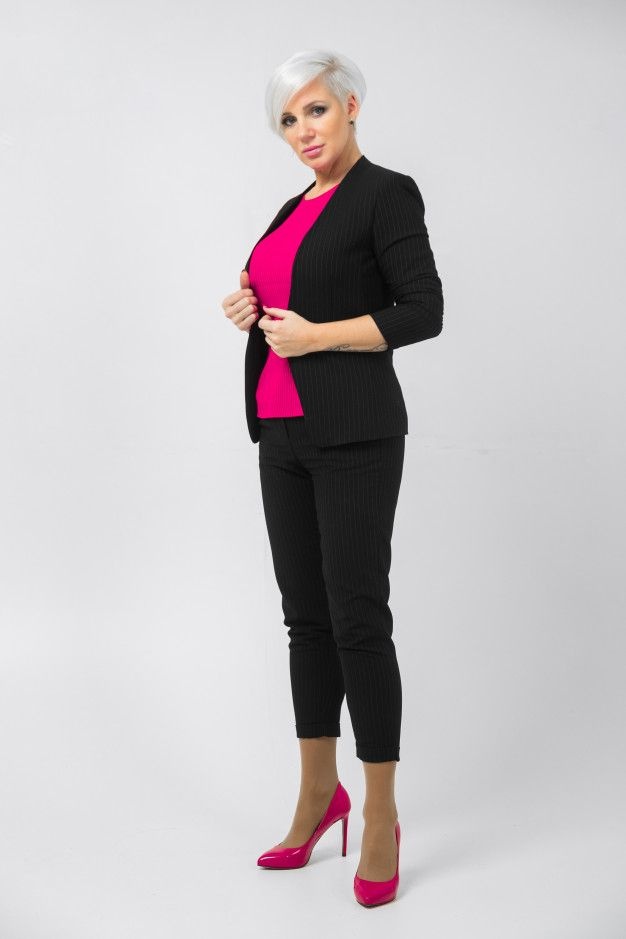
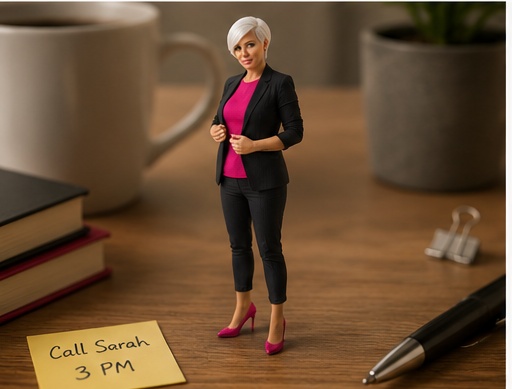
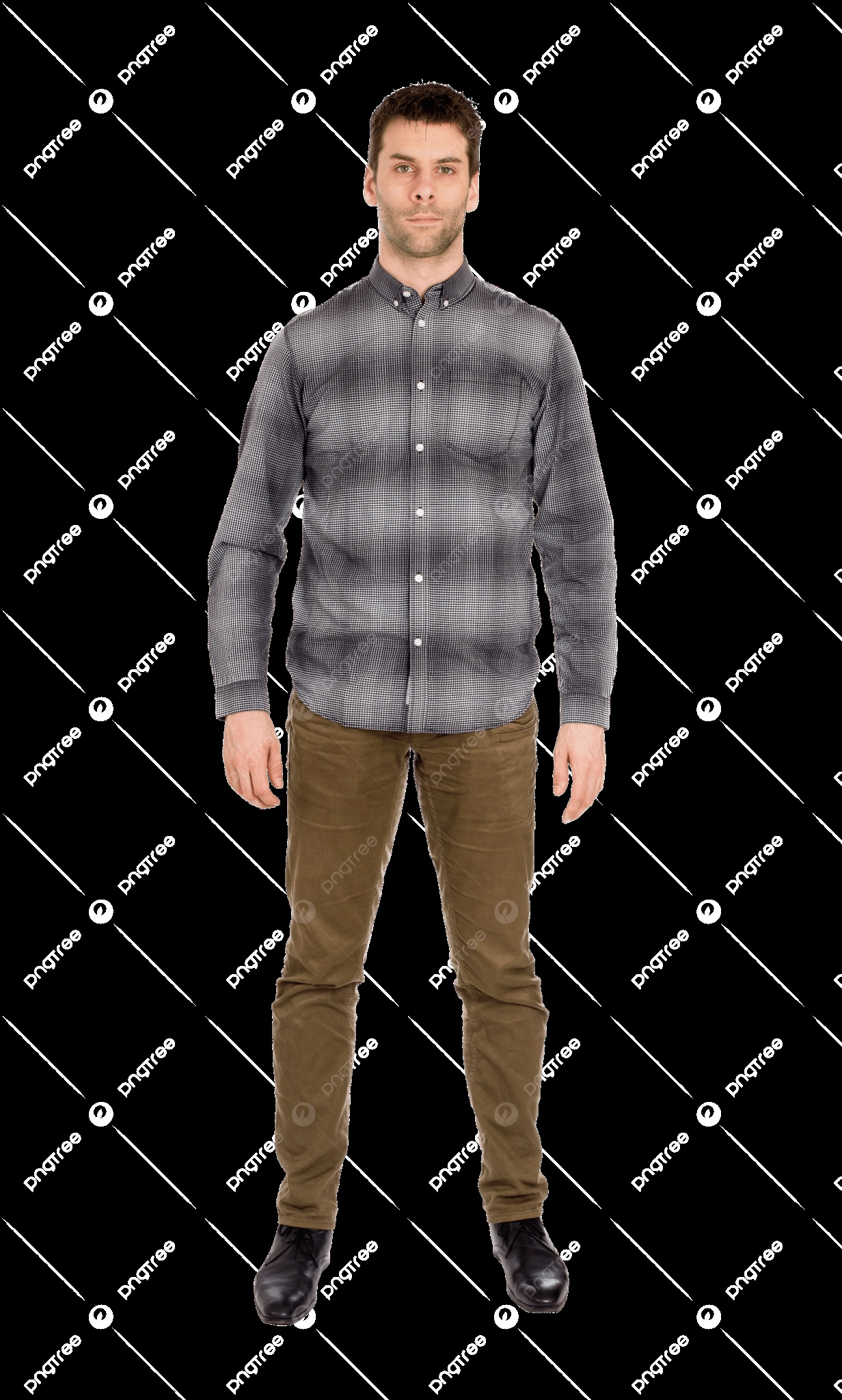
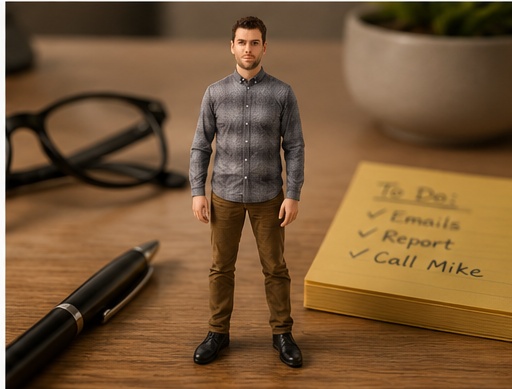
These three source/result examples show the original portraits next to generated realistic miniature desk scenes, so you can compare face preservation, outfit color, tiny scale, shadows, desk objects, and shallow depth of field.
Source portrait 1Generated result 1Source portrait 2Generated result 2Source portrait 3Generated result 3
Best settings for this AI image prompt
Aspect ratios4:3, 3:2, or 1:1
Best modelsChatGPT
Negative prompt
toy figure, plastic figurine, doll, cartoon, chibi, 3D render, giant person, normal size person, floating feet, no contact shadow, mismatched lighting, warped desk objects, deformed face, unrecognizable face, extra limbs, duplicate person, bad anatomy, blurry subject, unreadable details, watermark, text labels, logo, low resolution, surreal impossible scale without objects
FAQ
What kind of photo works best?
Use a clear adult portrait with visible face, hairstyle, outfit colors, and accessories. These details help the tiny version stay recognizable.
How do I make the person feel tiny?
Add familiar desk objects near the subject and ask for macro perspective, contact shadows, shallow depth of field, and realistic scale contrast.
Is this a toy figure prompt?
No. The prompt is designed for a realistic tiny person photo, so it avoids plastic, doll, cartoon, and figurine language.
What if the figure looks like it is floating?
Add stronger contact shadows under the feet and ask for the person to stand firmly on the desk surface.