Luxury Watch Dark Marble Product Prompt for ChatGPT AI Images
Copy a tested Luxury Watch Dark Marble Product Prompt for ChatGPT image generation with examples, negative prompt, practical tips, settings and variations.
About this prompt
Use this Luxury Watch Dark Marble Product Prompt to create cleaner product shots, e-commerce visuals or advertising-style AI images from a clear product reference or text idea. The prompt is designed for ChatGPT image generation and can also be adapted for other image tools when you need controlled lighting, accurate product shape, believable shadows, a clean background and a more professional commercial look. It helps define the object, surface, materials, camera angle, lighting direction and final image quality. Use it when you want a product image that feels intentional, readable and ready for a catalog, campaign or social post. This page includes the full prompt, negative prompt, examples, usage tips, prompt variations, common mistakes, recommended settings and related prompt ideas so you can copy the prompt, customize it and reduce messy product artifacts.
Copy this prompt
Use the tested version as-is, then customize the subject, style, lighting and mood in your image tool.
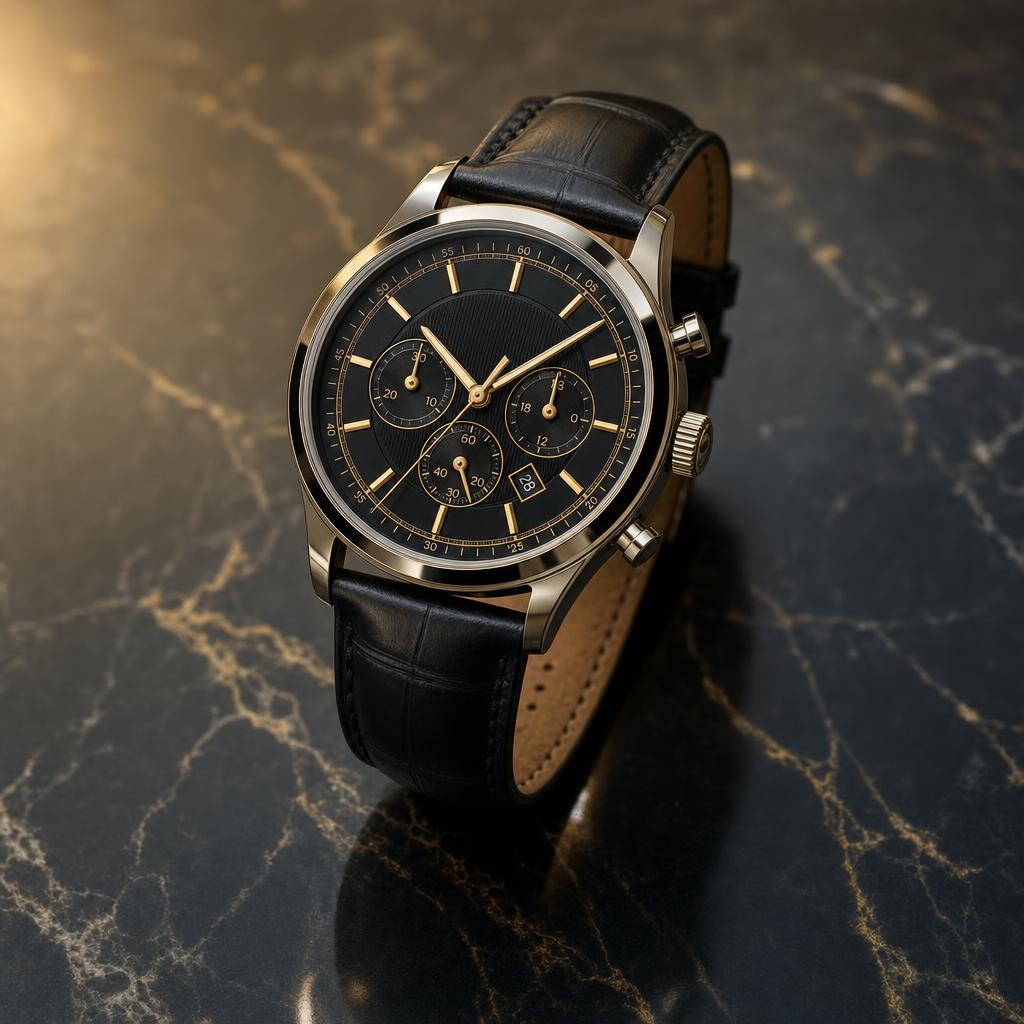
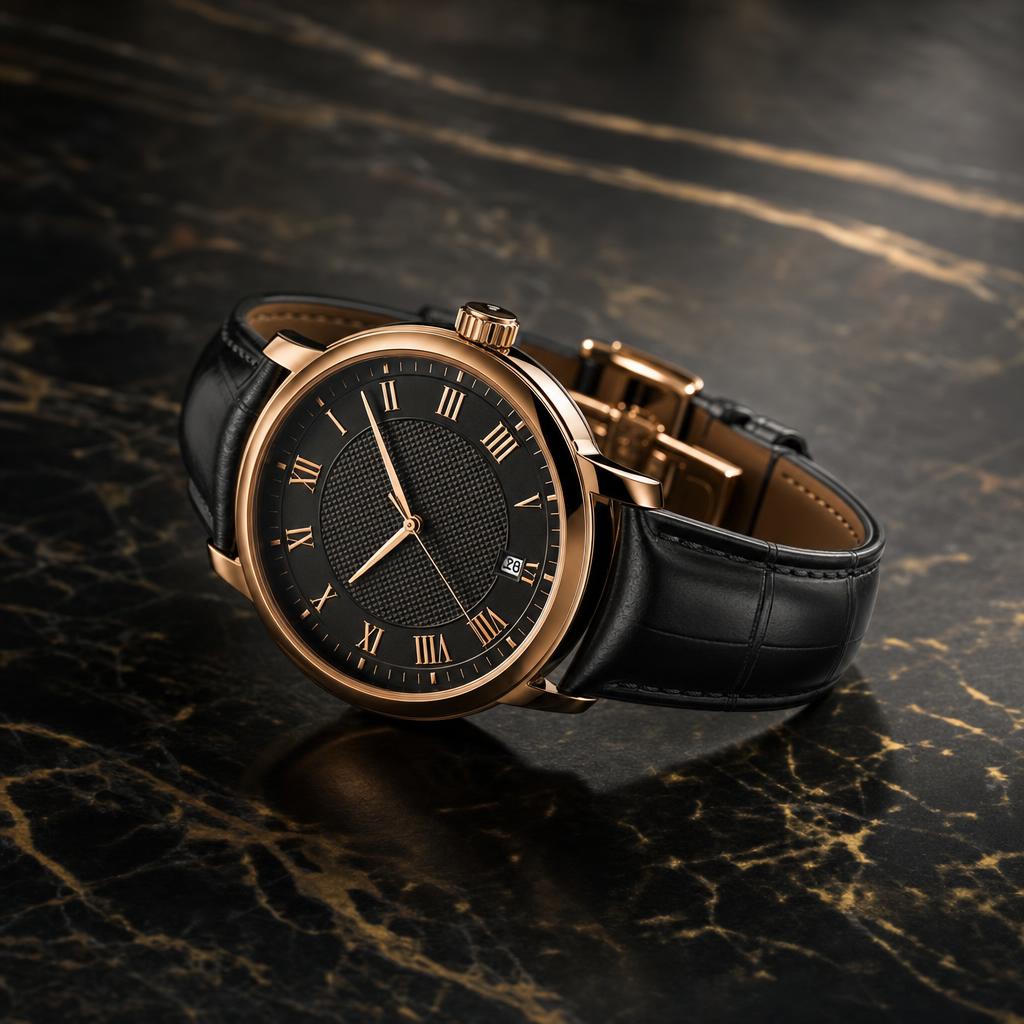
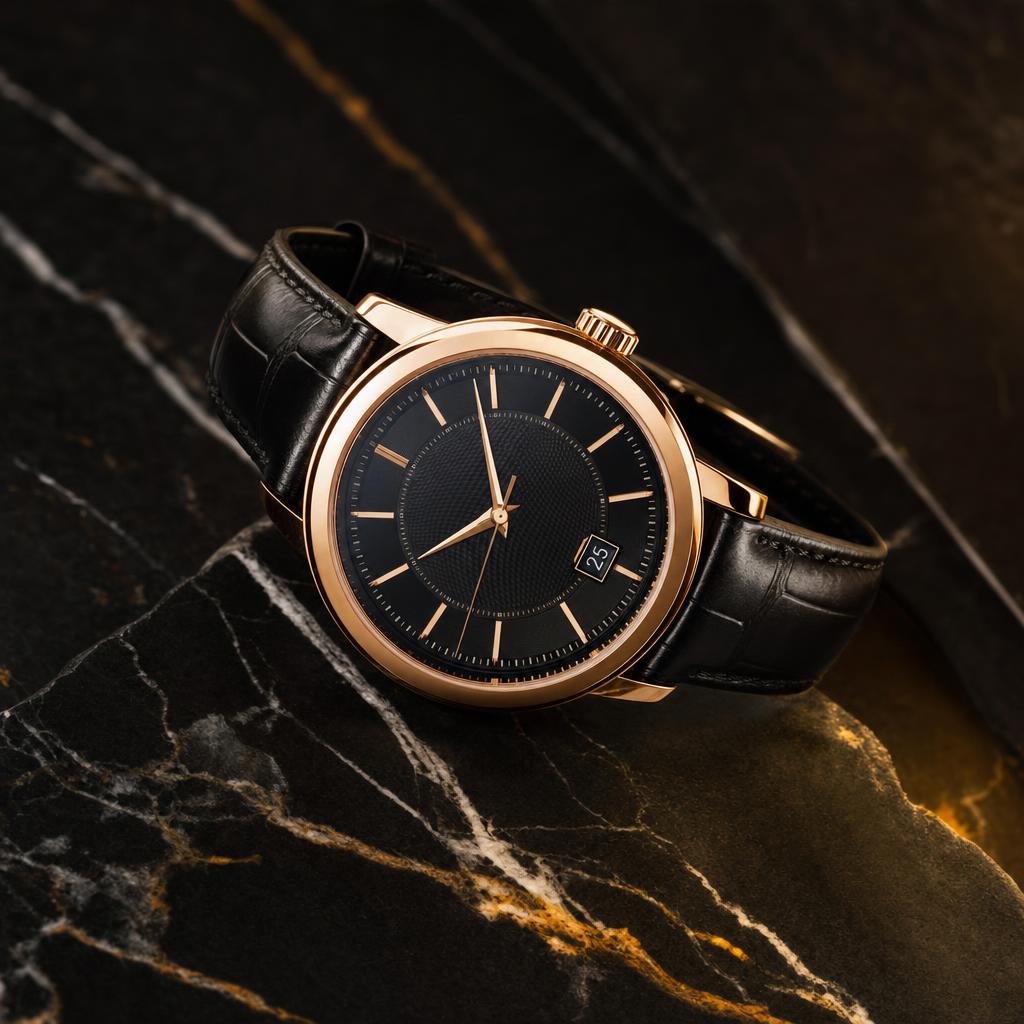
Create a premium product photography image of a luxury wristwatch placed on a dark marble surface. Use subtle reflections, soft shadows, elegant golden highlights, polished metal texture, sapphire glass reflections, engraved details, precise dial design, and a refined commercial advertising look. Light the scene with soft studio lighting, controlled reflections, deep shadows, and elegant contrast. Use a macro lens, close-up perspective, sharp focus on the watch dial, softly blurred background, centered product placement, diagonal marble texture, clean negative space, and a modern sophisticated luxury mood.
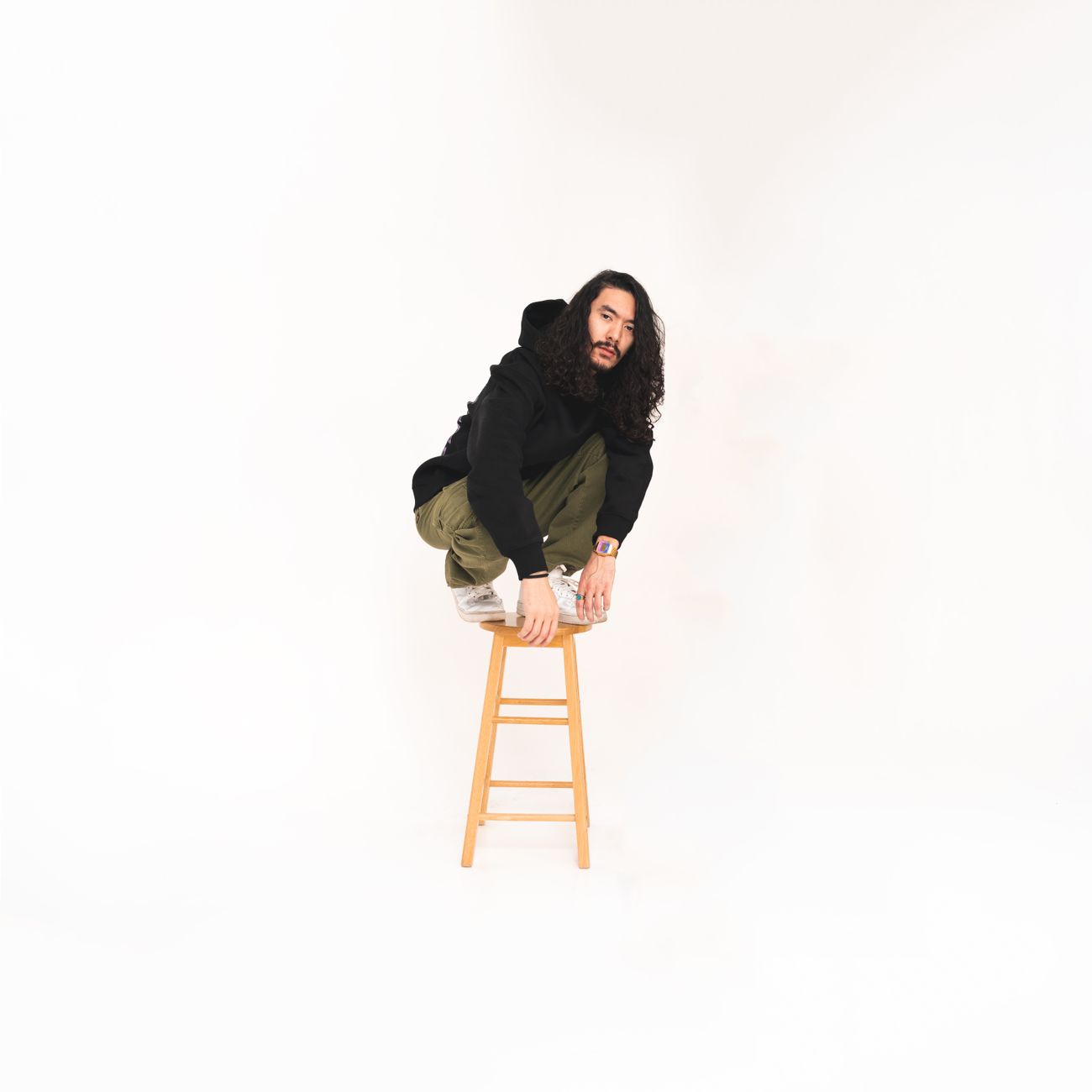
Before reference 1After result 1. This example shows how a basic product reference can become a cleaner AI product image with stronger lighting, better composition and a more professional advertising look.
Bad prompt vs improved prompt
Bad prompt
luxury watch product photo
Improved prompt
Create a premium product photography image of a luxury wristwatch placed on a dark marble surface. Use subtle reflections, soft shadows, elegant golden highlights, polished metal texture, sapphire glass reflections, engraved details, precise dial design, and a refined commercial advertising look. Light the scene with soft studio lighting, controlled reflections, deep shadows, and elegant contrast. Use a macro lens, close-up perspective, sharp focus on the watch dial, softly blurred background, centered product placement, diagonal marble texture, clean negative space, and a modern sophisticated luxury mood.
Why this prompt works
The prompt works because product images need material control. It specifies surface, reflections, metal, glass, dial focus, light behavior, camera distance, and layout so the watch reads like a premium ad product.
Prompt structure
This prompt defines the product, surface, materials, reflections, lighting, camera, composition, and luxury advertising mood.
Copy-paste prompt
Create a premium product photography image of a luxury wristwatch placed on a dark marble surface. Use subtle reflections, soft shadows, elegant golden highlights, polished metal texture, sapphire glass reflections, engraved details, precise dial design, and a refined commercial advertising look. Light the scene with soft studio lighting, controlled reflections, deep shadows, and elegant contrast. Use a macro lens, close-up perspective, sharp focus on the watch dial, softly blurred background, centered product placement, diagonal marble texture, clean negative space, and a modern sophisticated luxury mood.
Start with a clear image idea or upload a source photo when the prompt is designed for a recognizable person, product or object.
Copy the Luxury Watch Dark Marble Product Prompt and keep the main subject, style, lighting, camera and composition instructions together.
Replace bracketed placeholders with your own subject, outfit, background, mood, product details or scene requirements.
Add the negative prompt when the result needs cleaner hands, faces, text, logos, shadows, proportions or background detail.
Generate one version first, then refine only the weakest part: pose, lighting, crop, realism, style strength or unwanted artifacts.
Best photo types for this prompt
Use source images that make the main subject easy to understand. These input types usually give the model enough visual context without adding unnecessary clutter.
Clean product photosEcommerce packshotsStudio mockupsObjects on simple surfacesBrand campaign visuals
Best settings for this AI image prompt
Aspect ratios1024x1024
Best modelsChatGPT, Midjourney, Flux, Leonardo, Ideogram
Style strengthUse medium style strength so the product stays accurate while the lighting and advertising finish improve.
Input tips
Use a clean product reference.
Keep the background simple when accuracy matters.
Avoid invented text or fake logos.
Describe the lighting direction and surface clearly.
Prompt variations
Use these variations when the first result is close, but you need a different finish, crop or level of realism.
Studio product version
Studio product version
Create a studio product version of Luxury Watch Dark Marble Product Prompt. Keep the product shape accurate, add clean softbox lighting, realistic shadows, a simple surface, sharp material detail and a polished commercial photo style.
Luxury advertising version
Luxury advertising version
Create a luxury advertising version of Luxury Watch Dark Marble Product Prompt. Keep the product readable, add premium lighting, refined reflections, elegant props, controlled background depth and a high-end campaign mood.
Minimal e-commerce version
Minimal e-commerce version
Create a minimal e-commerce version of Luxury Watch Dark Marble Product Prompt. Keep the product centered and accurate, use a clean background, soft shadow, neutral colors and a catalog-ready product photography finish.
Skipping negative prompt terms for logo, watermark, broken typography or distorted packaging.
Cropping the product too tightly.
FAQ
How do I avoid a warped watch dial?
Use a negative prompt for warped face, wrong numbers, extra hands, and crooked dial.
Can I use this for ecommerce?
Yes. Replace dark marble with a light seamless background and keep the product centered with soft shadows.
Why include glass reflections?
Controlled reflections make the watch feel like a real photographed object rather than a flat render.
Can the prompt handle brand text?
Avoid exact brand text in generated images. Use clean dial design or add final typography manually.
What is this prompt used for?
Use Luxury Watch Dark Marble Product Prompt to create a more controlled AI image from a clear idea or uploaded reference. It helps define the subject, style, lighting, composition and final quality.
Can I use this prompt in ChatGPT?
Yes. The prompt is written for ChatGPT image generation and uses natural language instructions that are easy to copy, edit and refine.
Can I use this prompt in Midjourney or Flux?
Yes. You can adapt the wording for Midjourney, Flux, Leonardo or other image tools, but model-specific parameters and aspect ratios may need small changes.
How do I get better results from this prompt?
Use a clear subject, keep the strongest style instructions, add the negative prompt and refine only the weakest part of the first result. Small targeted edits work better than rewriting everything.