How to write better product photography AI prompts
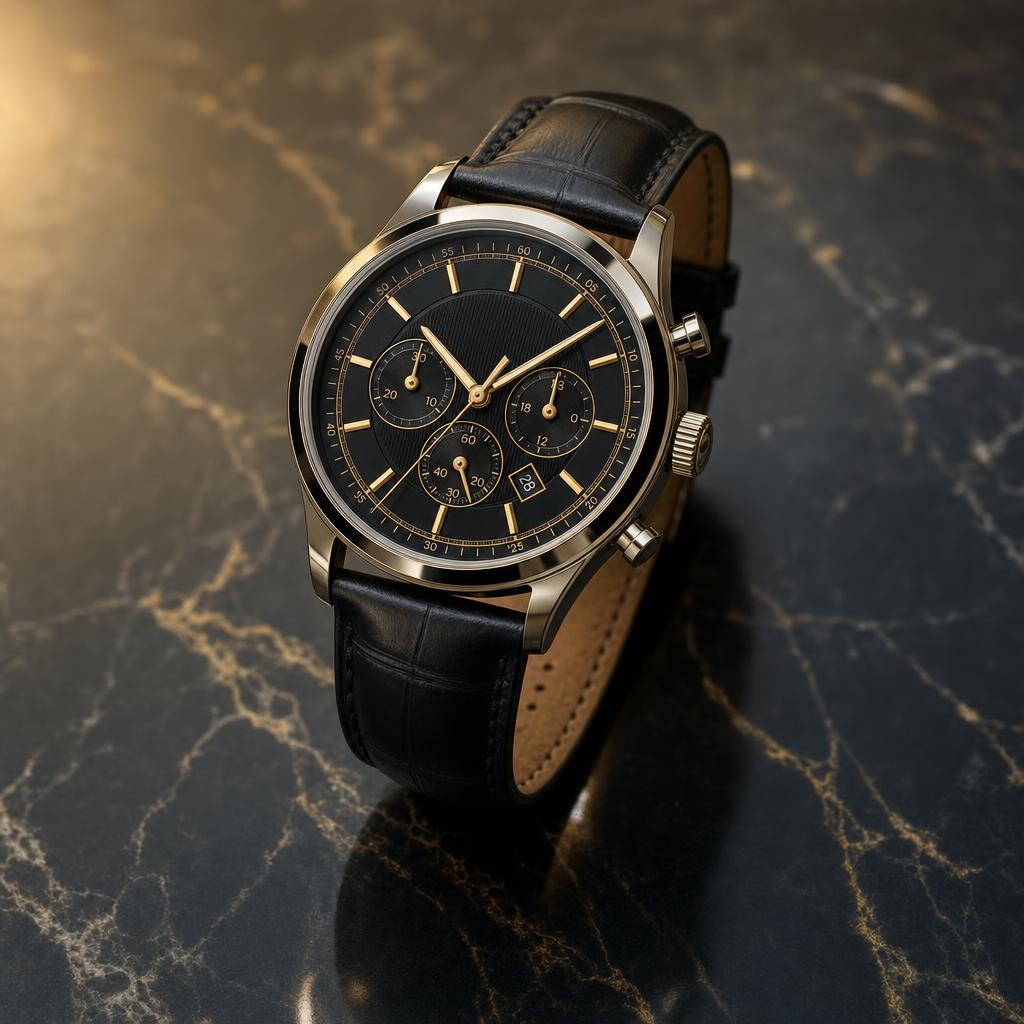
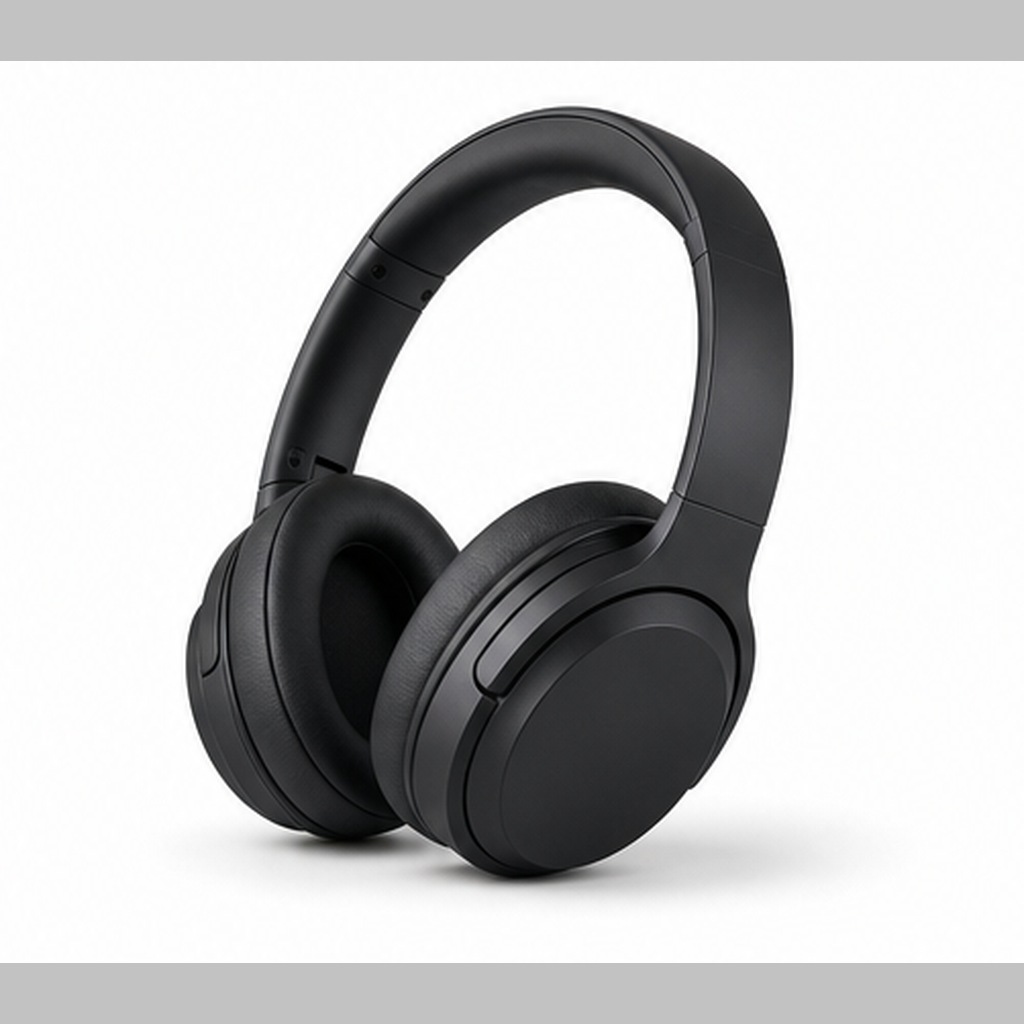
Define the product first, then specify surface, background, lighting, camera angle and shadow. Add material details such as glass, matte plastic, metal, fabric or paper. If the product has text or a logo, ask for clean blank space or preserve the uploaded label instead of inventing new typography.
Best keywords to use
studio product photoclean backgroundsoftbox lightrealistic shadowpremium mockupmatte surfaceecommerce imagecontrolled reflection
How do I write product photography AI prompts?
Describe the product, material, scale, surface, background, lighting and camera angle. Add shadow and reflection instructions for a more realistic result.
Can AI prompts remove a product background?
Yes, if the prompt asks for clean subject isolation, transparent or plain background, accurate edges and preserved product proportions.
What negative prompts help product images?
Use negative prompts for warped logos, fake text, extra objects, bad reflections, distorted packaging, blurry edges and unrealistic shadows.
Are product prompts useful for mockups?
Yes. Add the desired context, surface and lighting so the generated mockup matches the brand mood or ecommerce layout.