Product Photography prompt
Brown Suit Yellow Studio AI Selfie Portrait Prompt
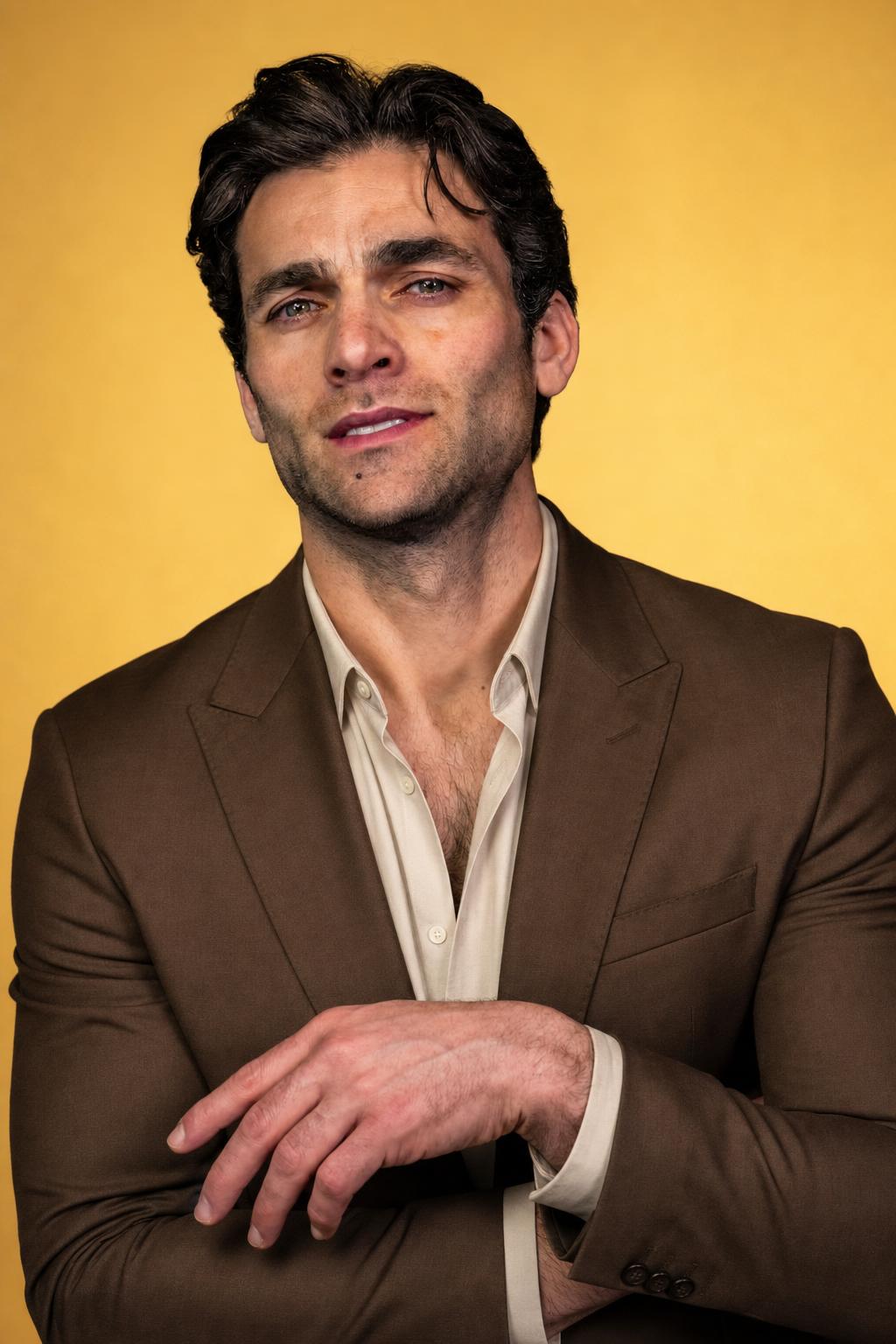
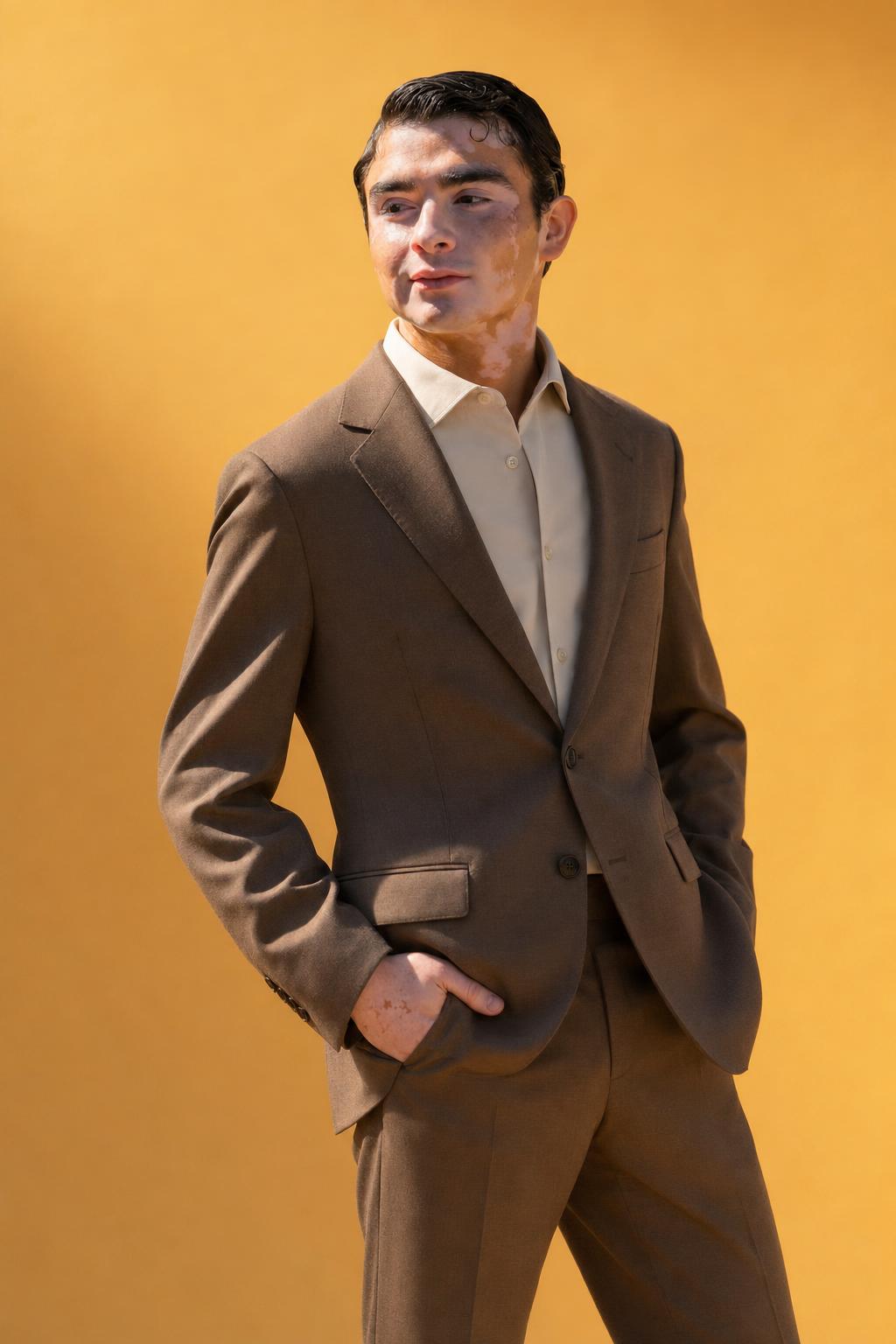
Use this adult portrait prompt to create a polished studio selfie with a tailored brown suit, warm yellow background, and realistic facial detail. It is written for ChatGPT image generation and image editing workflows where you want a clean fashion-inspired portrait without plastic skin, awkward hands, or distracting props. The prompt focuses on an adult subject, natural confidence, believable fabric texture, accurate skin tones, and a modern vertical composition. It works well for profile-style portraits, personal branding visuals, editorial social posts, and refined fashion portrait concepts while keeping the scene simple, safe, and realistic.
Copy this prompt
Use the tested version as-is, then customize the subject, style, lighting and mood in your image tool.
Best for
ChatGPTProduct PhotographyReference photoPortraitProduct photoSocial media
Improved prompt
Create a realistic vertical studio selfie-style portrait of an adult person wearing a well-tailored brown suit with a simple neutral shirt underneath. The subject should face the camera with a calm, confident expression and a natural pose, as if taking a polished portrait at eye level. Use a seamless warm yellow studio background, soft commercial-style lighting, gentle shadows, realistic skin texture, sharp facial detail, clean hair detail, and accurate brown suit fabric texture. Keep the composition minimal and modern, with the upper body clearly framed and no distracting props. Make the image look like a high-quality real portrait, not an overprocessed AI render. If editing a reference photo, preserve the adult subject’s identity, face shape, body proportions, and natural expression while changing the outfit, background, and lighting. No logos, no text, no watermark.
Negative prompt
child, teenager, underage, celebrity likeness, logos, brand names, readable text, watermark, signature, distorted face, asymmetrical eyes, crossed eyes, deformed mouth, bad teeth, extra fingers, missing fingers, distorted hands, fused hands, unnatural arms, warped body, plastic skin, waxy skin, over-smoothed face, heavy AI artifacts, overprocessed retouching, blurry face, low resolution, harsh glare, messy background, clutter, duplicate person, random accessories, exaggerated pose, revealing clothing, unsafe content
Advertisement
Bad prompt vs improved prompt
Bad prompt
Adult person in a brown suit on a yellow background, portrait photo.
Improved prompt
Create a realistic vertical studio selfie-style portrait of an adult person wearing a well-tailored brown suit with a simple neutral shirt underneath. The subject should face the camera with a calm, confident expression and a natural pose, as if taking a polished portrait at eye level. Use a seamless warm yellow studio background, soft commercial-style lighting, gentle shadows, realistic skin texture, sharp facial detail, clean hair detail, and accurate brown suit fabric texture. Keep the composition minimal and modern, with the upper body clearly framed and no distracting props. Make the image look like a high-quality real portrait, not an overprocessed AI render. If editing a reference photo, preserve the adult subject’s identity, face shape, body proportions, and natural expression while changing the outfit, background, and lighting. No logos, no text, no watermark.
Why this prompt works
This prompt works because it gives the image model a clear portrait subject, wardrobe, background color, lighting style, pose, and realism standard. The brown suit and yellow studio backdrop create a warm, stylish contrast, while the selfie-style framing keeps the image personal and approachable. It also includes practical safeguards against common AI portrait issues such as distorted hands, plastic skin, unreadable text, watermarks, and unrealistic facial details.
Prompt structure
Subject: adult person in a brown suit. Pose: calm, confident, natural selfie-style portrait. Setting: seamless warm yellow studio background. Lighting: soft commercial studio light with gentle shadows. Detail: realistic skin texture, sharp facial features, accurate fabric texture. Composition: vertical upper-body portrait. Exclusions: no logos, text, watermarks, distorted hands, plastic skin, or AI artifacts.
Copy-paste prompt
Create a realistic vertical studio selfie-style portrait of an adult person wearing a well-tailored brown suit with a simple neutral shirt underneath. The subject should face the camera with a calm, confident expression and a natural pose, as if taking a polished portrait at eye level. Use a seamless warm yellow studio background, soft commercial-style lighting, gentle shadows, realistic skin texture, sharp facial detail, clean hair detail, and accurate brown suit fabric texture. Keep the composition minimal and modern, with the upper body clearly framed and no distracting props. Make the image look like a high-quality real portrait, not an overprocessed AI render. If editing a reference photo, preserve the adult subject’s identity, face shape, body proportions, and natural expression while changing the outfit, background, and lighting. No logos, no text, no watermark.Negative prompt
child, teenager, underage, celebrity likeness, logos, brand names, readable text, watermark, signature, distorted face, asymmetrical eyes, crossed eyes, deformed mouth, bad teeth, extra fingers, missing fingers, distorted hands, fused hands, unnatural arms, warped body, plastic skin, waxy skin, over-smoothed face, heavy AI artifacts, overprocessed retouching, blurry face, low resolution, harsh glare, messy background, clutter, duplicate person, random accessories, exaggerated pose, revealing clothing, unsafe contentBest use cases
- ChatGPT image prompts for adult portraits
- AI selfie prompt ideas
- Realistic profile portrait concepts
- Personal branding images
- Fashion-inspired studio portraits
- Editorial social media portraits
- Image editing from a reference selfie
Real source and result examples
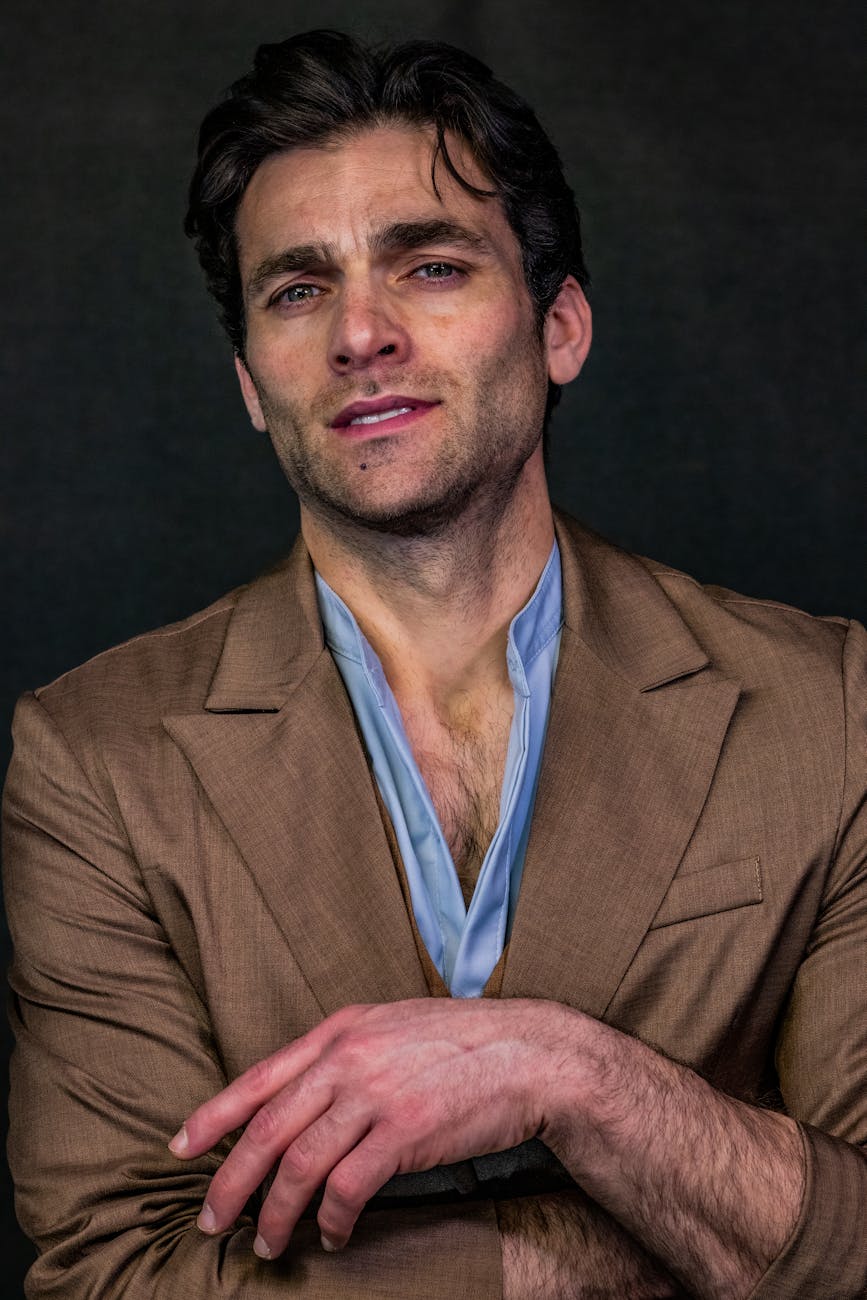
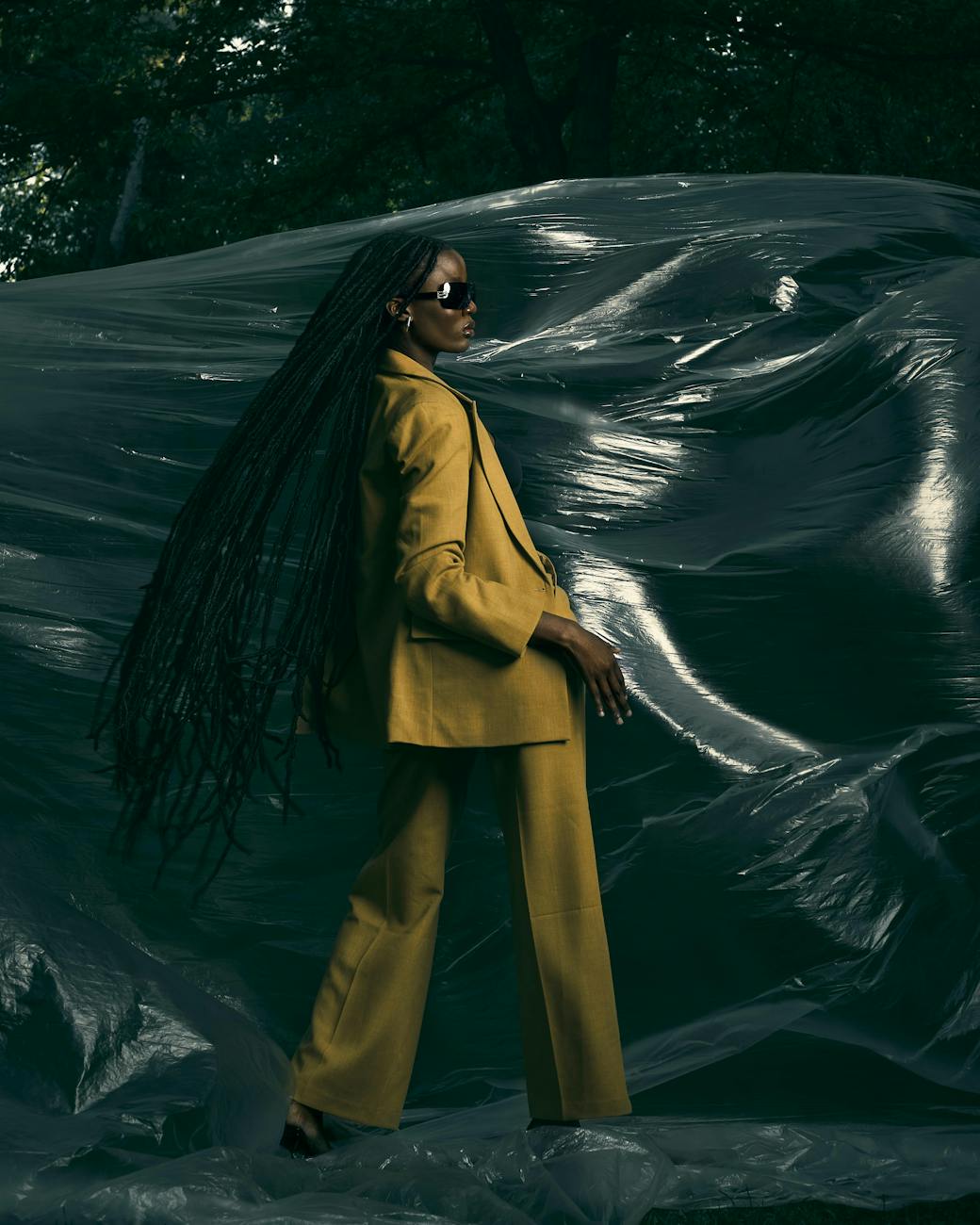
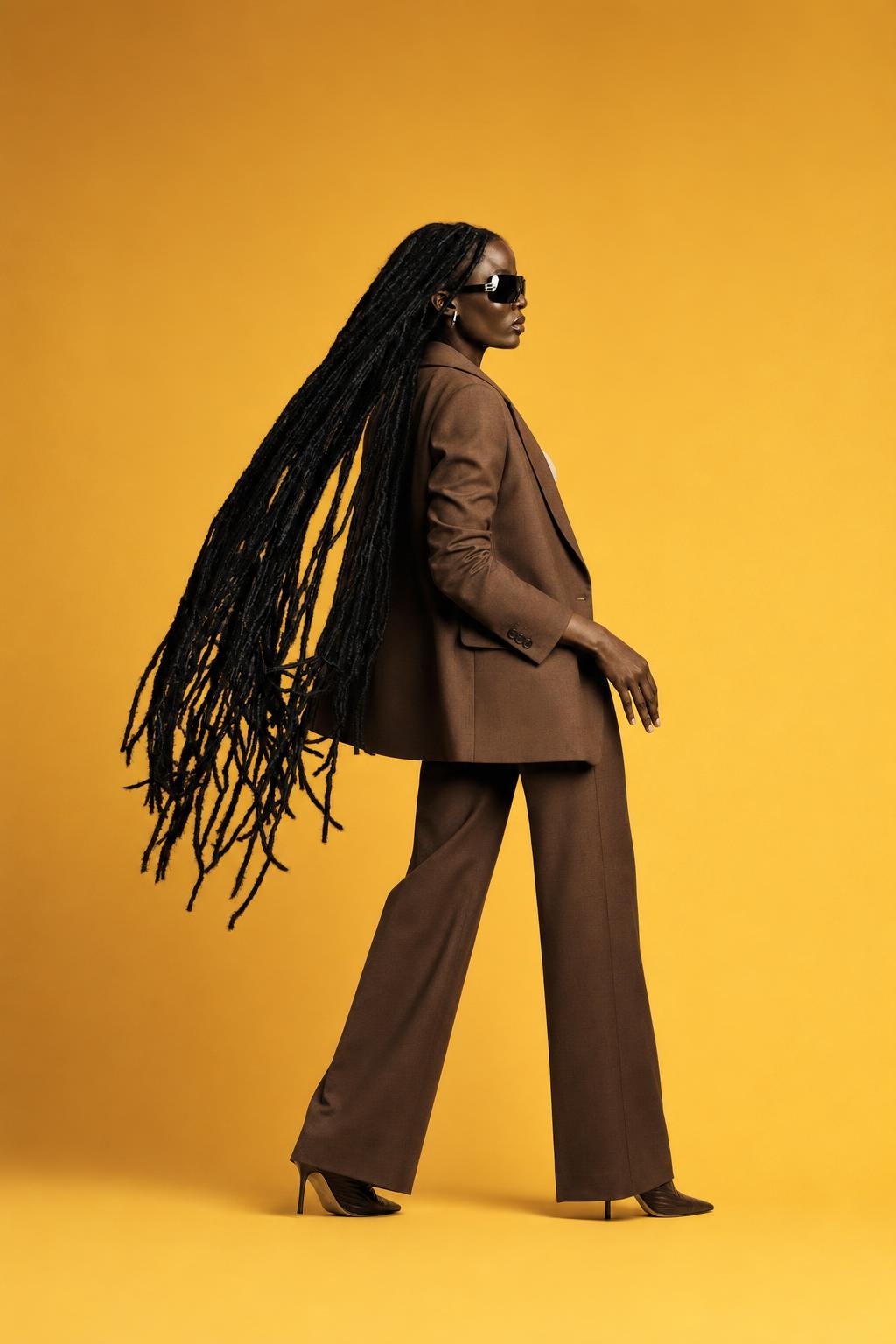
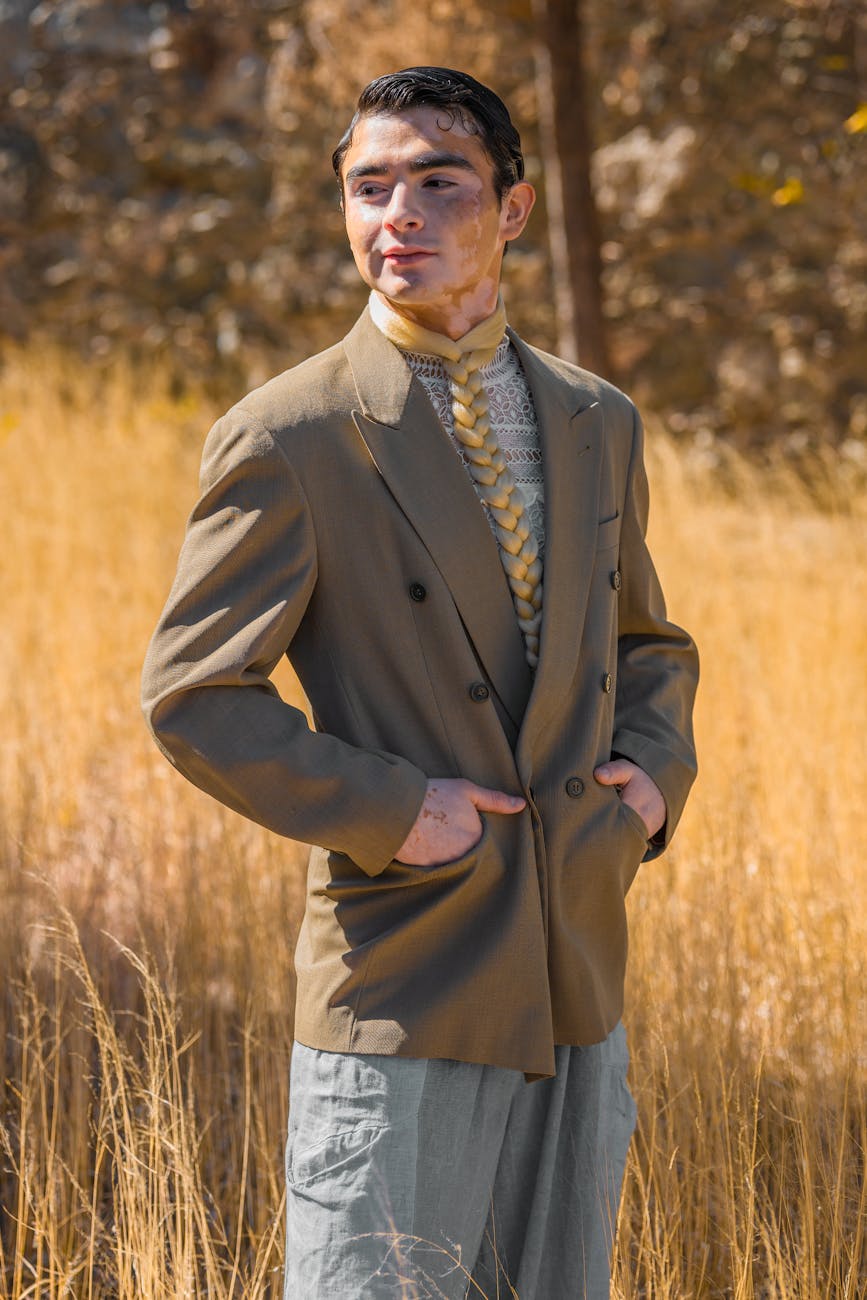
These examples use modern source photos and show how the same prompt direction changes different adult selfie references while keeping the comparison readable.
How to adjust this prompt
- For a more authentic selfie, add “slight arm’s-length perspective, natural face angle, relaxed shoulders.”
- For a cleaner portrait, add “minimal retouching, visible skin texture, realistic pores, no beauty-filter effect.”
- If hands appear distorted, crop closer to the chest or add “hands outside the frame.”
- For a warmer result, add “golden yellow background and soft warm key light.”
- For a more formal portrait, add “upright posture, buttoned suit jacket, composed expression.”
FAQ
Is this prompt intended for adult portraits only?
Yes. The prompt is written specifically for realistic adult selfie and portrait images, with negative prompt terms that exclude underage subjects and unsafe content.
Can I use this as a ChatGPT image prompt?
Yes. The rewritten prompt is designed to be copied into ChatGPT image generation or image editing workflows for a polished studio-style adult portrait.
Can I edit an existing selfie with this prompt?
Yes. Use the image-editing instruction inside the prompt to preserve the adult subject’s identity, face shape, proportions, and expression while changing the suit, background, and lighting.
How can I make the portrait look more natural?
Keep the eye-level framing, soft lighting, realistic skin texture, and minimal styling. Avoid adding excessive retouching, dramatic effects, or unnecessary props.
Can I change the suit or background color?
Yes. Replace “brown suit” or “warm yellow studio background” with your preferred colors while keeping the realism, lighting, and portrait composition instructions intact.
Related internal links
Browse more portrait AI prompts, compare transformations in before/after examples, build a new idea with the AI image prompt generator, and clean results with negative prompts.