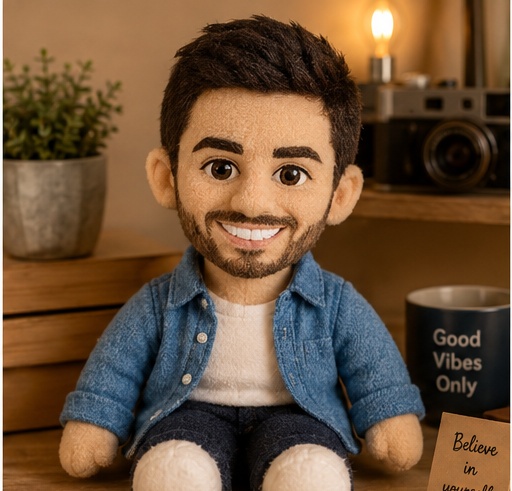
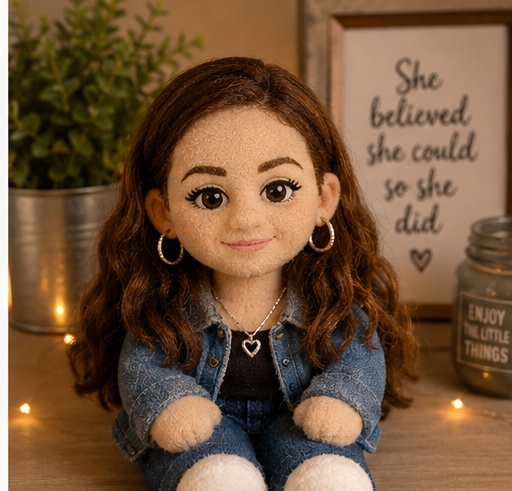
Turn the uploaded person into a soft plush toy version sitting on a cozy shelf. Keep the main facial features, hairstyle, outfit colors, accessories, and overall expression recognizable, but convert the body into rounded cute collectible toy proportions. Use fuzzy fabric texture, subtle stitched seams, embroidered facial details, soft stuffing volume, tiny fabric wrinkles, warm studio lighting, shallow depth of field, and a cozy shelf product-photo composition. Make it look like a premium handmade plush collectible photographed for a catalog, with gentle shadows and a clean warm background. Avoid plastic, hard vinyl, realistic human skin, or creepy doll styling.
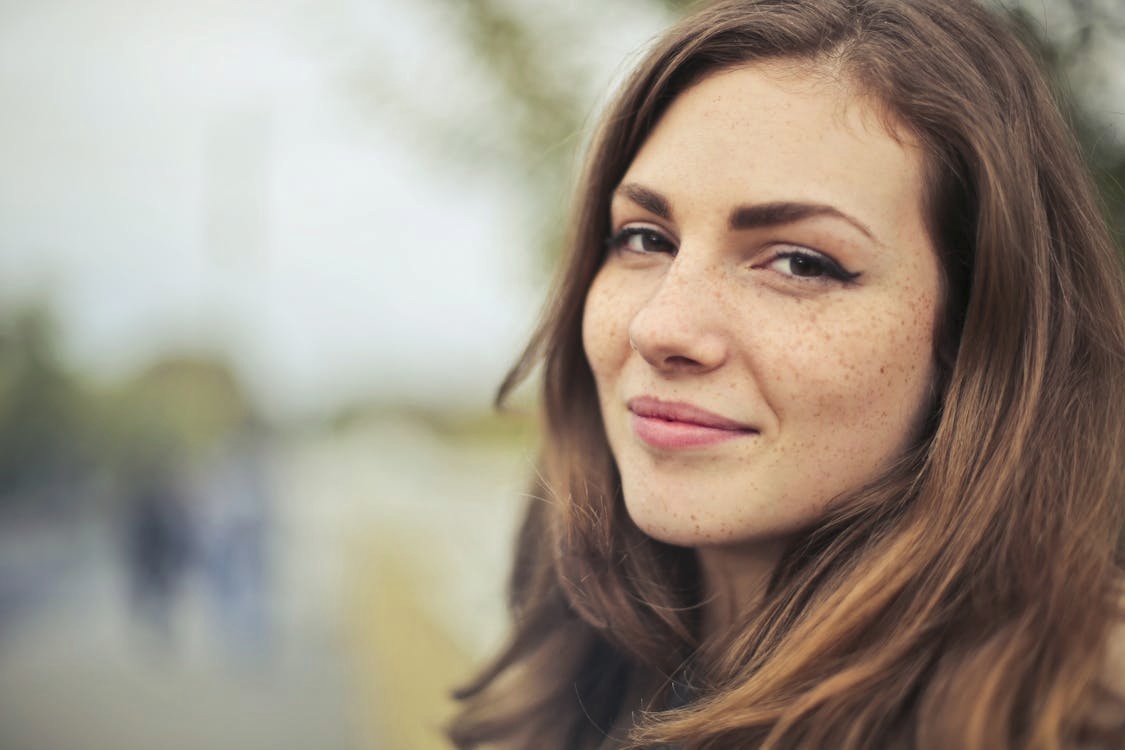
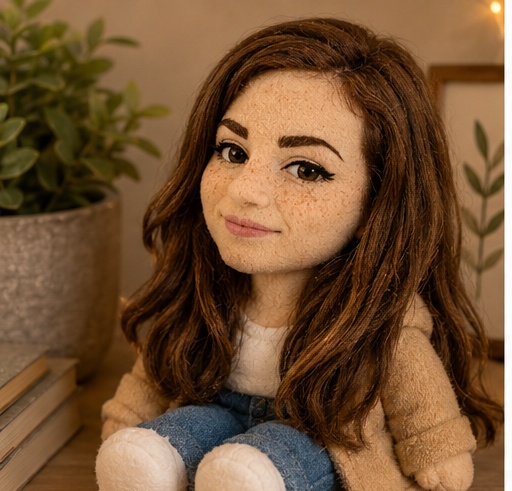
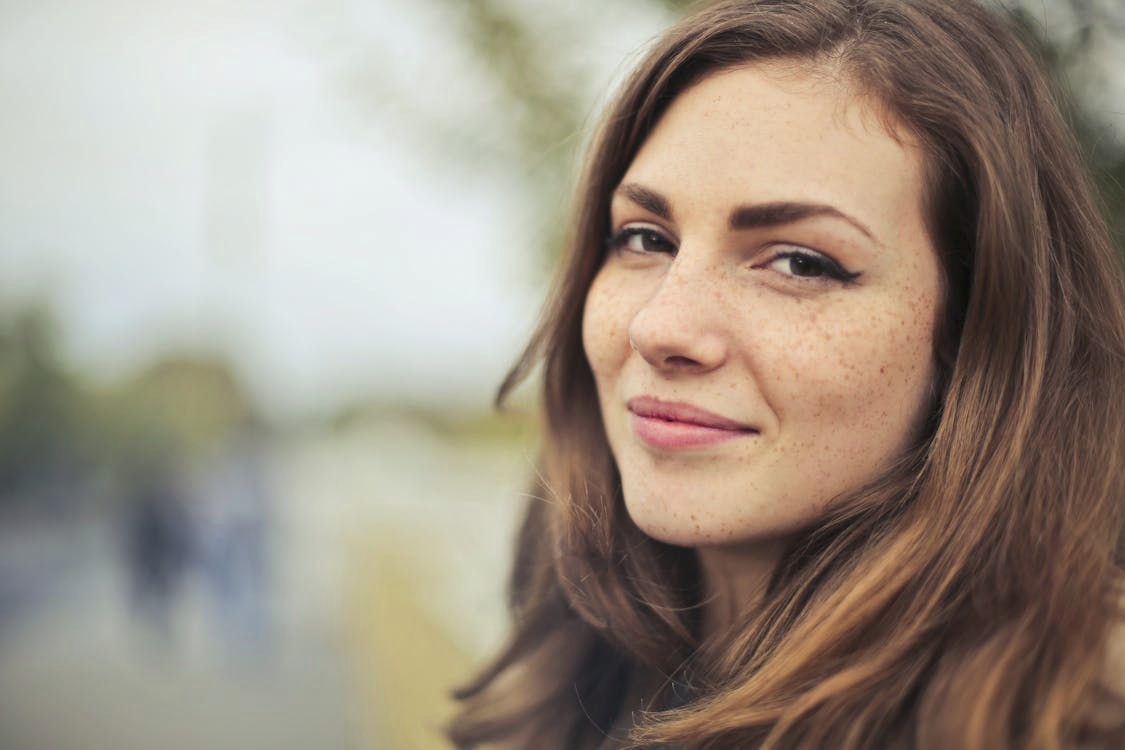
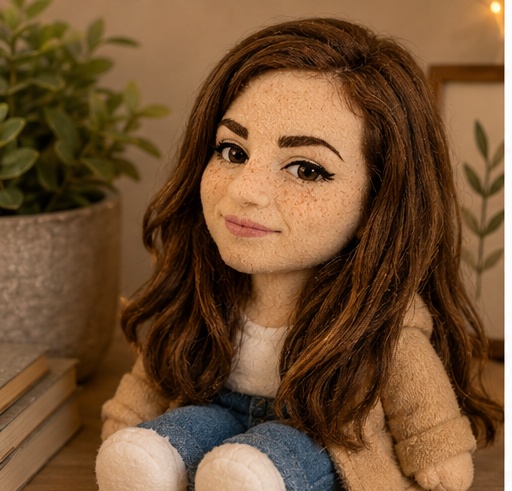
Before reference 1After result 1. This example shows how a simple portrait reference can become a polished AI image while keeping the person recognizable. The result improves the lighting, styling, background and overall composition without losing the main facial identity.
Bad prompt vs improved prompt
Bad prompt
Make this person a plush toy.
Improved prompt
This prompt is built for uploaded-photo transformations where the final image should feel like a soft plush collectible photographed on a cozy shelf. It keeps the main facial features, hairstyle, outfit colors, and expression as recognizable anchors, then changes the subject into fuzzy fabric, stitched detail, rounded toy proportions, and warm product-photo lighting.
Best source photo
Choose a clear adult portrait with visible hair, face, and outfit colors.
Use a source where the outfit has readable color blocks or accessories.
A simple background usually gives cleaner plush toy results.
Keep the subject centered so the toy can sit naturally in the shelf composition.
Style notes
Ask for fuzzy fabric, subtle stitched seams, embroidered facial features, soft stuffing volume, rounded proportions, warm shelf lighting, and a premium collectible product-photo composition. If the result becomes too doll-like, strengthen "soft plush toy" and remove glossy or porcelain material cues.
Real source and result examples
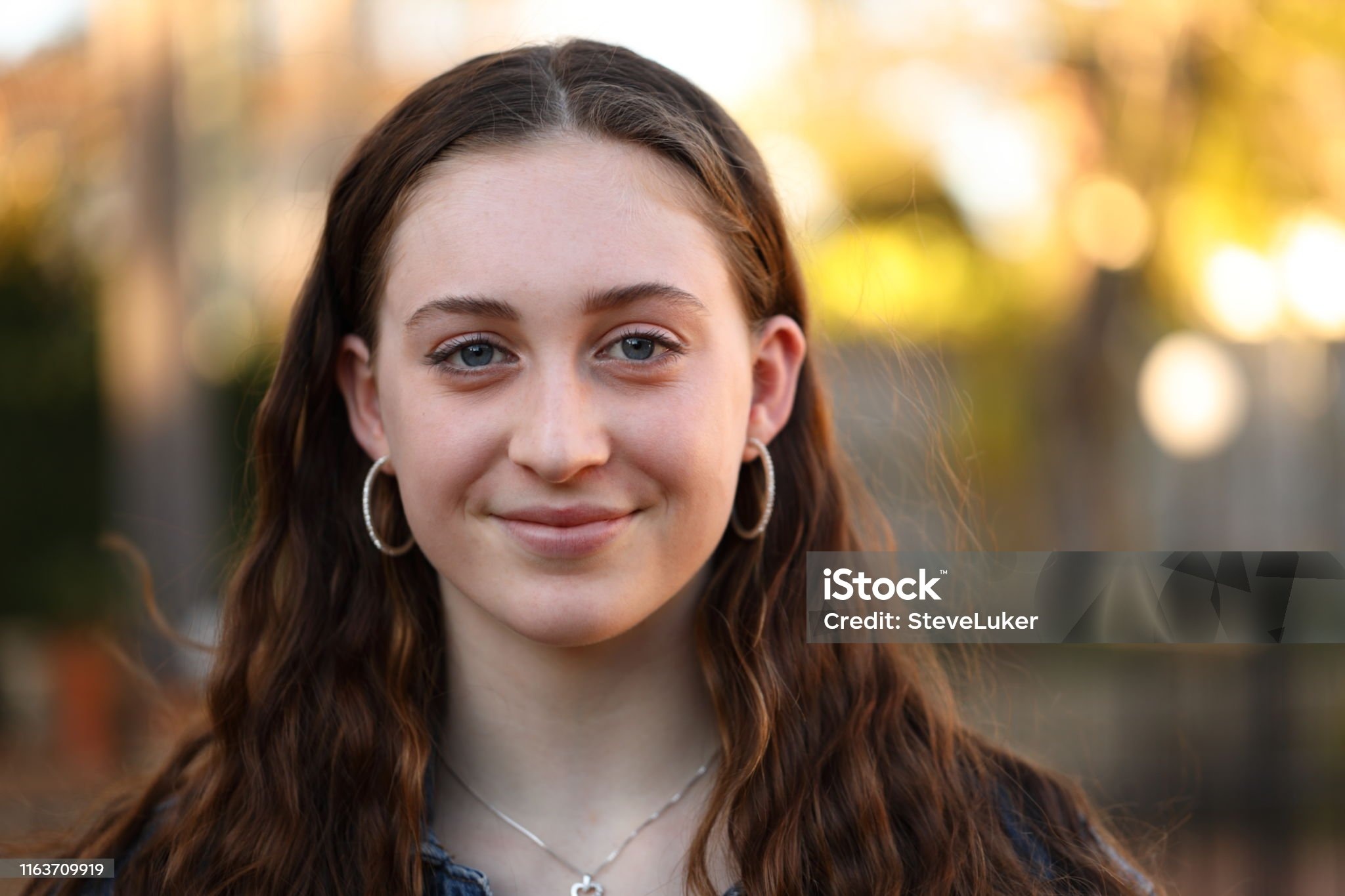
These three examples show the original portraits next to the generated soft plush toy results, so you can compare recognizability, fabric texture, stitched details, rounded proportions, and cozy shelf staging.
Source portrait 1Generated result 1Source portrait 2Generated result 2Source portrait 3Generated result 3
Best settings for this AI image prompt
Aspect ratios1:1 or 4:5
Best modelsChatGPT
Negative prompt
realistic human skin, hard plastic toy, glossy vinyl, porcelain doll, creepy doll, horror, uncanny face, extra limbs, broken stitching, messy fabric, distorted face, missing eyes, unreadable face, harsh flash, cluttered shelf, brand logos, watermark, text labels, low resolution, blur, duplicate subject, extra people, deformed hands, bad anatomy
FAQ
What kind of photo works best?
Use a clear adult portrait where the face, hairstyle, outfit colors, and accessories are visible. These cues help the plush toy stay recognizable.
How do I make the result look more plush?
Strengthen the material cues: fuzzy fabric, embroidered face, stitched seams, soft stuffing volume, rounded proportions, and matte textile texture.
Why place the toy on a shelf?
The shelf turns the result into a collectible product-photo composition with clearer scale, warm lighting, and a cozy display mood.
What if the result looks like plastic?
Add negative prompt terms for hard plastic, glossy vinyl, porcelain doll, realistic skin, and shiny toy render.