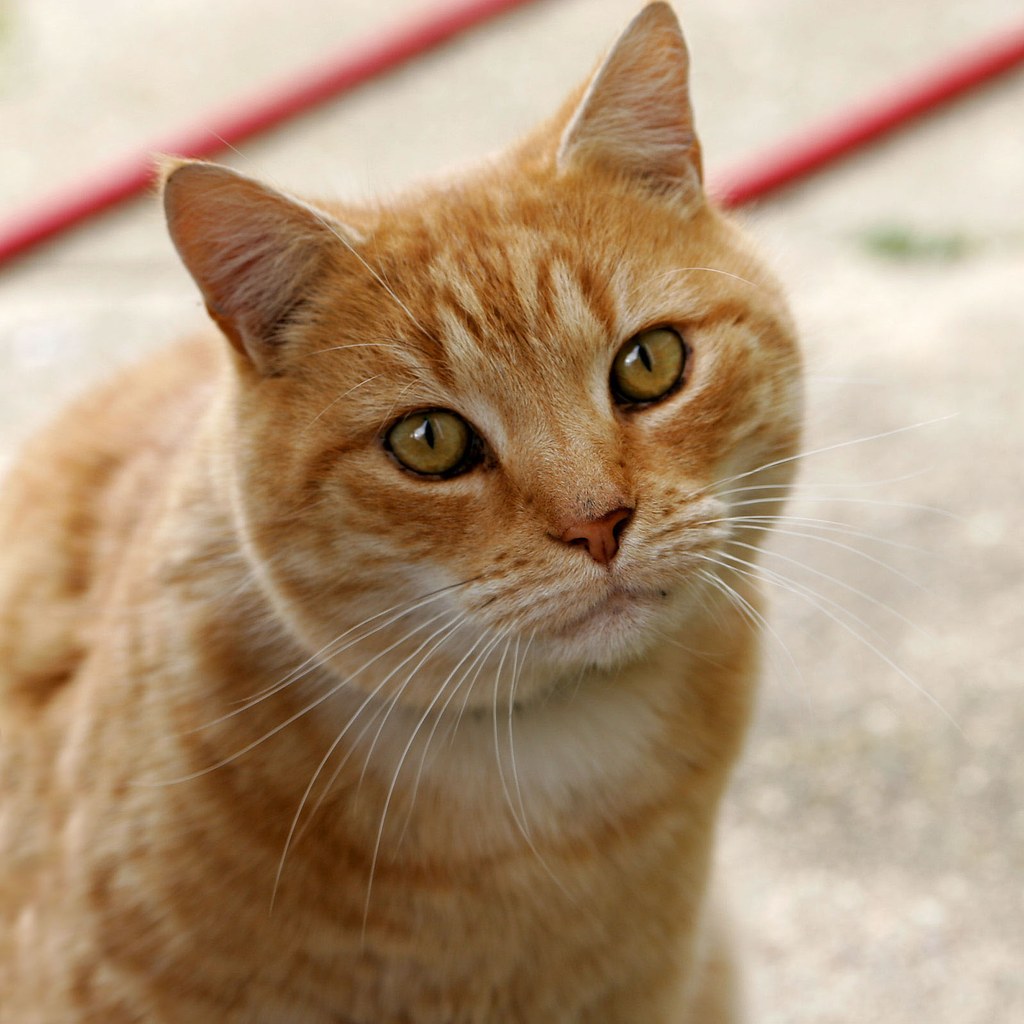
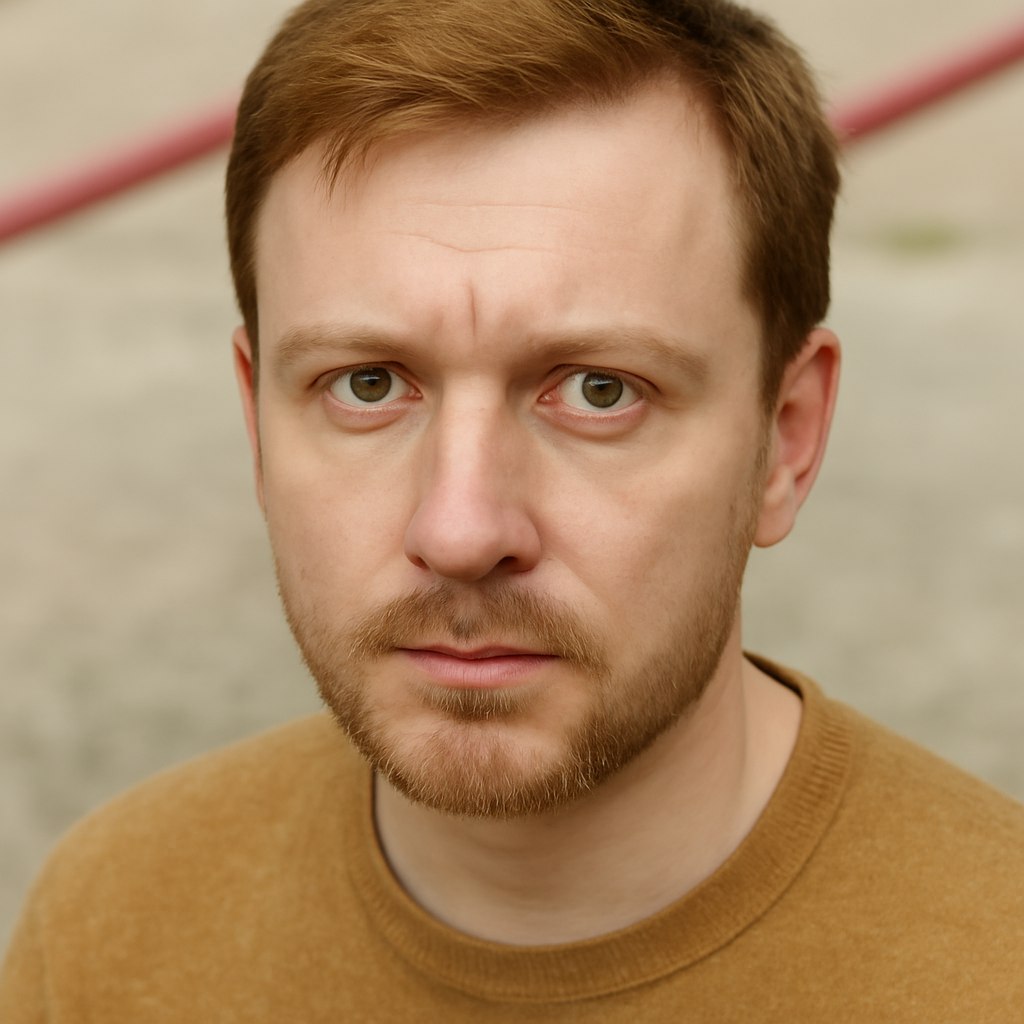
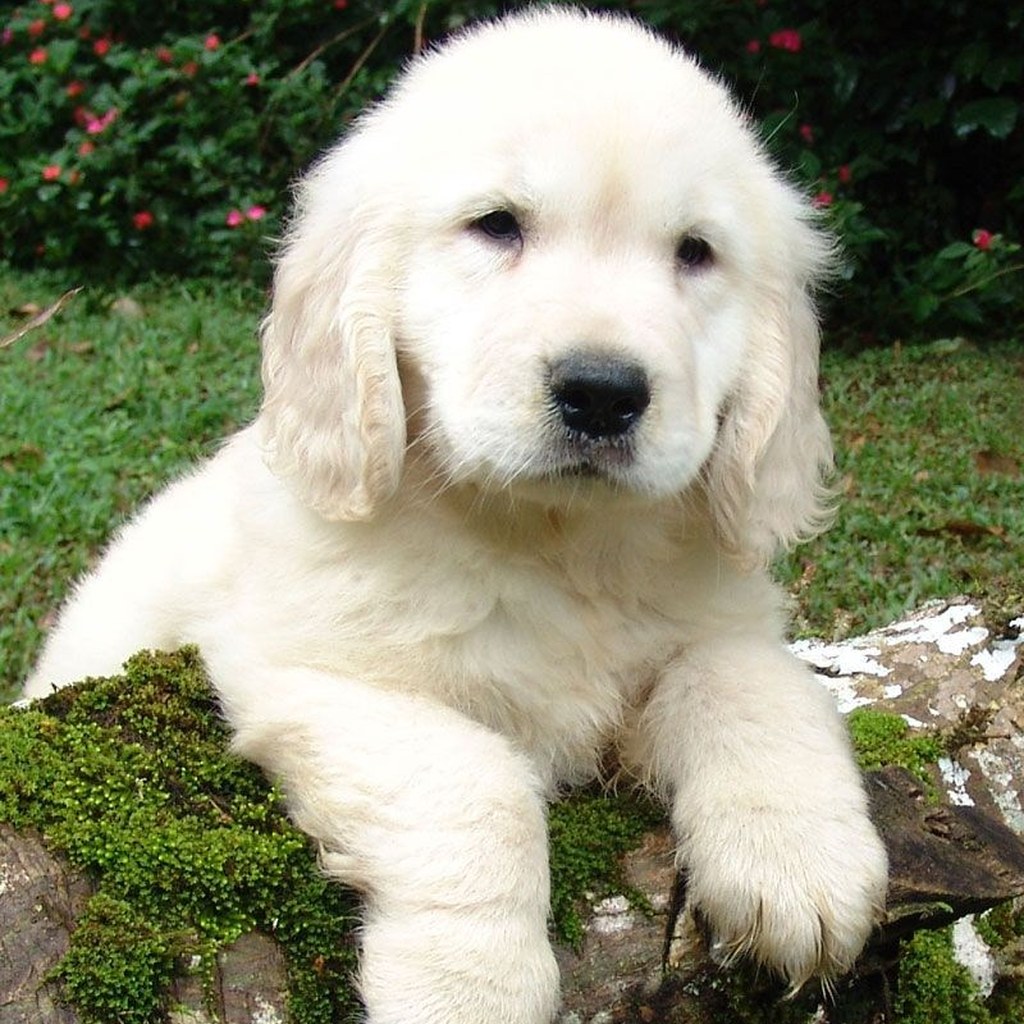
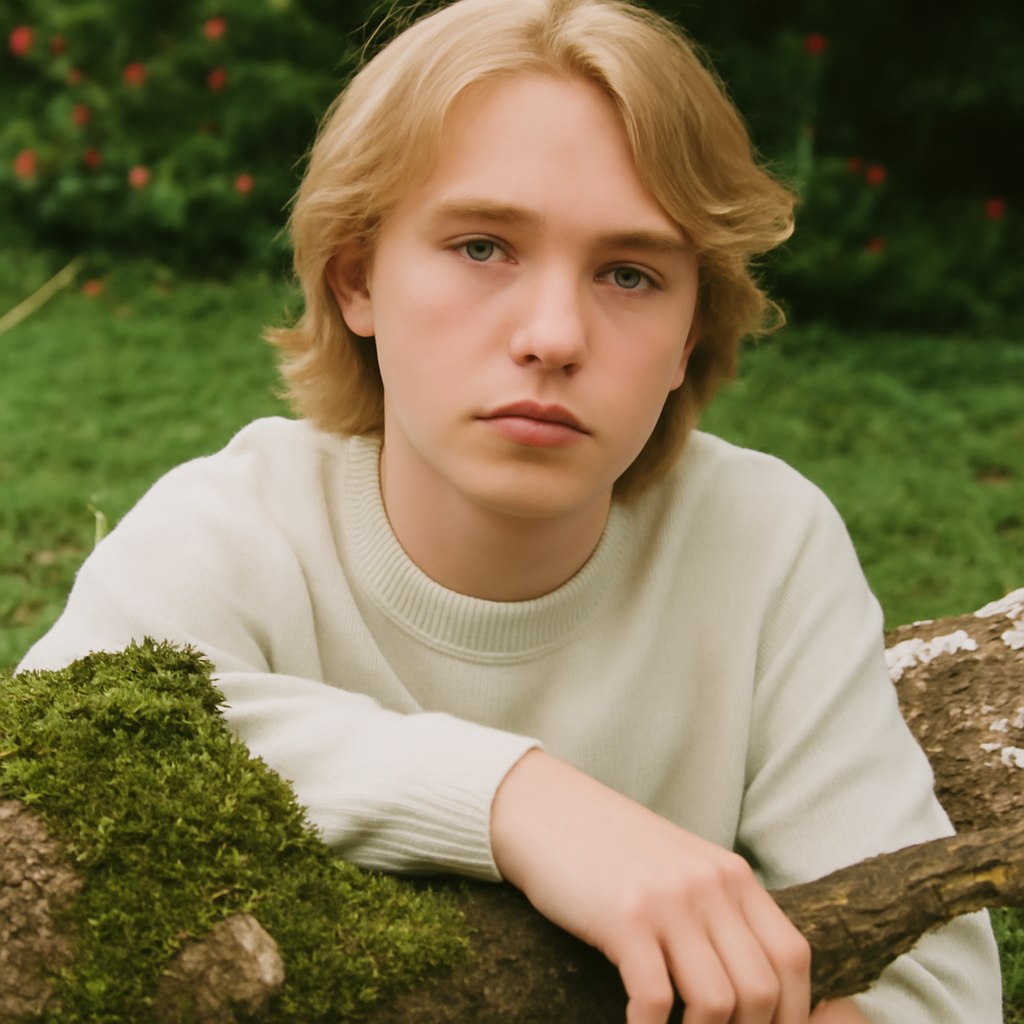
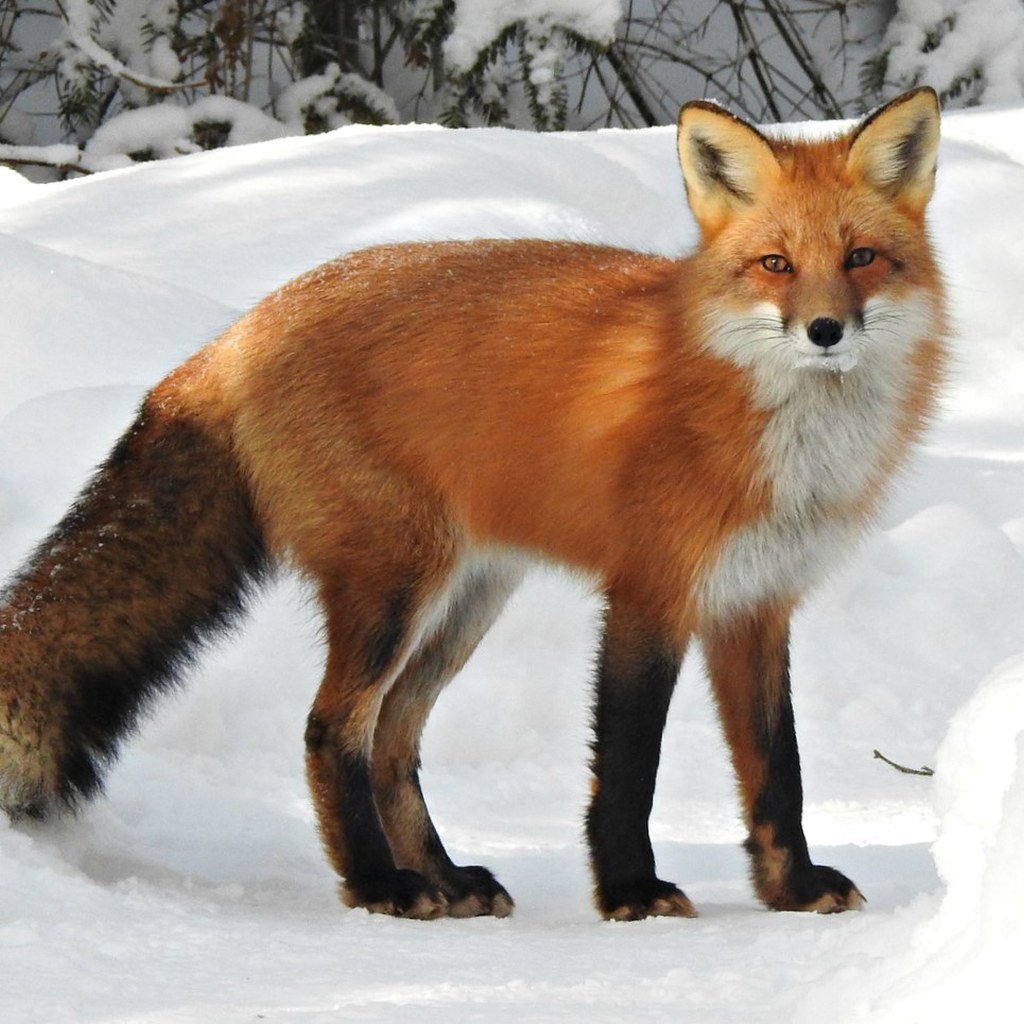
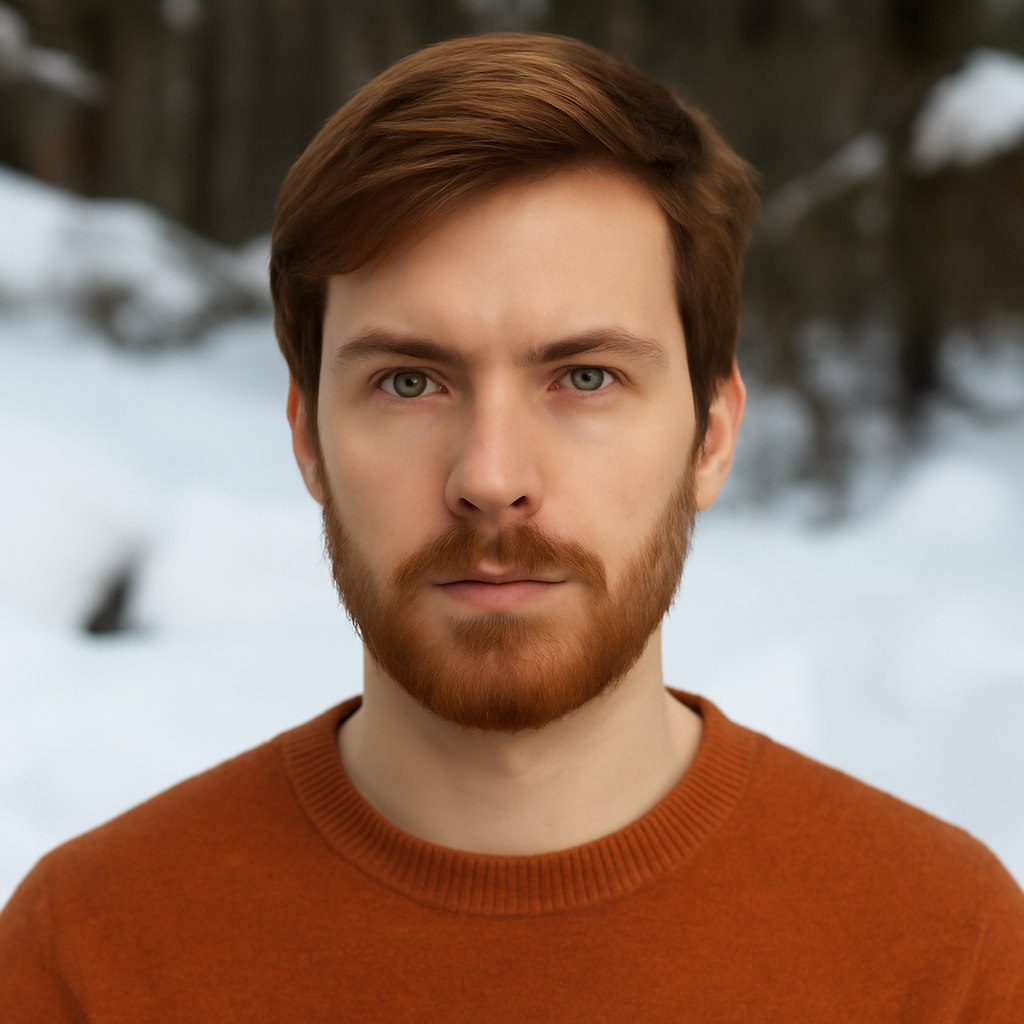
This prompt test explores a common image-to-image challenge: turning an animal photo into a realistic human portrait without losing the source image's mood. The best results came from being specific about what should transfer and what should not. Eye shape, gaze direction, expression, pose, camera angle, lighting, and background continuity are useful instructions. Literal animal anatomy is not. The result should feel like a natural portrait photographed in the same setting, not a costume, hybrid, or fantasy character. The examples below show how the prompt behaves across a close-up cat portrait, a small dog with a basketball, and a llama photographed through a fence.
Original Prompt Idea Summary
The starting idea was to convert an animal image into a realistic human portrait, capture the animal's visible personality, keep a similar eye shape and expression, and blend the result naturally with the existing background. That is a strong direction, but it benefits from clearer constraints around anatomy, lighting, camera angle, background preservation, and common image-to-image artifacts.
Improved Prompt
Transform the provided animal photo into a realistic human portrait while preserving the visible personality cues from the source image. Keep the eye shape, gaze direction, facial expression, head angle, pose, and overall mood as close as possible. Translate animal-specific traits into natural human features without creating costume elements, fur, ears, snouts, or fantasy details. Maintain the original background, camera angle, depth of field, lighting direction, color temperature, and framing so the final portrait feels photographed in the same place. Produce a natural editorial portrait with believable skin texture, realistic hair, accurate anatomy, clean hands when visible, and no obvious AI artifacts.Negative Prompt
animal ears, fur on skin, whiskers, snout, muzzle, paws, claws, tail, costume, mask, fantasy creature, hybrid face, distorted face, asymmetrical eyes, crossed eyes, extra fingers, missing fingers, warped hands, plastic skin, over-smoothed face, uncanny expression, duplicate subject, changed background, mismatched lighting, harsh sharpening, blurry facial details, watermark, logo, text artifactsSource and Result Image Gallery
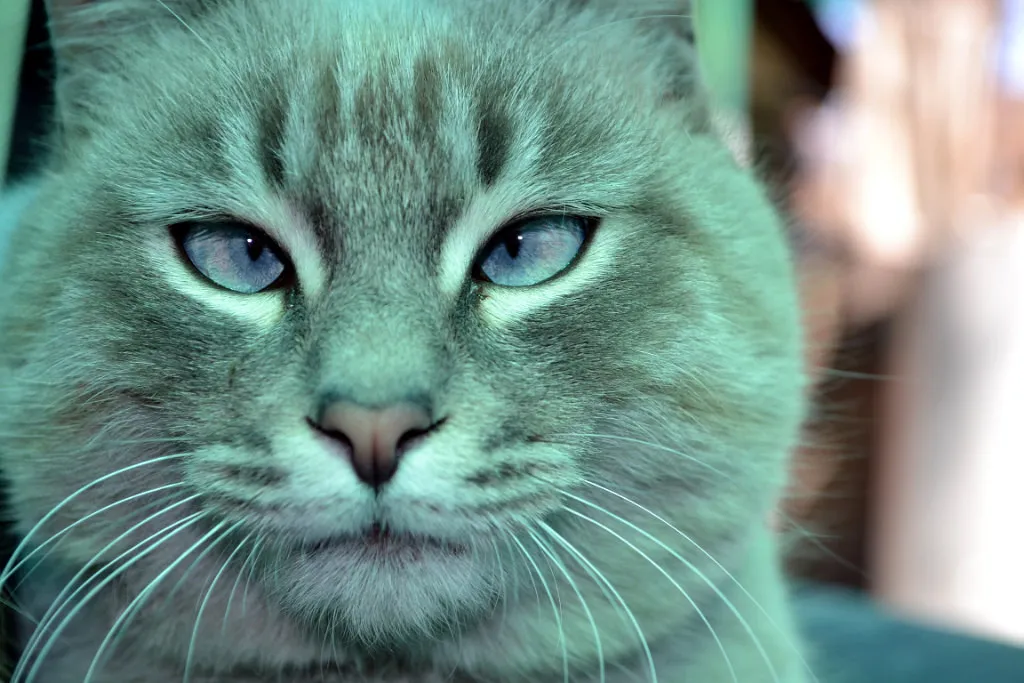
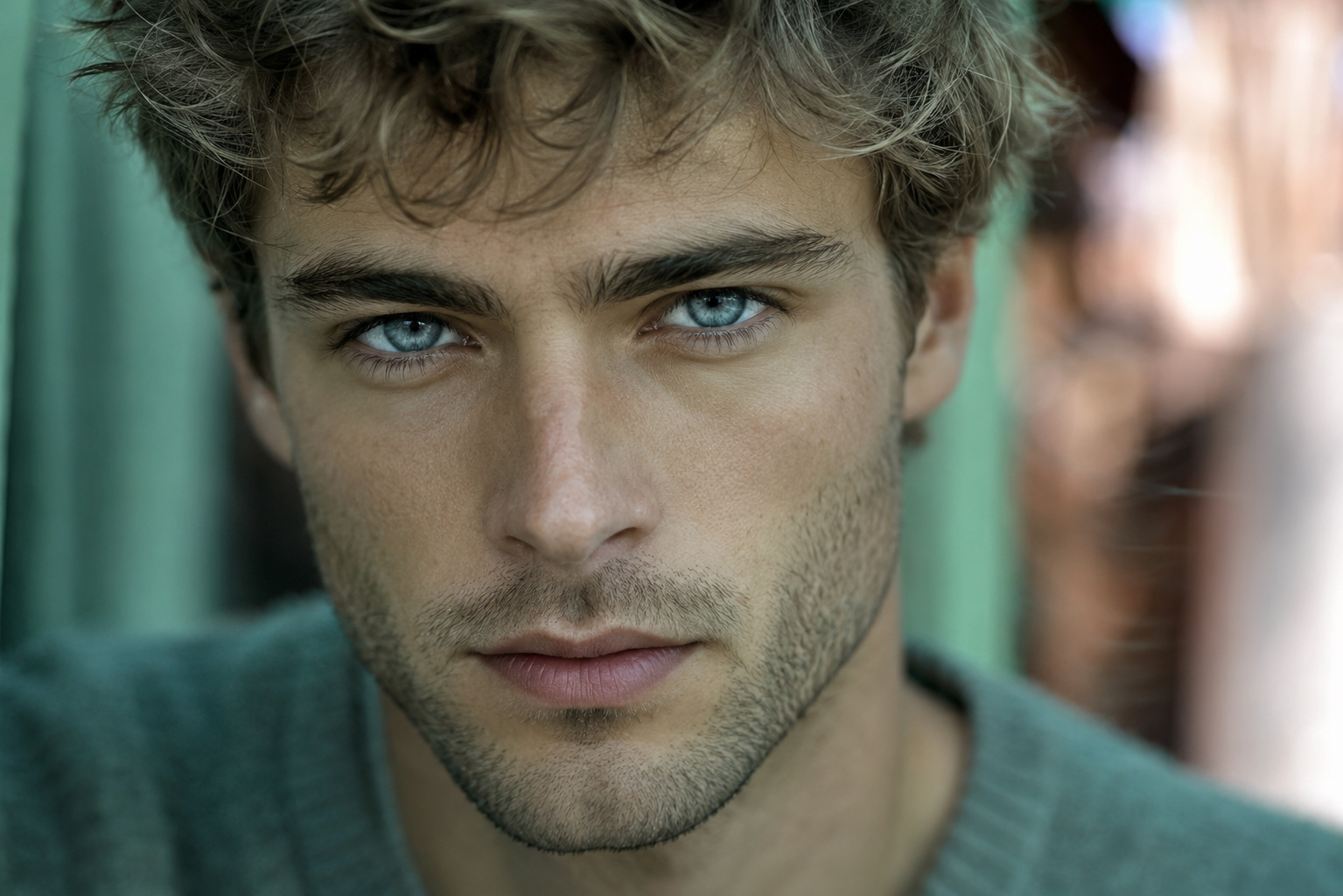
Pair 1: close-up animal face to close-up portrait
Pair 2: animal pose with ball to human pose with ball


Pair 3: animal behind fence to portrait behind fence


Result Image Analysis
The first result is the cleanest portrait conversion. It keeps the source image's close crop, cool green background, direct eye contact, and shallow focus. The eyes remain the visual anchor, which is exactly what this prompt should prioritize. Some facial details look strongly polished, but the background blend is convincing.
The second result preserves the ball and pavement well, which shows the prompt can carry pose and prop information into a human scene. The transformation changes the body position from standing to crouching, so the pose is not a strict one-to-one match. Still, the visual relationship between subject, ball, pavement, and background remains readable.
The third result demonstrates the importance of asking for background continuity. The fence stays in the foreground, the outdoor setting remains recognizable, and the close gaze is preserved. The face is more human-portrait focused than the source, but the fence and framing make the transformation feel tied to the original image.
Recommended Settings
- Mode: image-to-image or reference image editing
- Model: Unknown, or any model with strong portrait realism and image reference control
- Strength: medium; lower values preserve background, higher values change identity and pose more aggressively
- Aspect ratio: keep the source aspect ratio unless you need a new crop
- Style: realistic editorial portrait, natural light, believable skin texture
- Quality pass: inspect eyes, hands, background continuity, and animal-feature artifacts
Why This Prompt Works
The prompt separates transferable visual cues from details that should be removed. Eye shape, gaze, pose, mood, lighting, camera angle, and background can move into a realistic portrait. Fur, ears, snouts, paws, and hybrid anatomy should not. That distinction gives the model a clearer job: preserve composition and expression, reinterpret the subject, and keep the result grounded in the original scene.
Prompt Variations
- Closer portrait: Add "tight head-and-shoulders crop, strong eye contact, shallow depth of field."
- Documentary style: Add "natural candid photo, unposed expression, available light, realistic background texture."
- Fashion editorial: Add "subtle editorial styling, clean grooming, natural skin texture, magazine portrait lighting."
- Better background preservation: Add "do not replace the setting, keep the same walls, pavement, fence, color palette, and lens blur."
Common Mistakes
- Only saying "turn this animal into a person" and leaving the model to invent the background.
- Forgetting to block animal ears, fur, snouts, paws, and hybrid costume details.
- Using too much transformation strength and losing the original pose, prop, or camera angle.
- Ignoring eyes. The eye shape and gaze usually carry the strongest personality cue.
- Accepting a result before checking hands, face symmetry, foreground objects, and lighting consistency.
FAQ
What is the goal of an animal-to-human portrait prompt?
The goal is to translate visible mood, gaze, pose, and setting from an animal photo into a believable human portrait without keeping literal animal anatomy.
Should the prompt preserve the original background?
Yes. Asking for the same background, lighting, framing, and depth of field helps the result feel connected to the source image instead of becoming a separate portrait.
Why include a negative prompt for this transformation?
A negative prompt helps reduce hybrid animal features, distorted faces, extra fingers, changed backgrounds, and other artifacts that often appear in image-to-image portrait tests.
Can this prompt work with different animals?
Yes, but each source needs slightly different emphasis. A close-up face benefits from eye and expression guidance, while a full-body animal photo needs pose and environment instructions.
Related Internal Links
- AI image prompt generator for building a cleaner first draft.
- Negative prompts for reducing hybrid anatomy and artifacts.
- AI image prompts for more reusable prompt examples.
- Before and after prompt examples for source/result comparisons.
- ChatGPT prompts and ChatGPT image prompts for broader prompt workflows.
- Portrait AI prompts for related face and expression prompt patterns.
Real source and result examples
These examples show how the prompt changes animal source images into realistic human portrait results. The comparison focuses on visible gaze, mood, framing, and prompt behavior.