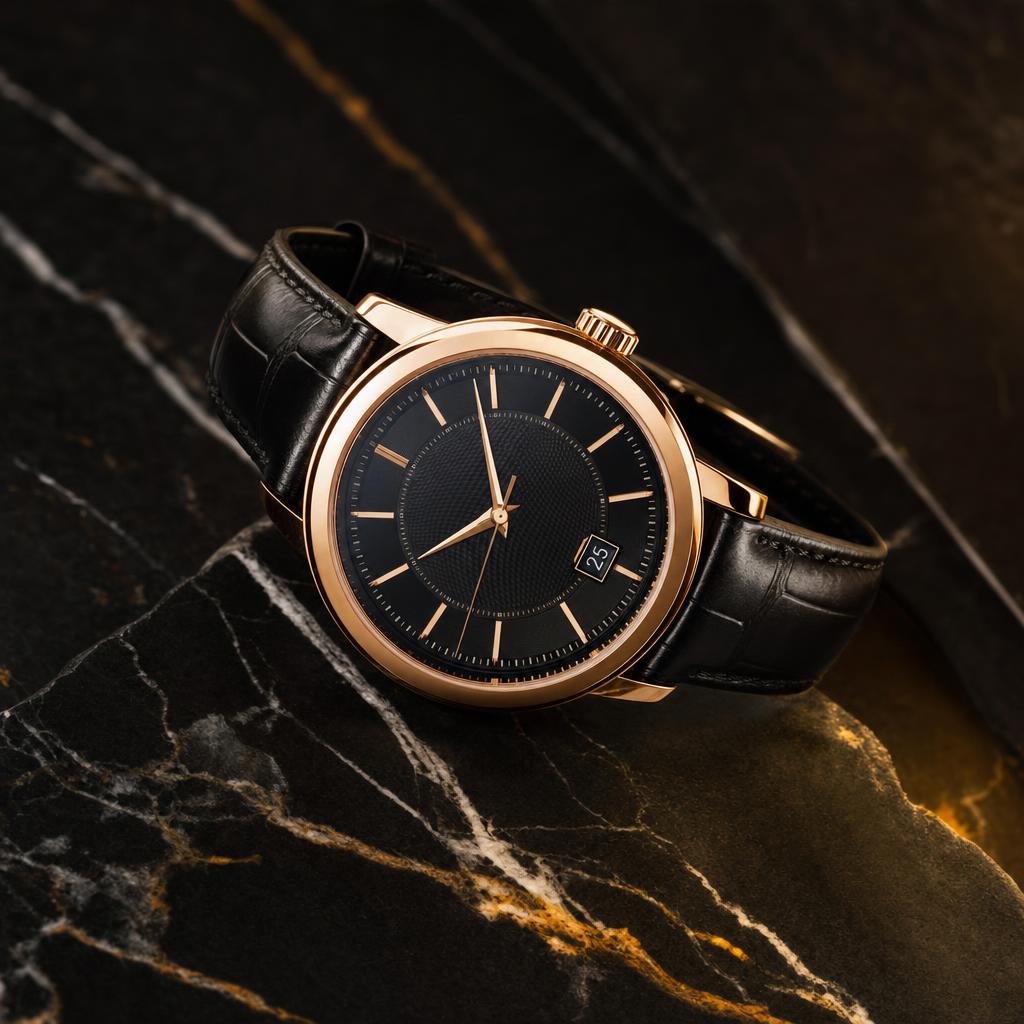
This before/after example shows how a modern watch stock reference can become a luxury dark-marble product image.
What changed in this result
The edit isolates the product, strengthens metal and glass detail, adds dark marble, golden highlights, and controlled studio shadows.
Source note
Source reference photographer: Khalid Joe. Original source page.

Before prompt
Modern stock source reference for Luxury Watch Dark Marble Product Prompt.
After prompt
Transform the reference modern stock photo with an adult watch or wrist detail into a premium luxury wristwatch product photograph. Make the watch the clear centered subject on a dark marble surface, add polished metal, detailed dial, sapphire glass reflections, soft studio lighting, golden highlights, controlled shadows, diagonal marble texture, and clean advertising negative space.

Quality requirements: realistic photographic result, accurate lighting, believable shadows, coherent perspective, natural skin texture, clean composition, high resolution, no watermark.
Avoid: minor, child, teenager, explicit nudity, sexualized pose, violence, weapons, drugs, political symbols, hate symbols, distorted face, extra fingers, deformed hands, plastic skin, over-smoothed skin, unrealistic eyes, bad perspective, unreadable text, brand logos, watermark, low resolution, blurry, AI artifacts, warped watch face, wrong numbers, extra hands, cheap plastic metal, messy reflections, dust spots, unreadable brand text, duplicate watch, crooked dial, cluttered props
Analysis
The third result uses controlled reflections for a more premium commercial finish.
Related prompt resources
How do I avoid a warped watch dial?
Use a negative prompt for warped face, wrong numbers, extra hands, and crooked dial.
Can I use this for ecommerce?
Yes. Replace dark marble with a light seamless background and keep the product centered with soft shadows.