This before/after example tests how well an image-to-image prompt can convert an animal source photo into a realistic human portrait while keeping the same visual situation. The source has a close face crop, cool background color, blue eyes, and a direct gaze. The generated result keeps the close framing, shallow depth of field, eye-focused composition, and similar background tones while translating the subject into a natural human portrait.
For deeper notes, see the full animal to human portrait prompt test and the reusable portrait prompt.
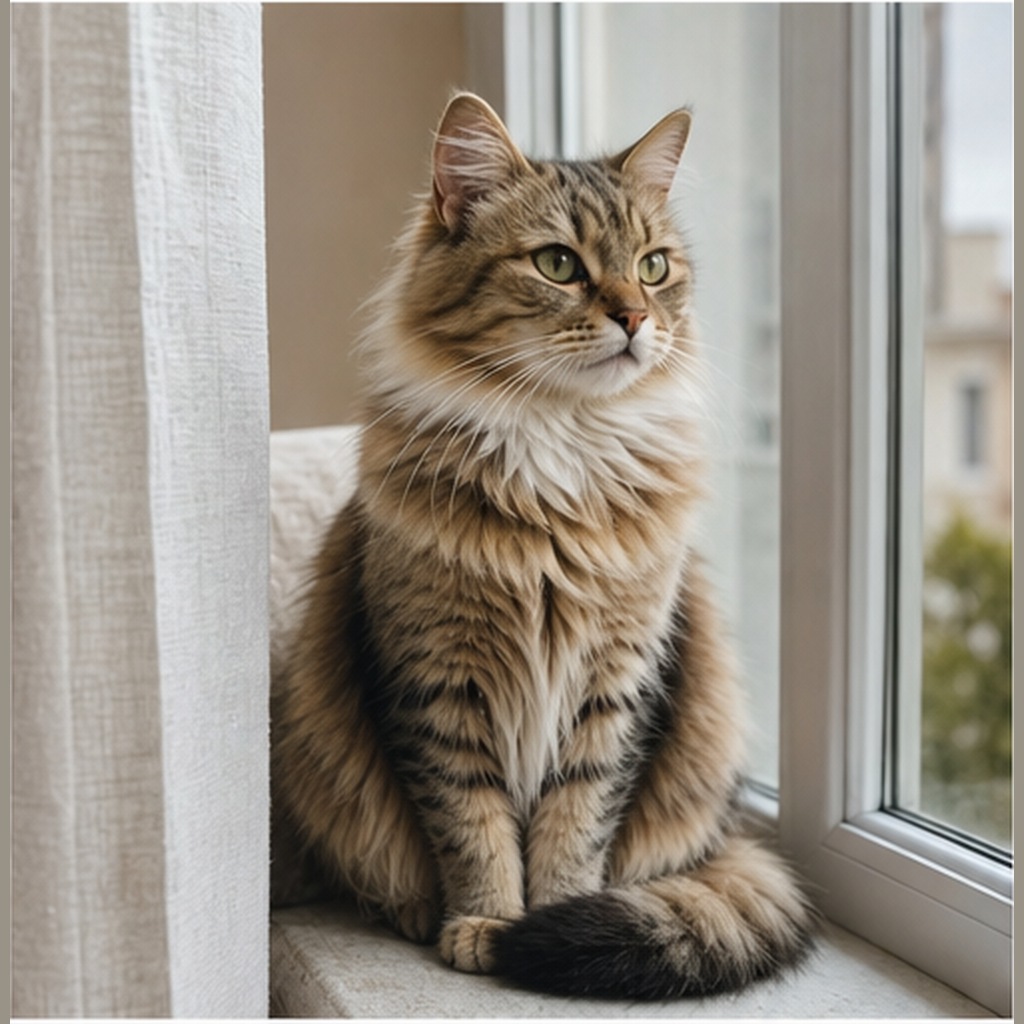
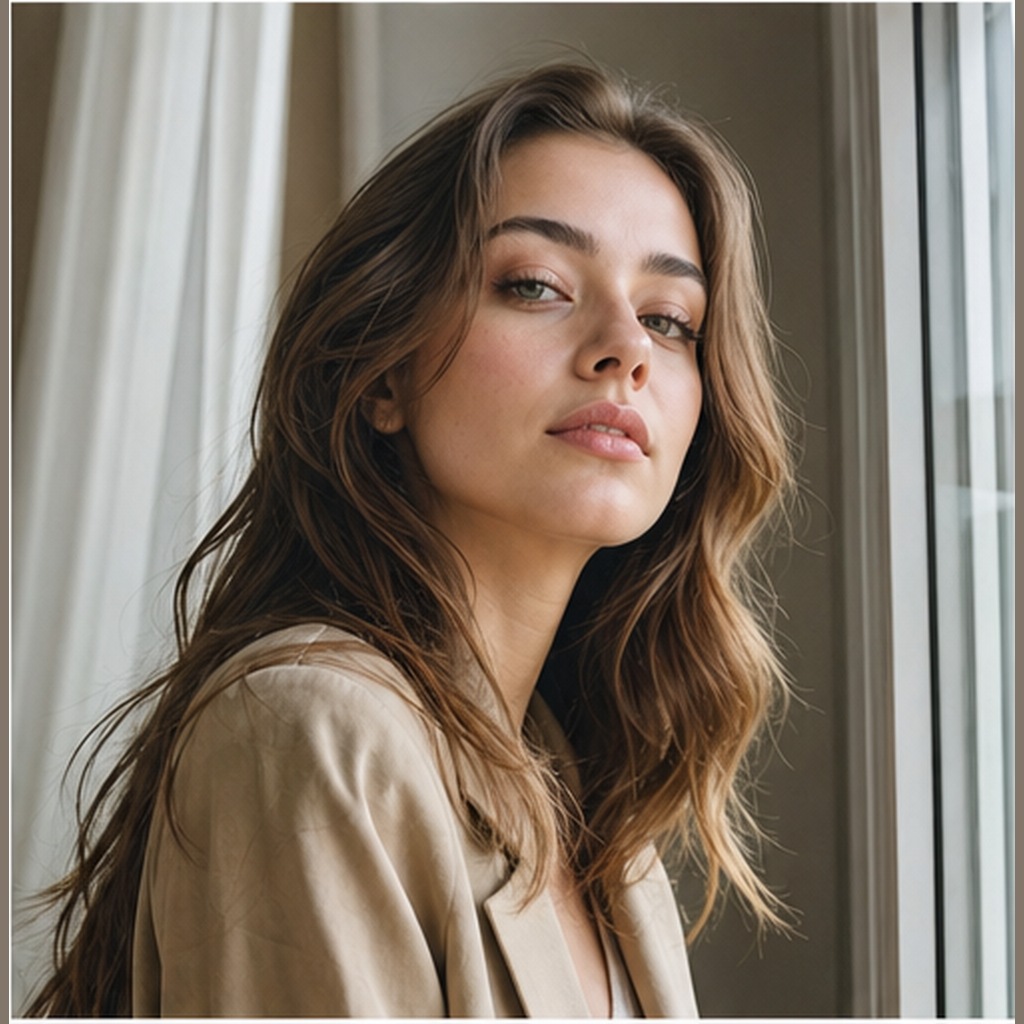
Modern source reference image for Animal to Human Realistic Portrait.
Transform the provided animal photo into a realistic human portrait while preserving the visible personality cues from the source image. Keep the eye shape, gaze direction, facial expression, head angle, pose, and overall mood as close as possible. Translate animal-specific traits into natural human features without creating costume elements, fur, ears, snouts, or fantasy details. Maintain the original background, camera angle, depth of field, lighting direction, color temperature, and framing so the final portrait feels photographed in the same place. Produce a natural editorial portrait with believable skin texture, realistic hair, accurate anatomy, clean hands when visible, and no obvious AI artifacts.
Analysis
Updated with a modern source image and generated result so the comparison stays consistent with the prompt gallery.
Related prompt resources
What should be preserved from the animal image?
Preserve visible cues such as eye shape, gaze direction, expression, pose, lighting, camera angle, and background continuity.
What should the negative prompt remove?
Use it to reduce literal animal anatomy, hybrid features, changed backgrounds, distorted faces, and hand artifacts.