How to write better realistic AI prompts
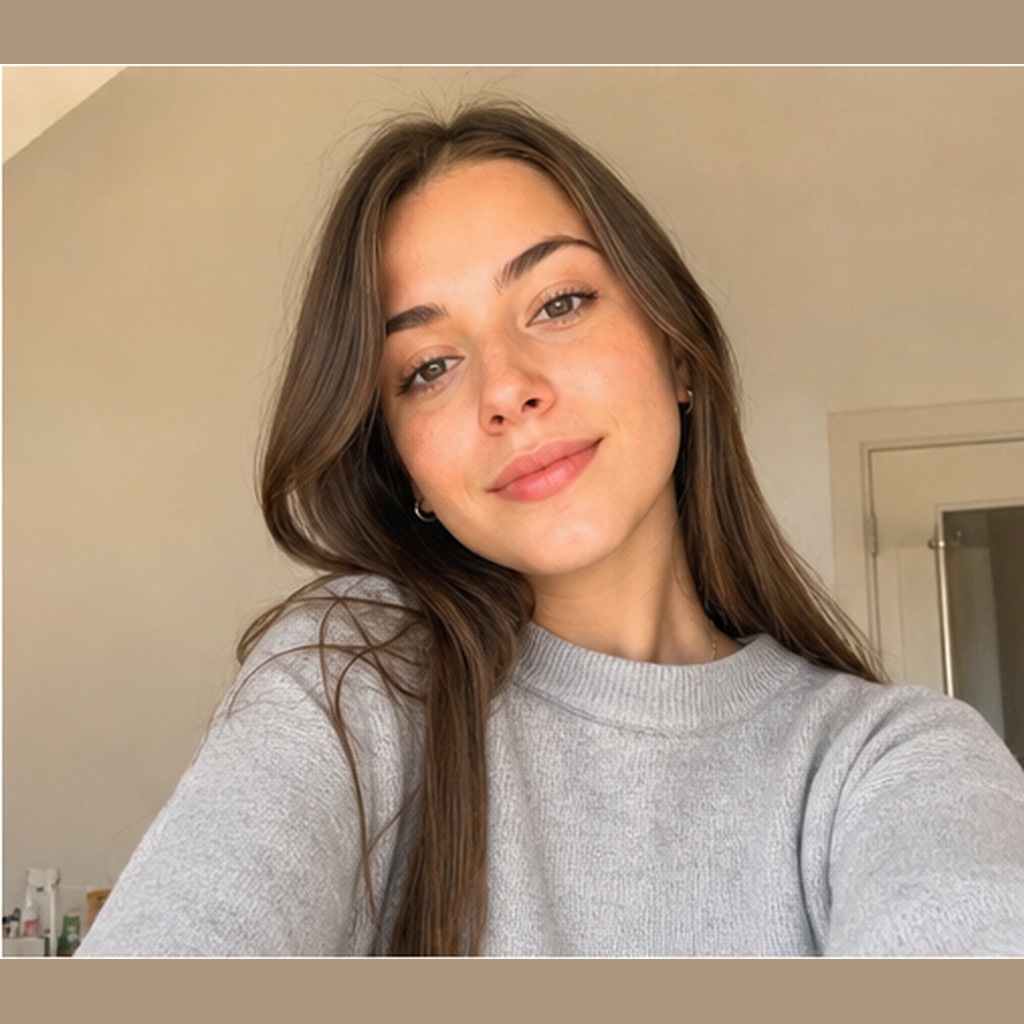
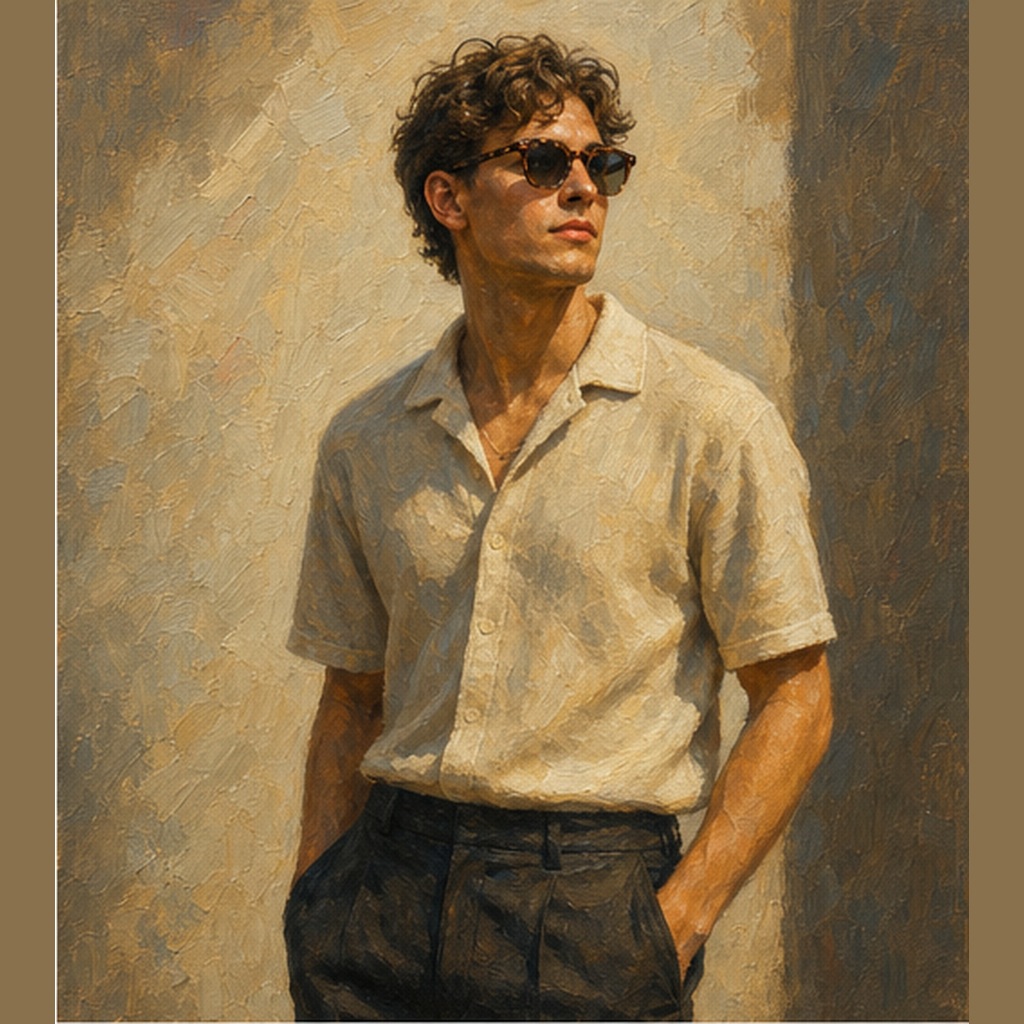
Start with the subject and context, then add camera language such as 50mm portrait lens, soft window light, handheld snapshot or studio product setup. Add realism cues like natural skin texture, real fabric folds, imperfect background detail, practical shadows and believable color balance. Keep the style grounded and use a negative prompt for plastic skin, distorted fingers, fake gloss, extra limbs and oversharpened detail.
Best keywords to use
natural lightrealistic portraitlifestyle photoproduct mockuptrue skin texture50mm lenssoft shadowsdocumentary photo
What makes an AI image prompt look realistic?
A realistic prompt gives the model physical context: real lighting, camera angle, lens choice, material texture, natural shadows and believable human details. It avoids vague style words and focuses on what would exist in a real photo.
How do I make ChatGPT image prompts more natural?
Ask for a specific scene, natural light, modest editing, realistic proportions and small imperfections. Mention skin texture, fabric detail, background depth and a camera perspective instead of only saying realistic.
What negative prompts help with realism?
Use negative prompts such as plastic skin, waxy face, distorted hands, extra fingers, fake reflections, oversharpened texture, blurry eyes, warped background and unnatural lighting.
Can I use realistic AI prompts for product photos?
Yes. Add product size, surface, studio lighting, shadow direction, lens and background details so the object feels photographed rather than pasted into a scene.