Portrait prompt
Realistic Polaroid on Table Photo Prompt
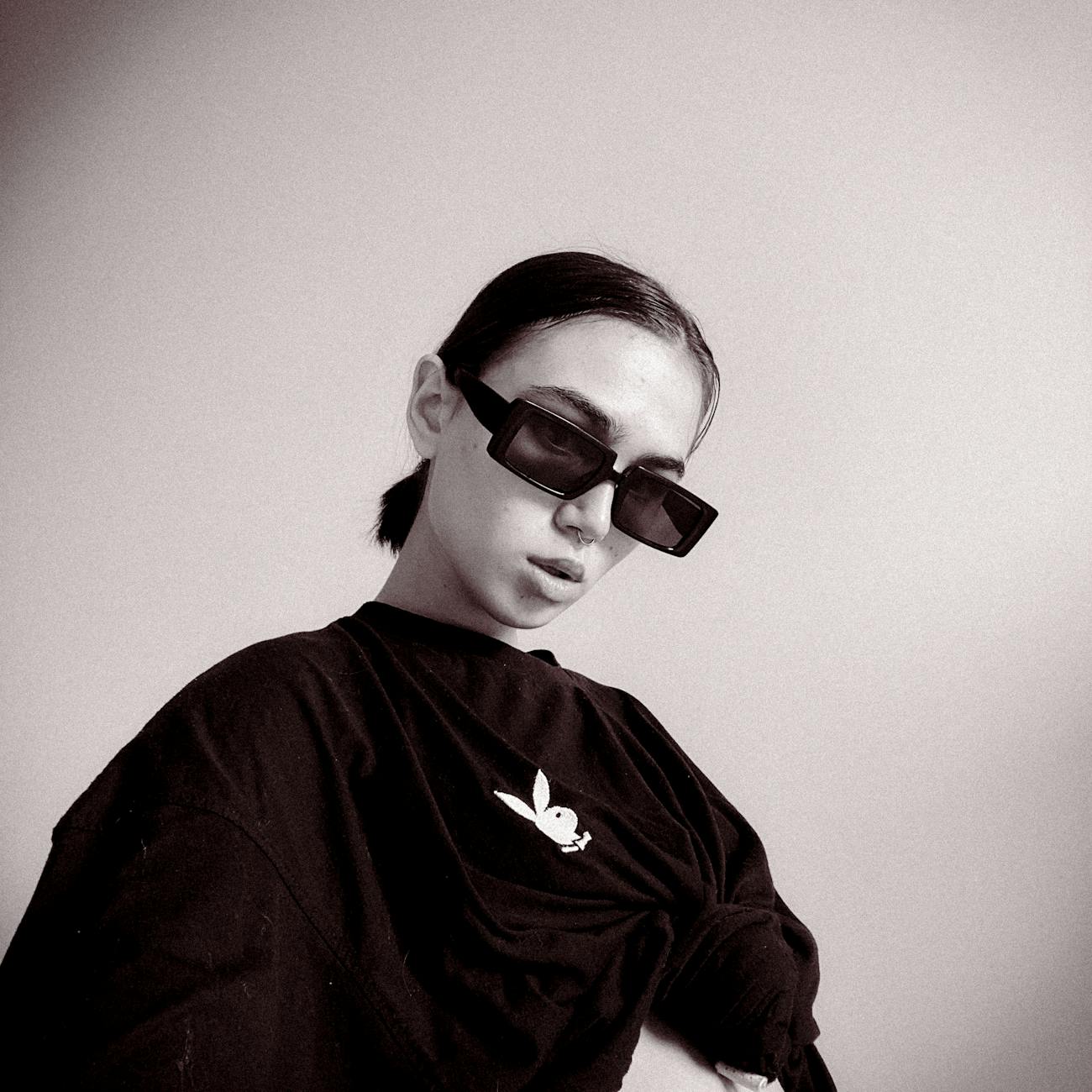
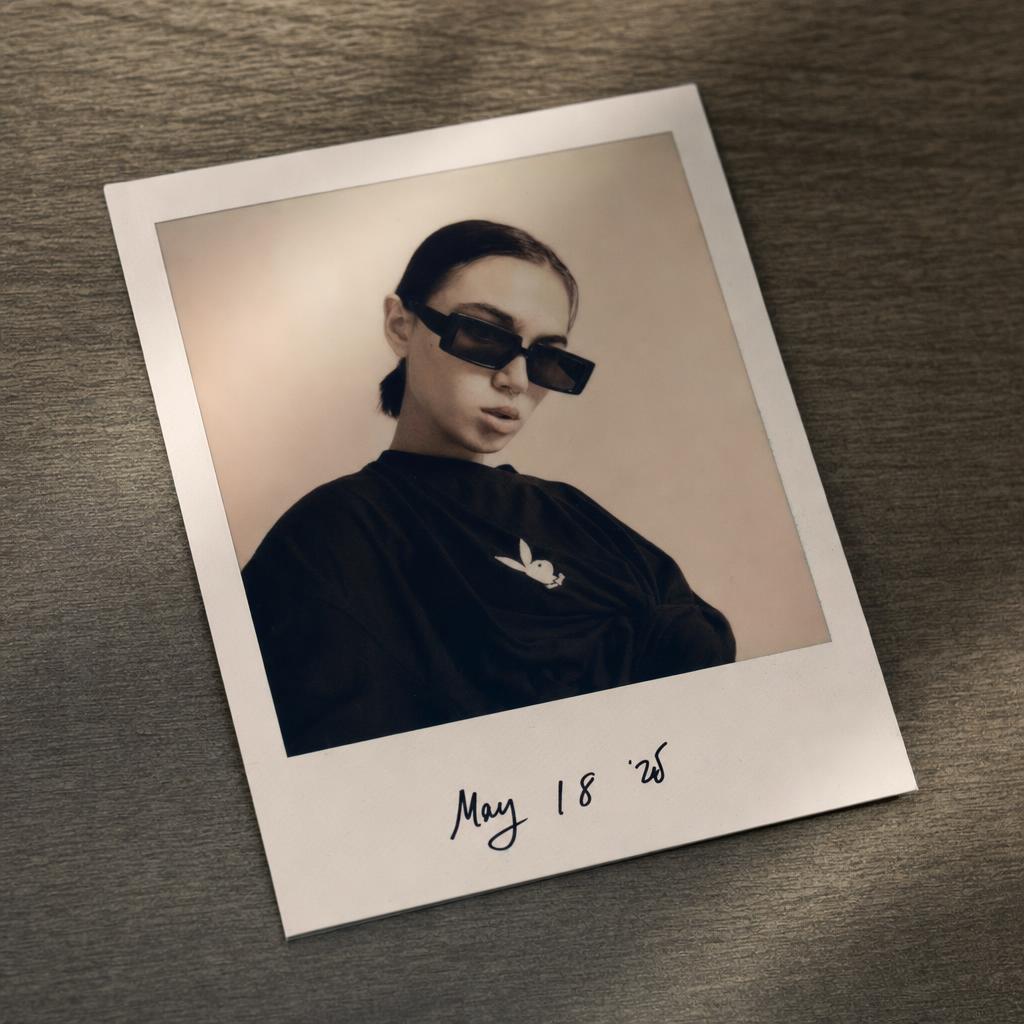
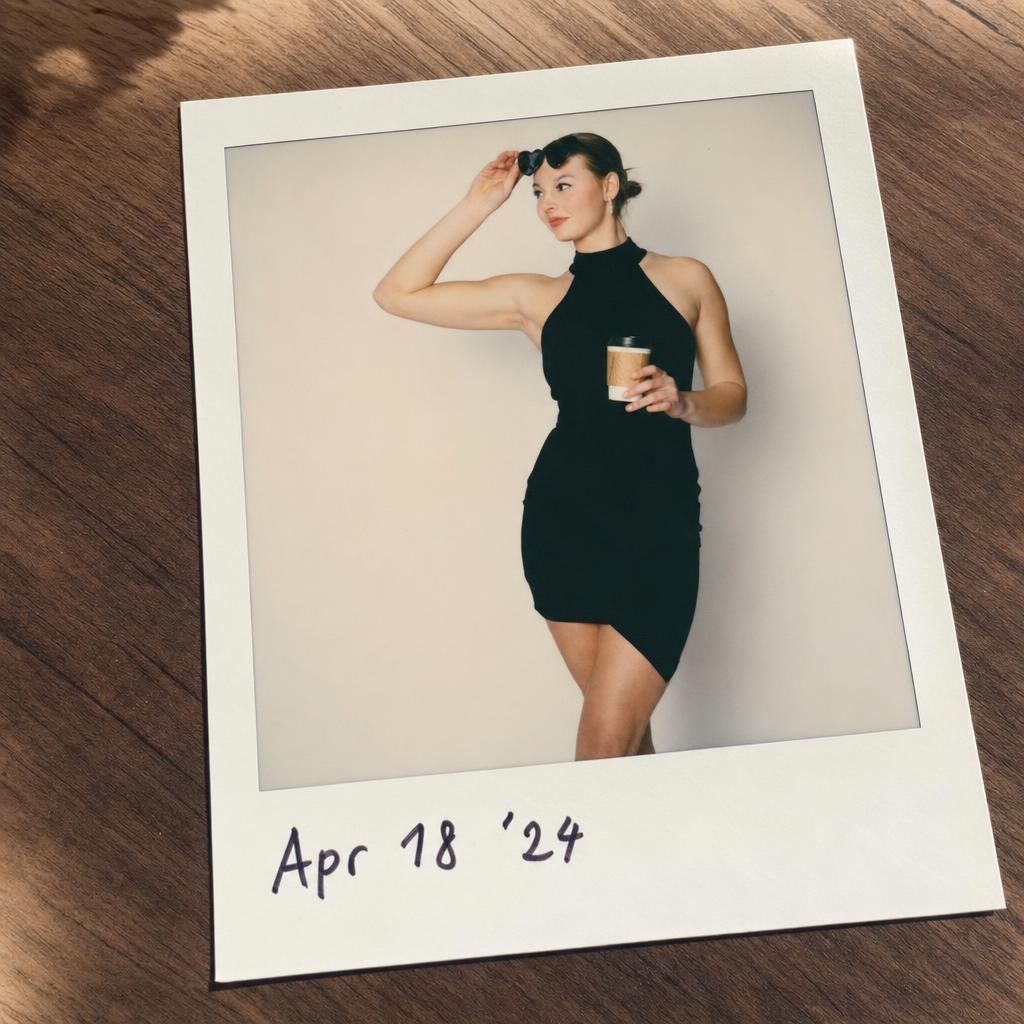
This prompt converts a source portrait into a realistic Polaroid print lying on a table. It combines the recognizable subject, instant-film color, white border, handwritten date-style note, natural shadows, and a tactile tabletop setting. The result is useful for nostalgic personal-memory visuals, profile edits, scrapbook-style imagery, social posts, and before/after examples where the image should feel like a physical keepsake.
Copy this prompt
Use the tested version as-is, then customize the subject, style, lighting and mood in your image tool.
Best for
ChatGPTPortraitReference photoSocial mediaBefore/After
Improved prompt
Convert the uploaded image into a realistic Polaroid photo lying on a table. Keep the subject recognizable, add soft instant-film colors, white Polaroid border, handwritten date-style note at the bottom, natural shadows, and a nostalgic personal-memory mood.
Negative prompt
minor, child, teenager, explicit nudity, sexualized pose, violence, weapons, drugs, political symbols, hate symbols, distorted face, extra fingers, deformed hands, plastic skin, over-smoothed skin, unrealistic eyes, bad perspective, unreadable text, brand logos, watermark, low resolution, blurry, AI artifacts, floating photo, missing border, warped table perspective, unreadable face, glossy plastic look, fake handwriting clutter, modern phone frame
Advertisement
Bad prompt vs improved prompt
Bad prompt
make this a polaroid
Improved prompt
Convert the uploaded image into a realistic Polaroid photo lying on a table. Keep the subject recognizable, add soft instant-film colors, white Polaroid border, handwritten date-style note at the bottom, natural shadows, and a nostalgic personal-memory mood.
Why this prompt works
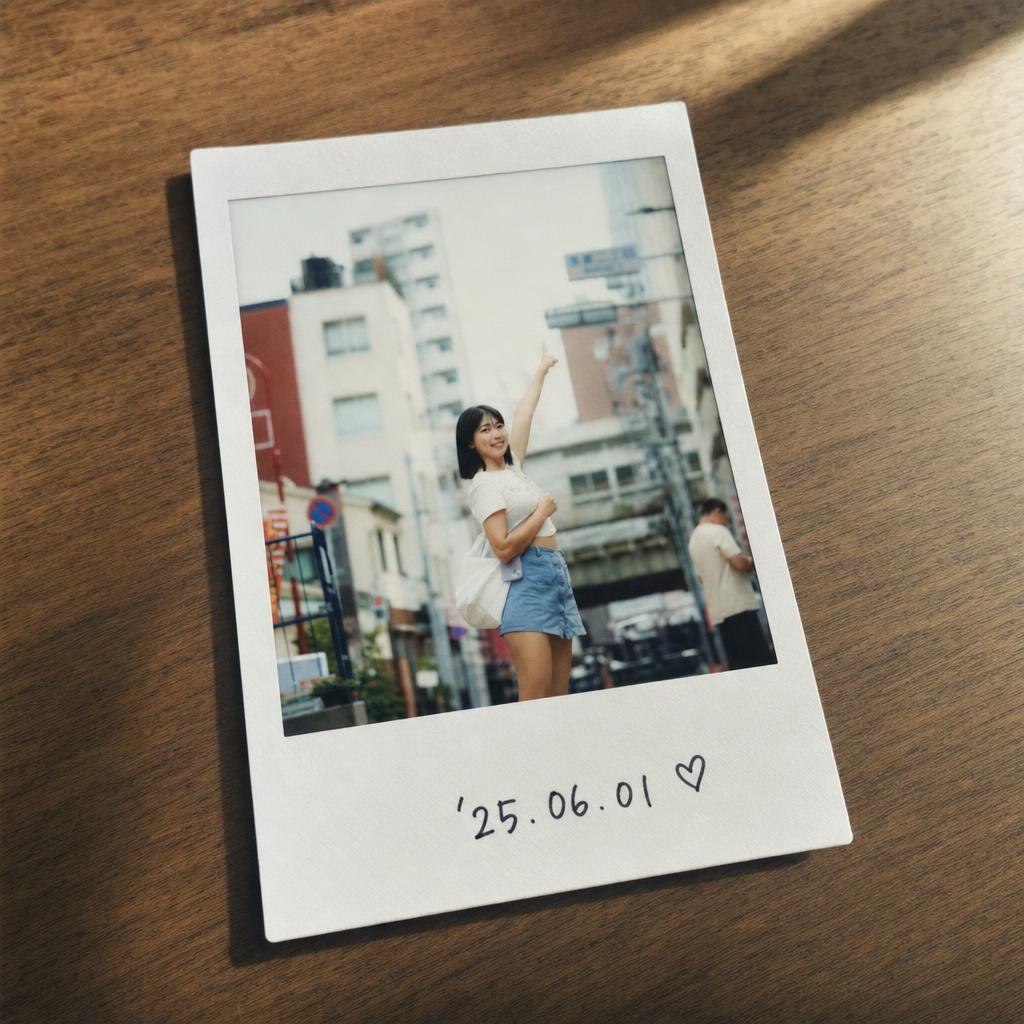
The prompt works because it treats the output as a physical object, not just a filter. Table perspective, paper border, shadows, handwritten note, and instant-film colors make the final image feel like a real keepsake.
Prompt structure
This prompt preserves the subject inside a physical instant-photo print, then adds table placement, border, note, shadows, and film color.
Copy-paste prompt
Convert the uploaded image into a realistic Polaroid photo lying on a table. Keep the subject recognizable, add soft instant-film colors, white Polaroid border, handwritten date-style note at the bottom, natural shadows, and a nostalgic personal-memory mood.Negative prompt
minor, child, teenager, explicit nudity, sexualized pose, violence, weapons, drugs, political symbols, hate symbols, distorted face, extra fingers, deformed hands, plastic skin, over-smoothed skin, unrealistic eyes, bad perspective, unreadable text, brand logos, watermark, low resolution, blurry, AI artifacts, floating photo, missing border, warped table perspective, unreadable face, glossy plastic look, fake handwriting clutter, modern phone frameBest use cases
- nostalgic photo edits
- scrapbook visuals
- personal-memory portraits
- social media posts
- Polaroid mockups
- before and after transformations
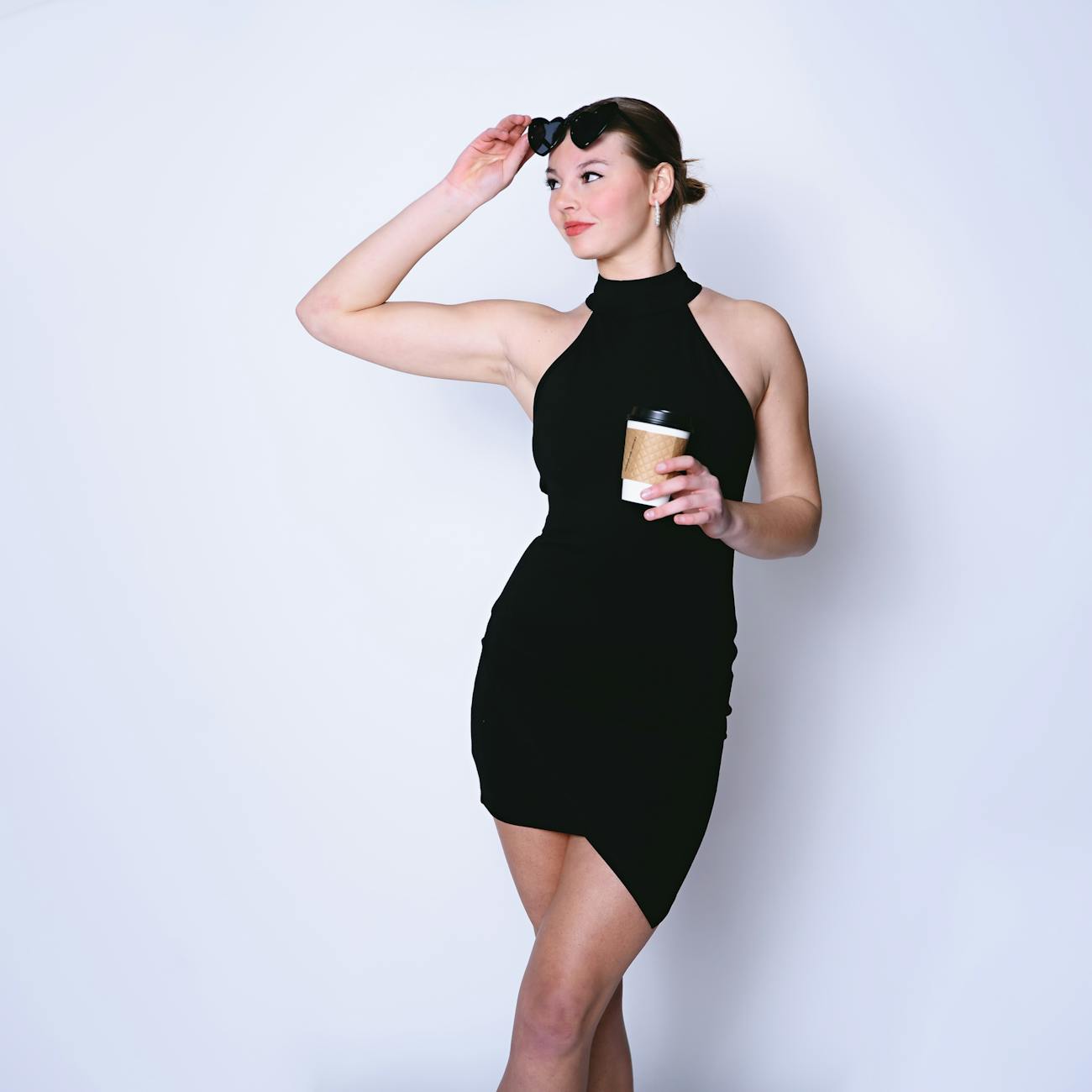
Real source and result examples
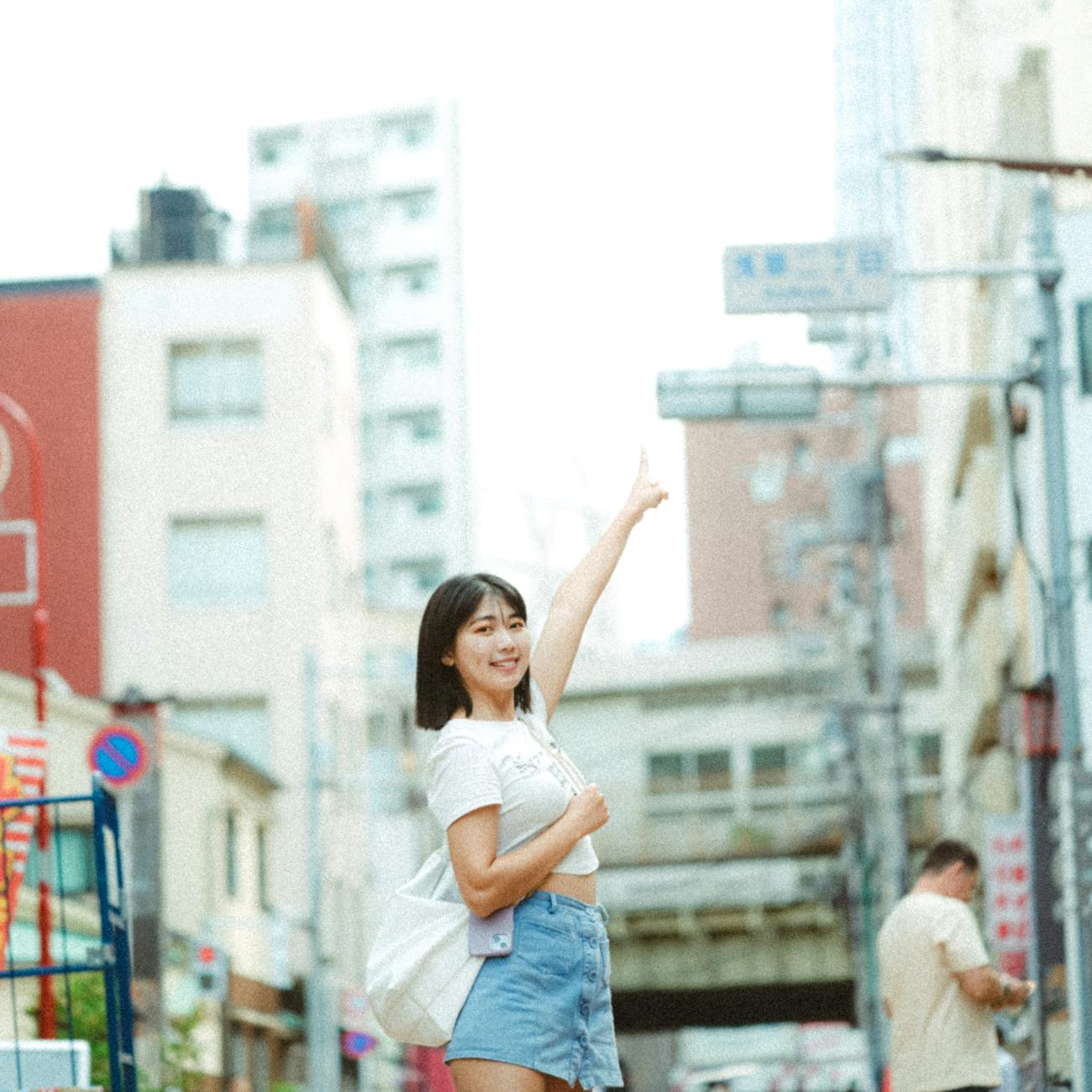
These examples use modern source photos and show how the same prompt direction changes different adult selfie references while keeping the comparison readable.
How to adjust this prompt
- Ask for a physical paper print if the result looks like a flat digital border.
- Keep the note short so handwriting does not dominate.
- Use natural shadows to sell the tabletop placement.
- Reduce film fade if the face becomes hard to recognize.
FAQ
Can I use this as a photo edit prompt?
Yes. Upload a clear adult source photo and keep the prompt focused on preserving the person while changing the setting, styling, and atmosphere.
What should I change first if the result looks fake?
Add more detail about lighting, shadows, scale, camera angle, and natural skin texture. These cues usually make the edit feel more photographic.
Can I replace the location or era?
Yes. Keep the same structure and swap the location, decade, wardrobe, or background details while preserving the realism constraints.
Why include a negative prompt?
The negative prompt helps reduce distorted faces, bad hands, watermark-like text, low resolution, and overprocessed AI artifacts.
Which image size works best?
Use the listed size as a starting point, then switch to square, vertical, or wide framing depending on whether the subject or the environment is most important.
Related internal links
Browse more portrait AI prompts, compare transformations in before/after examples, build a new idea with the AI image prompt generator, and clean results with negative prompts.