Portrait prompt
Monochrome Dramatic Male Studio Portrait Prompt for ChatGPT
This monochrome male portrait prompt is built for realistic ChatGPT image prompts, AI selfie concepts, and polished studio portrait edits. It turns a simple adult portrait into a refined black-and-white image with sculpted side lighting, controlled shadows, crisp eye focus, and natural skin texture. The direction is intentionally minimal: a dark studio backdrop, understated wardrobe, no visible branding, and an introspective expression. Use it to generate a new cinematic portrait from text or to restyle an uploaded selfie/reference photo while preserving the person’s natural identity. The result is clean, mature, editorial, and suitable for portfolio studies, campaign mockups, and black-and-white portrait moodboards.
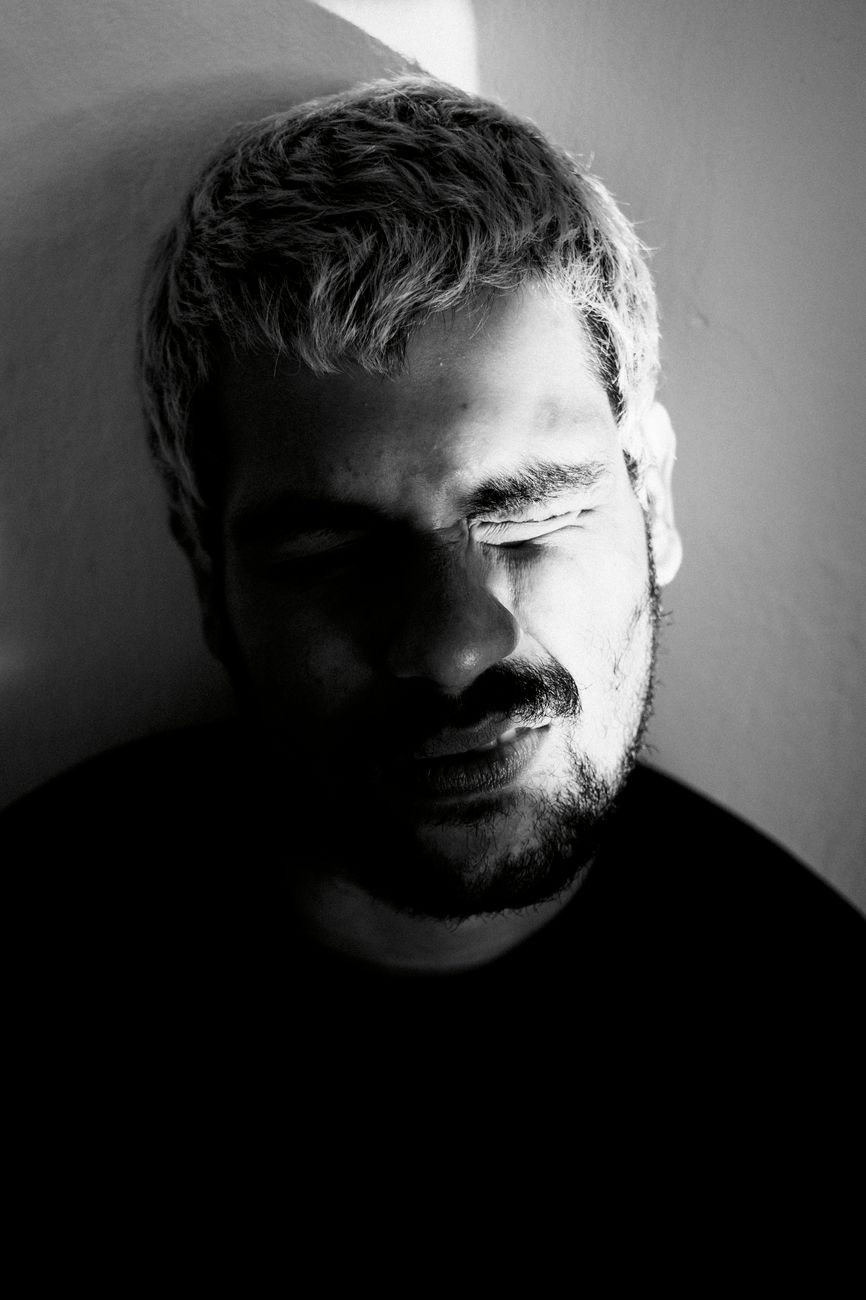
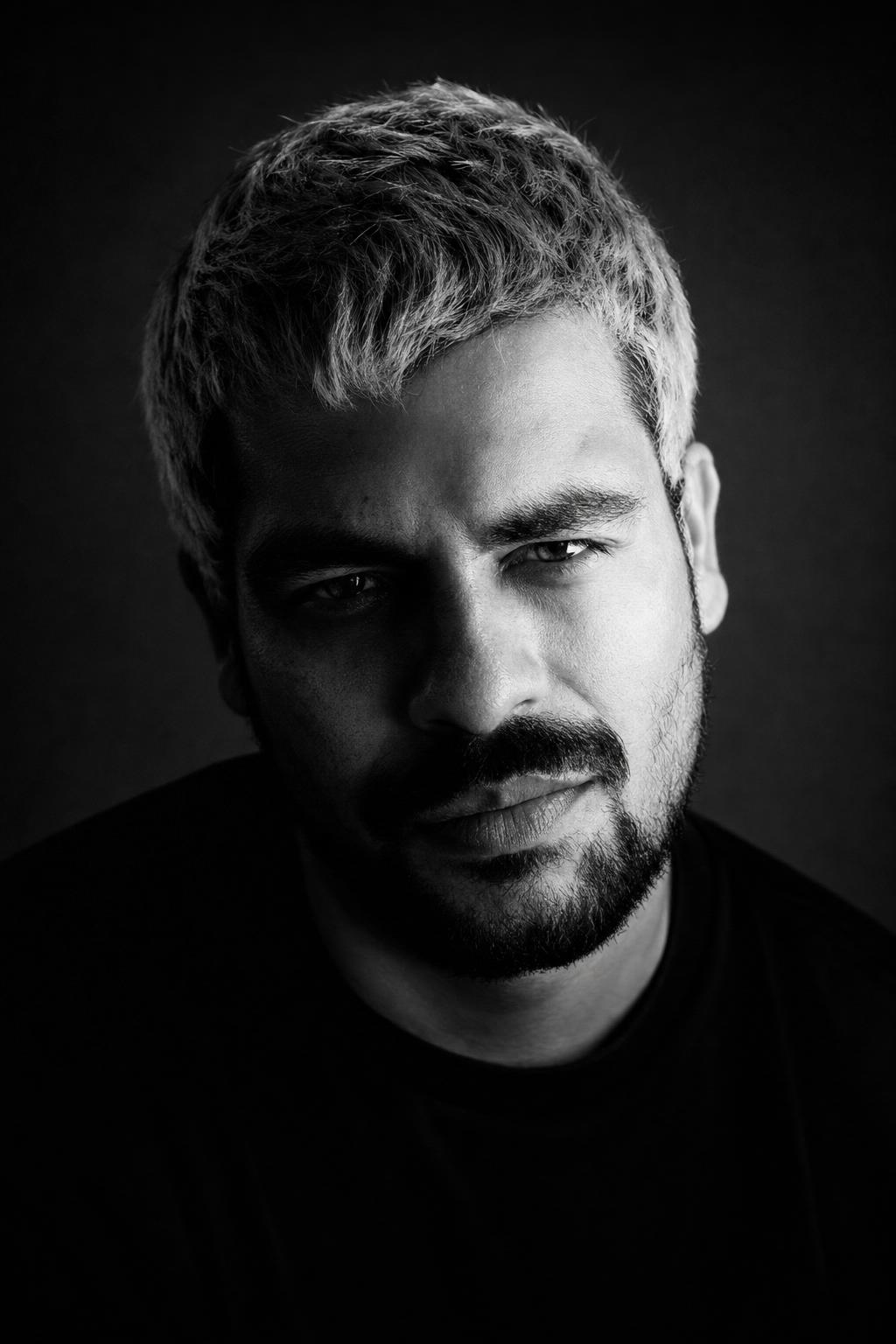
Copy this prompt
Use the tested version as-is, then customize the subject, style, lighting and mood in your image tool.
Best for
ChatGPTPortraitReference photoNegative prompt
Improved prompt
Create a realistic high-resolution black-and-white studio portrait of an adult man. If a reference photo is provided, preserve the subject’s natural identity, facial structure, age, and realistic proportions while transforming the image into a polished monochrome editorial portrait. Frame the subject as a close-up or upper-body portrait, turned slightly away from the camera with calm, thoughtful eye contact. Use a simple dark seamless studio background, understated modest wardrobe such as a plain dark crewneck or simple tailored jacket with no logos, and dramatic sculptural side lighting that creates deep but controlled shadows across the face. Keep the eyes sharp, the facial features natural, the skin texture realistic, and the expression mature and emotionally restrained. Add refined grayscale contrast, soft falloff, subtle film grain, clean negative space, and a cinematic art-magazine atmosphere. The final image should feel like a professional black-and-white portrait or elevated AI selfie concept, not a casual snapshot.
Negative prompt
nudity, shirtless pose, lingerie, sexualized styling, celebrity likeness, famous person, copyrighted character, brand logos, readable text, watermark, signature, distorted face, asymmetrical eyes, crossed eyes, blurry eyes, deformed hands, extra fingers, missing fingers, extra limbs, warped anatomy, plastic skin, waxy skin, heavy beauty filter, over-smoothed texture, harsh HDR, overprocessed AI look, oversaturated color, messy background, low resolution, compression artifacts, amateur snapshot
Advertisement
Bad prompt vs improved prompt
Bad prompt
Make a cool black-and-white picture of a man with dramatic lighting.
Improved prompt
Create a realistic high-resolution black-and-white studio portrait of an adult man. If a reference photo is provided, preserve the subject’s natural identity, facial structure, age, and realistic proportions while transforming the image into a polished monochrome editorial portrait. Frame the subject as a close-up or upper-body portrait, turned slightly away from the camera with calm, thoughtful eye contact. Use a simple dark seamless studio background, understated modest wardrobe such as a plain dark crewneck or simple tailored jacket with no logos, and dramatic sculptural side lighting that creates deep but controlled shadows across the face. Keep the eyes sharp, the facial features natural, the skin texture realistic, and the expression mature and emotionally restrained. Add refined grayscale contrast, soft falloff, subtle film grain, clean negative space, and a cinematic art-magazine atmosphere. The final image should feel like a professional black-and-white portrait or elevated AI selfie concept, not a casual snapshot.
Why this prompt works
This prompt works because it gives the image model a complete portrait brief: adult subject, framing, expression, lighting, wardrobe, background, texture, and final mood. The black-and-white direction removes color distractions and pushes the model toward shape, contrast, and emotion. Details such as sculptural side lighting, realistic skin texture, crisp eye focus, and clean negative space help produce a more professional result in ChatGPT image workflows and other AI portrait tools.
Prompt structure
The prompt starts with the subject and medium, then defines reference-photo preservation, framing, pose, expression, background, wardrobe, lighting, facial realism, monochrome finish, and overall editorial mood. This structure gives the model both technical direction and aesthetic intent.
Copy-paste prompt
Create a realistic high-resolution black-and-white studio portrait of an adult man. If a reference photo is provided, preserve the subject’s natural identity, facial structure, age, and realistic proportions while transforming the image into a polished monochrome editorial portrait. Frame the subject as a close-up or upper-body portrait, turned slightly away from the camera with calm, thoughtful eye contact. Use a simple dark seamless studio background, understated modest wardrobe such as a plain dark crewneck or simple tailored jacket with no logos, and dramatic sculptural side lighting that creates deep but controlled shadows across the face. Keep the eyes sharp, the facial features natural, the skin texture realistic, and the expression mature and emotionally restrained. Add refined grayscale contrast, soft falloff, subtle film grain, clean negative space, and a cinematic art-magazine atmosphere. The final image should feel like a professional black-and-white portrait or elevated AI selfie concept, not a casual snapshot.Negative prompt
nudity, shirtless pose, lingerie, sexualized styling, celebrity likeness, famous person, copyrighted character, brand logos, readable text, watermark, signature, distorted face, asymmetrical eyes, crossed eyes, blurry eyes, deformed hands, extra fingers, missing fingers, extra limbs, warped anatomy, plastic skin, waxy skin, heavy beauty filter, over-smoothed texture, harsh HDR, overprocessed AI look, oversaturated color, messy background, low resolution, compression artifacts, amateur snapshotBest use cases
- Realistic AI selfie edits
- Black-and-white adult portrait prompts
- Editorial male portrait concepts
- Creative campaign mockups
- Portfolio hero images
- Cinematic portrait moodboards
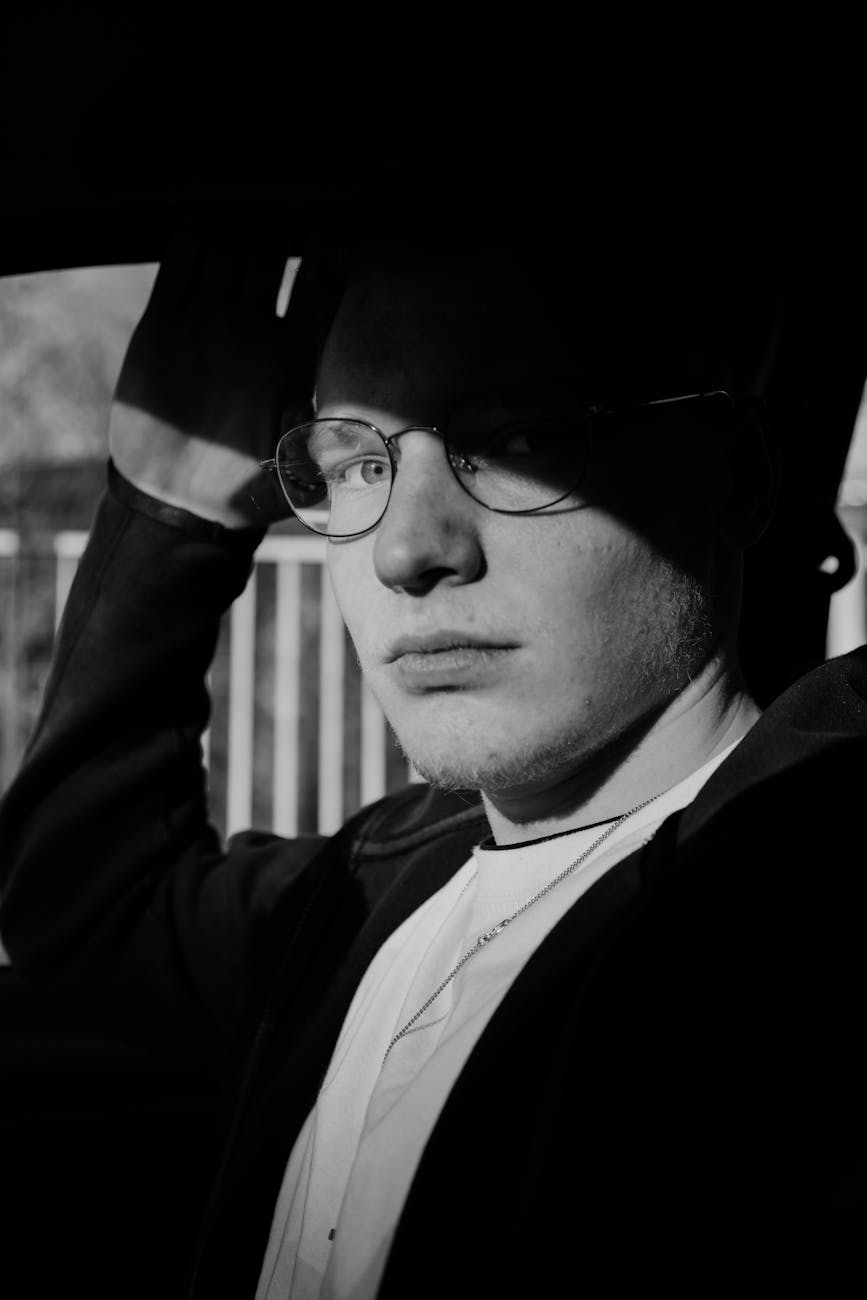
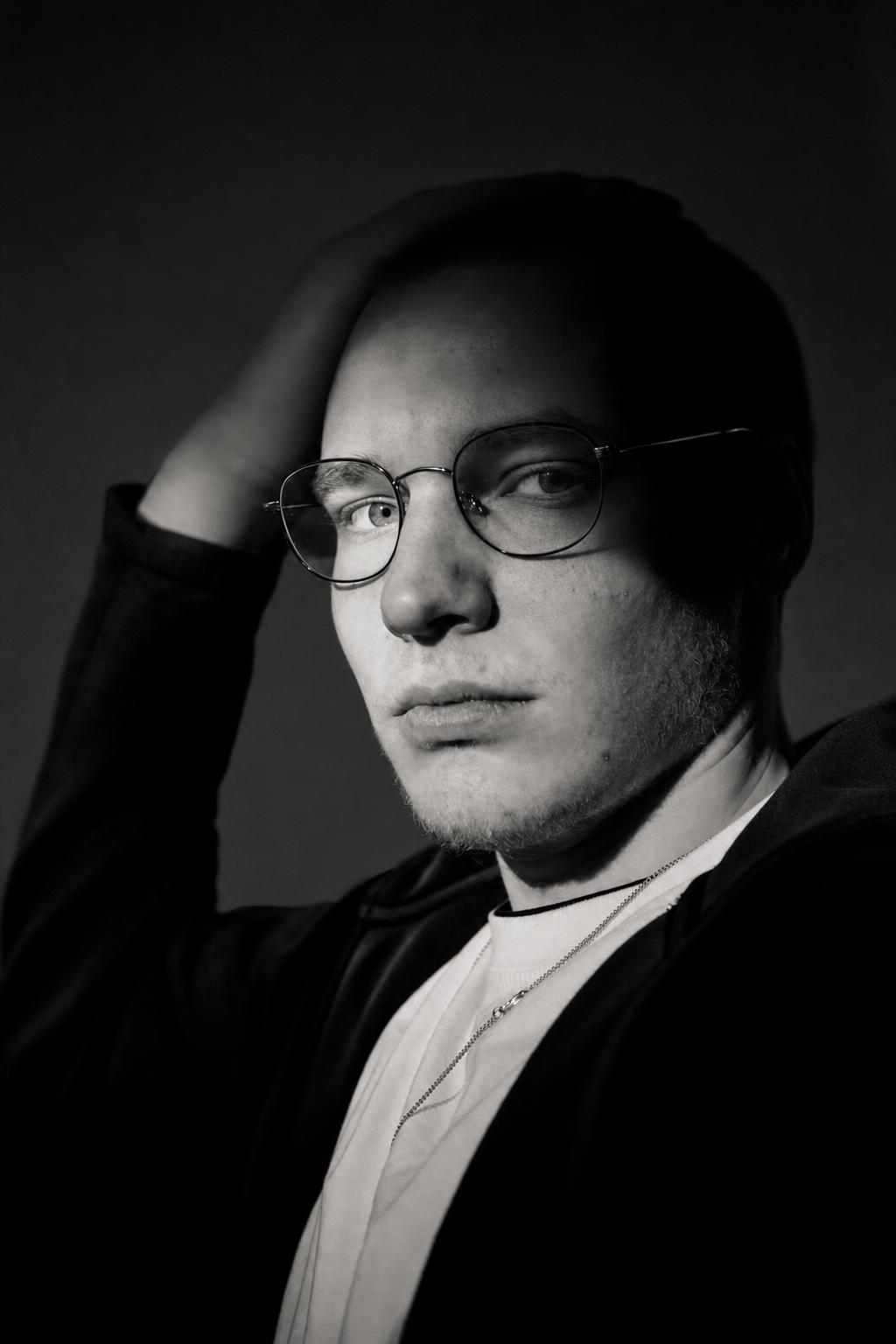
Real source and result examples
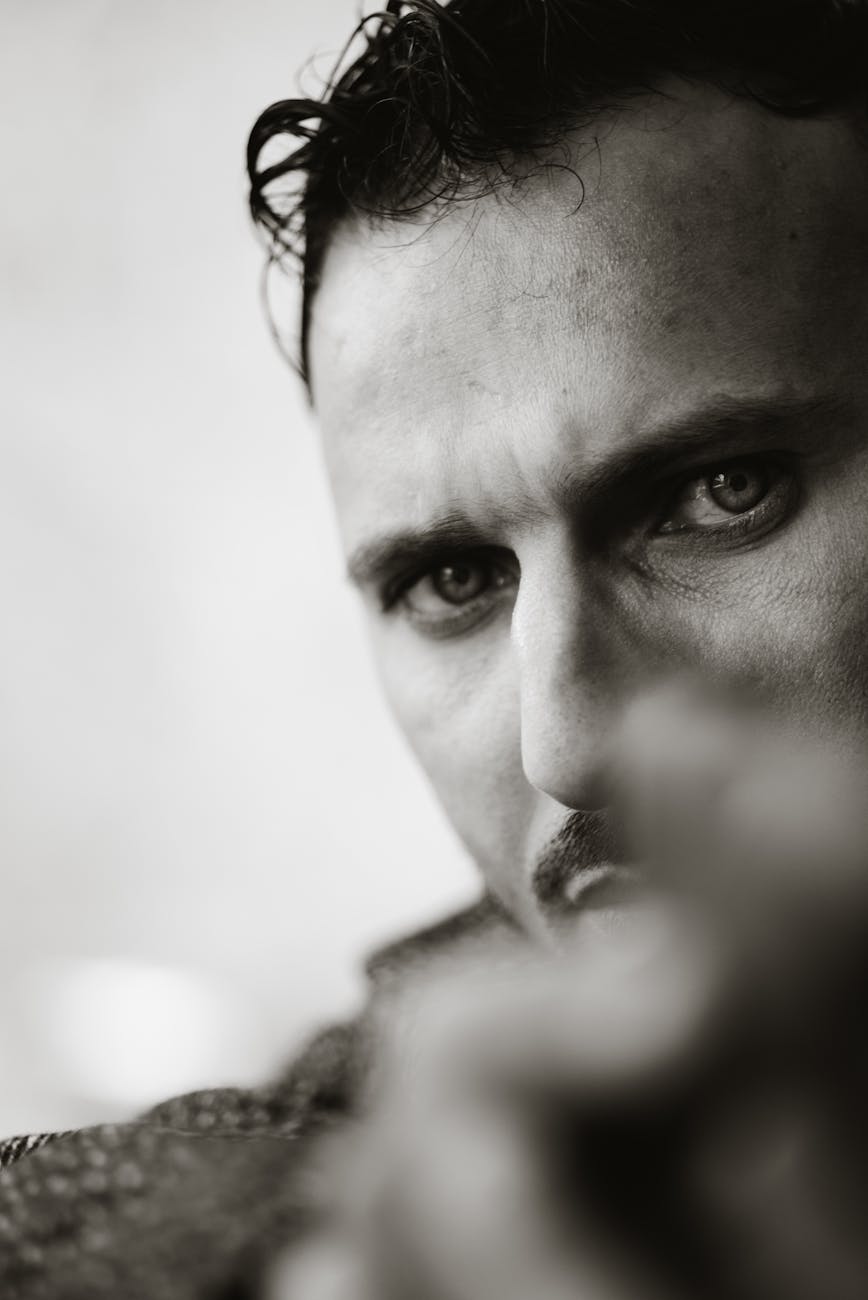
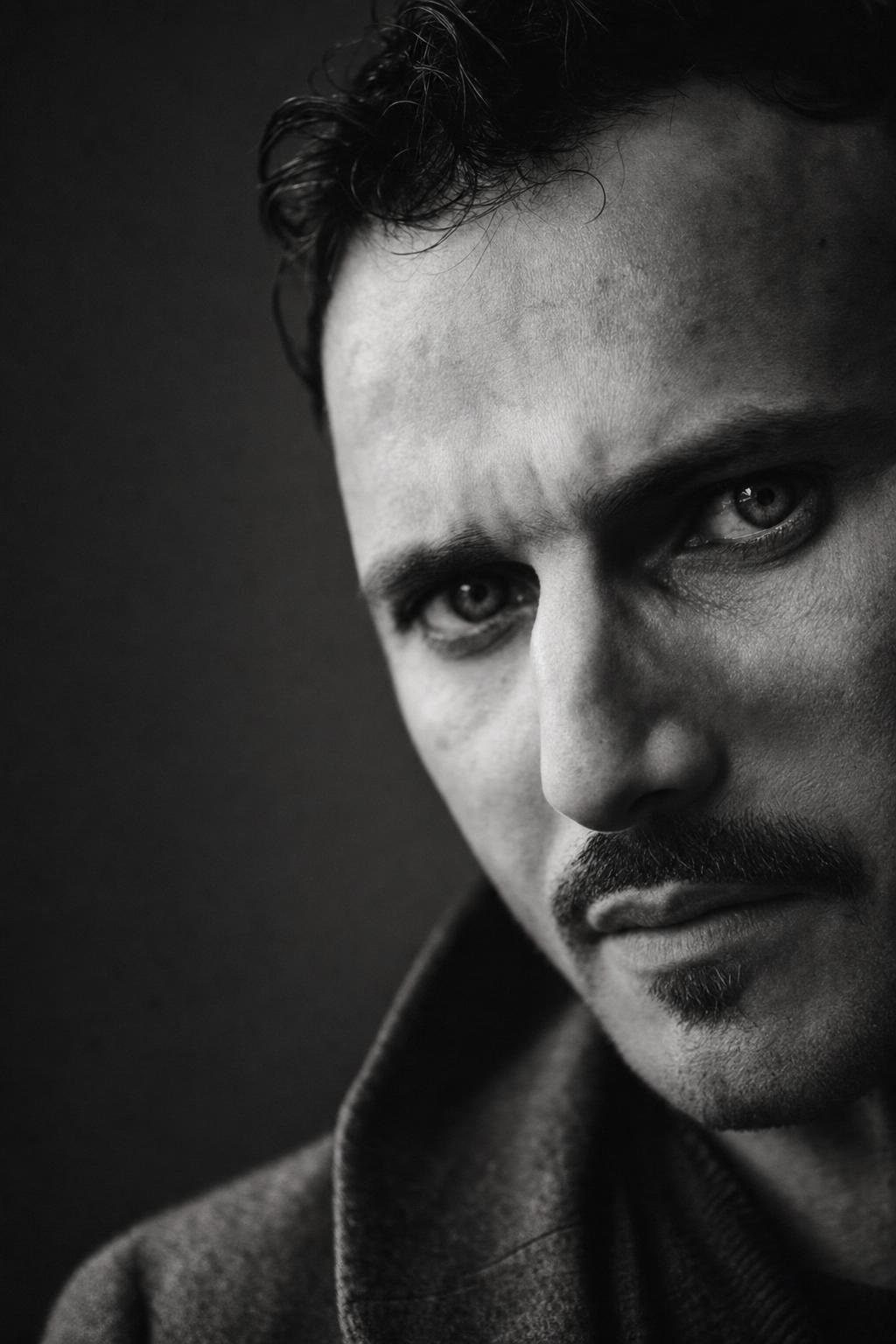
These examples use modern source photos and show how the same prompt direction changes different adult selfie references while keeping the comparison readable.
How to adjust this prompt
- For a softer result, replace deep controlled shadows with gentle low-key side lighting.
- For a more intense portrait, ask for stronger contrast, a tighter crop, and more pronounced shadow across one side of the face.
- To keep the image realistic, prioritize natural skin texture, sharp eyes, and realistic facial proportions over beauty filters.
- If the background becomes distracting, repeat simple dark seamless studio backdrop and clean negative space.
- If hands appear in the frame, add hands mostly out of frame or relaxed and naturally posed to reduce anatomy errors.
FAQ
Can I use this as a ChatGPT image prompt with a selfie?
Yes. Upload a clear adult selfie or portrait reference, then use the rewritten prompt to preserve the person’s identity while changing the lighting, background, and monochrome editorial style.
What type of photo works best as a reference?
Use a sharp, well-lit adult portrait where the face is visible and not heavily filtered. A simple headshot or upper-body selfie usually gives the most reliable result.
Can I adapt this prompt for a different adult subject?
Yes. Change the subject description, hairstyle, wardrobe, or expression while keeping the core elements: black-and-white treatment, dark studio background, dramatic side light, and realistic facial texture.
How do I make the portrait look less artificial?
Keep phrases such as natural skin texture, realistic proportions, crisp eye focus, subtle film grain, and avoid over-smoothed skin. The negative prompt also helps reduce plastic-looking AI artifacts.
Is this prompt suitable for commercial-style portrait mockups?
Yes. It avoids celebrity likenesses, logos, sexualized styling, and copyrighted characters, making it useful for non-branded editorial concepts, portfolio visuals, and creative campaign studies.
Related internal links
Browse more portrait AI prompts, compare transformations in before/after examples, build a new idea with the AI image prompt generator, and clean results with negative prompts.