Portrait prompt
Hollywood Sign Sitting Photo Edit Prompt
This prompt is built for a bold travel-fantasy photo edit: placing the person from a source image on top of the Hollywood Sign while keeping the landmark recognizable. The key is asking for real-world perspective, matching daylight, believable contact shadows, and atmosphere that feels like Los Angeles instead of a cutout collage. Use it for playful profile edits, landmark transformations, travel content, and realistic compositing tests.
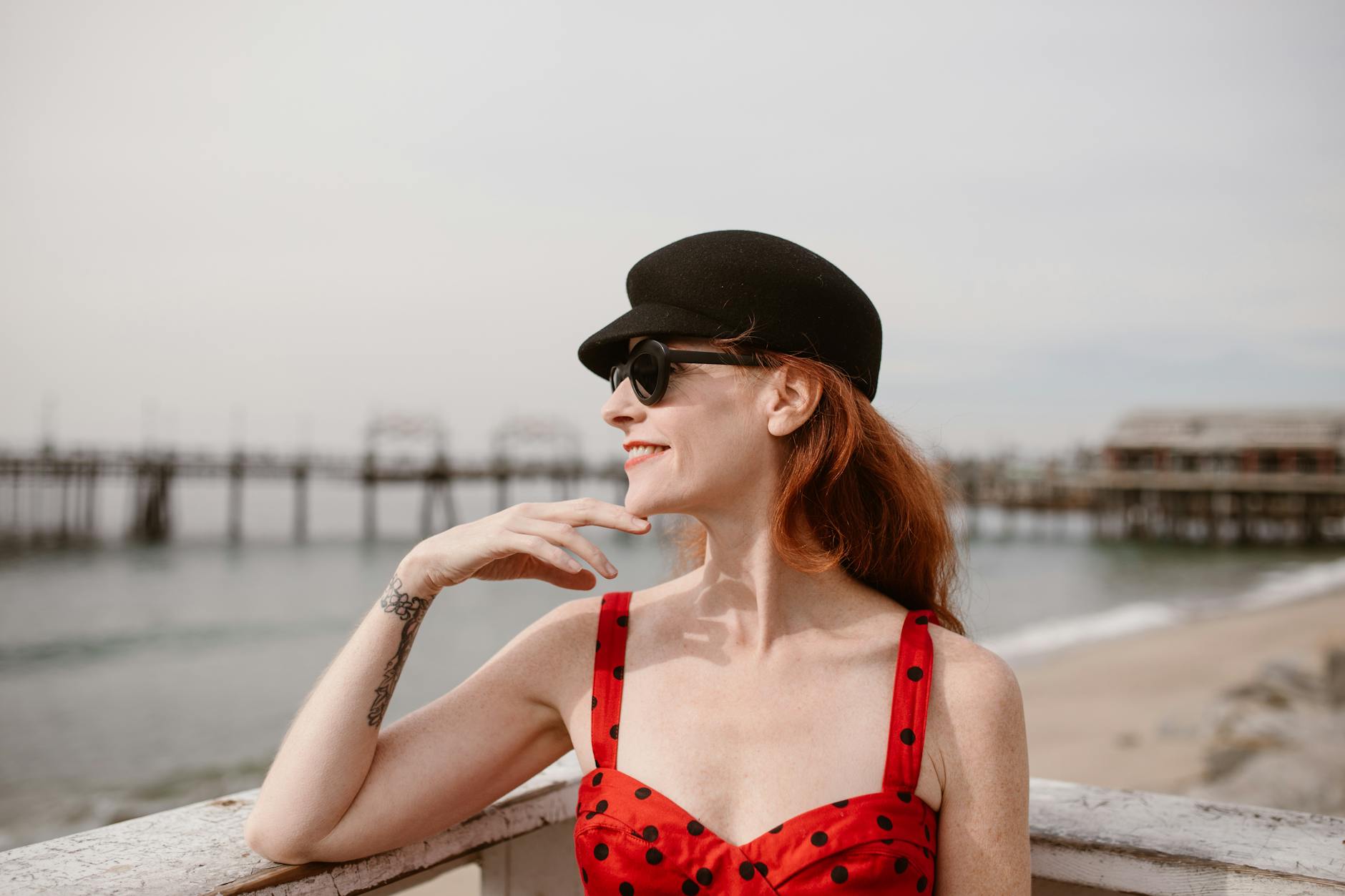
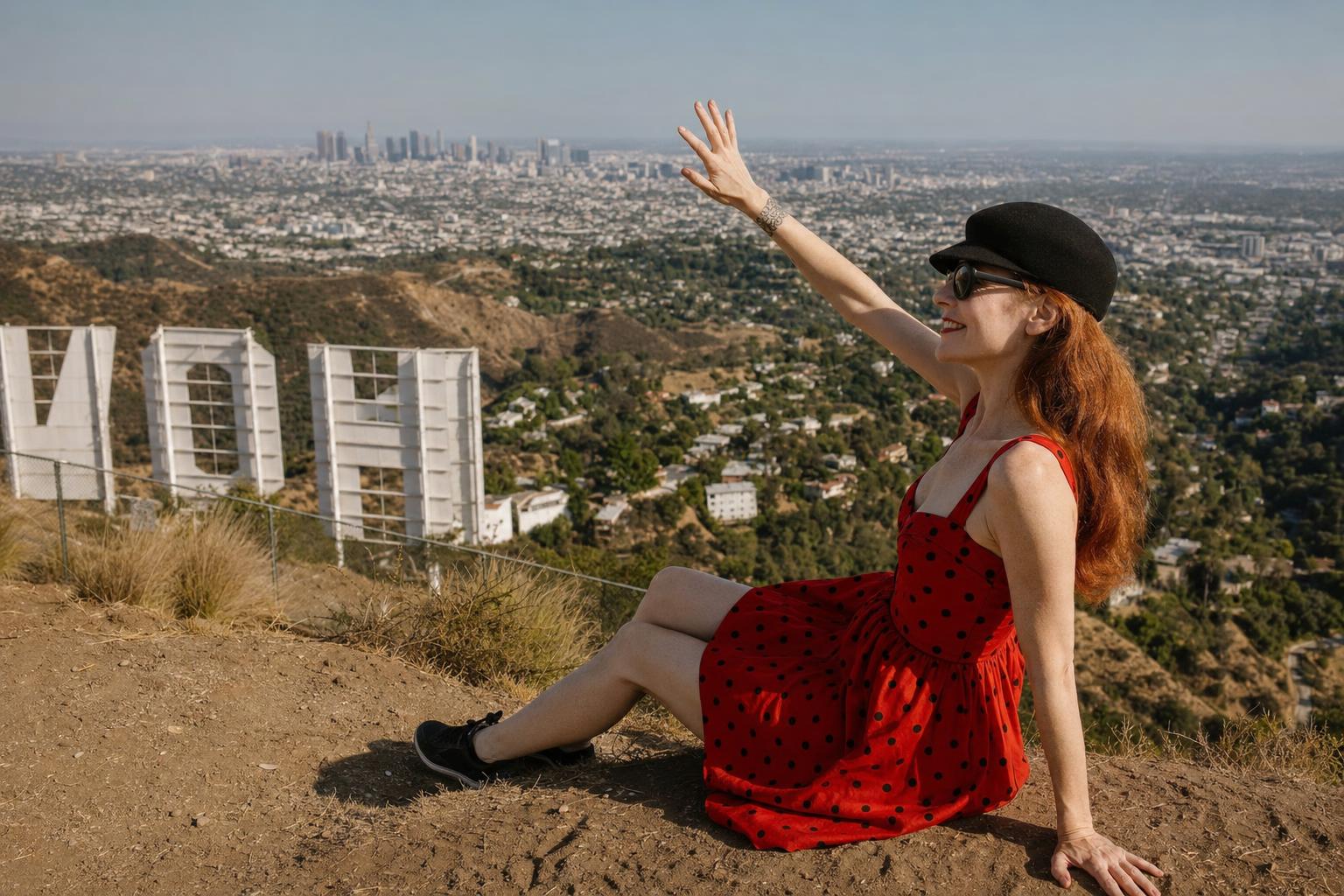
Copy this prompt
Use the tested version as-is, then customize the subject, style, lighting and mood in your image tool.
Best for
ChatGPTPortraitReference photo
Improved prompt
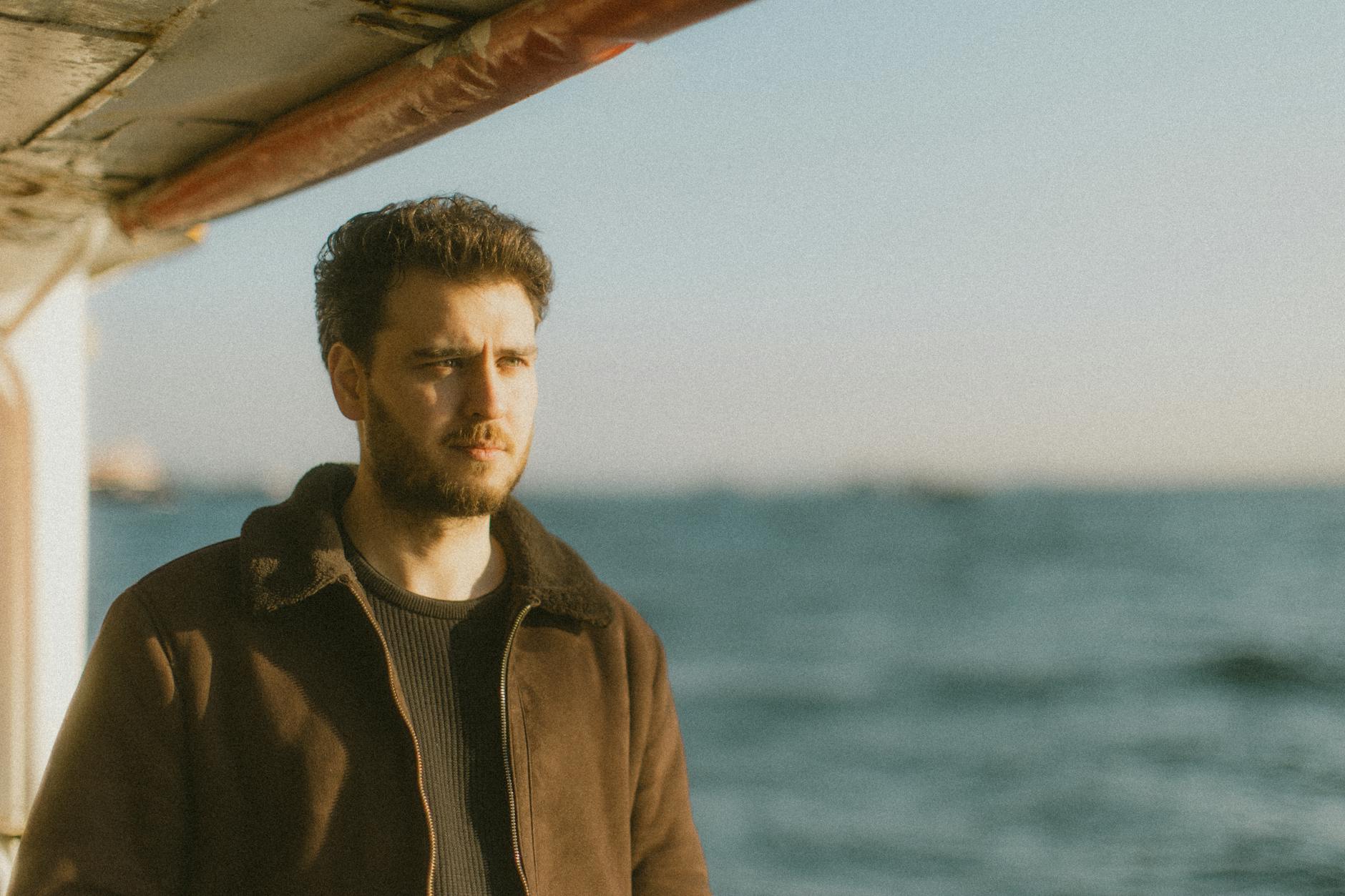
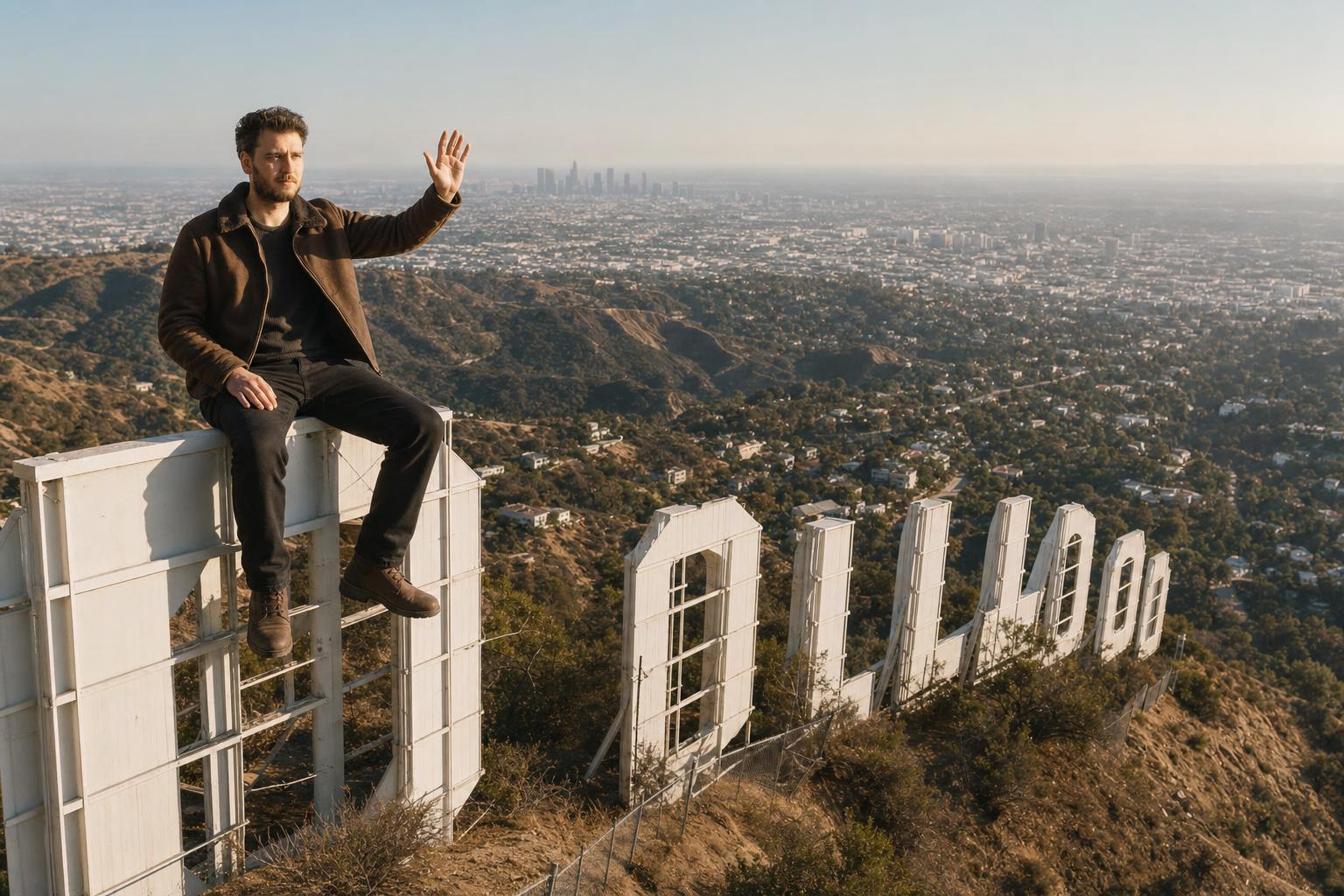
Take this photo of me and place me sitting on top of the Hollywood Sign, waving at the city below. Make it look realistic, with accurate lighting, shadows, scale, and perspective so it feels like I am actually there. Keep the landmark clear and recognizable, preserve my face and outfit naturally, and match the overall atmosphere of the location.
Negative prompt
minor, child, teenager, explicit nudity, sexualized pose, violence, weapons, drugs, political symbols, hate symbols, distorted face, extra fingers, deformed hands, plastic skin, over-smoothed skin, unrealistic eyes, bad perspective, unreadable text, brand logos, watermark, low resolution, blurry, AI artifacts, warped landmark letters, unreadable sign, unsafe falling pose, tiny pasted-on person, mismatched sunlight, impossible scale, flat cutout edges
Advertisement
Bad prompt vs improved prompt
Bad prompt
put me on Hollywood sign
Improved prompt
Take this photo of me and place me sitting on top of the Hollywood Sign, waving at the city below. Make it look realistic, with accurate lighting, shadows, scale, and perspective so it feels like I am actually there. Keep the landmark clear and recognizable, preserve my face and outfit naturally, and match the overall atmosphere of the location.
Why this prompt works
The prompt separates the fantasy idea from the realism requirements. By naming scale, contact shadows, perspective, landmark clarity, and atmosphere, it gives the model the cues needed for a convincing location composite.
Prompt structure
This prompt gives the model a source person, a famous landmark location, a specific pose, and several realism constraints: lighting, shadows, scale, perspective, and atmosphere.
Copy-paste prompt
Take this photo of me and place me sitting on top of the Hollywood Sign, waving at the city below. Make it look realistic, with accurate lighting, shadows, scale, and perspective so it feels like I am actually there. Keep the landmark clear and recognizable, preserve my face and outfit naturally, and match the overall atmosphere of the location.Negative prompt
minor, child, teenager, explicit nudity, sexualized pose, violence, weapons, drugs, political symbols, hate symbols, distorted face, extra fingers, deformed hands, plastic skin, over-smoothed skin, unrealistic eyes, bad perspective, unreadable text, brand logos, watermark, low resolution, blurry, AI artifacts, warped landmark letters, unreadable sign, unsafe falling pose, tiny pasted-on person, mismatched sunlight, impossible scale, flat cutout edgesBest use cases
- landmark photo edits
- travel fantasy portraits
- realistic AI composites
- social media profile edits
- Los Angeles themed visuals
- before and after image tests
Real source and result examples
These examples use modern source photos and show how the same prompt direction changes different adult selfie references while keeping the comparison readable.
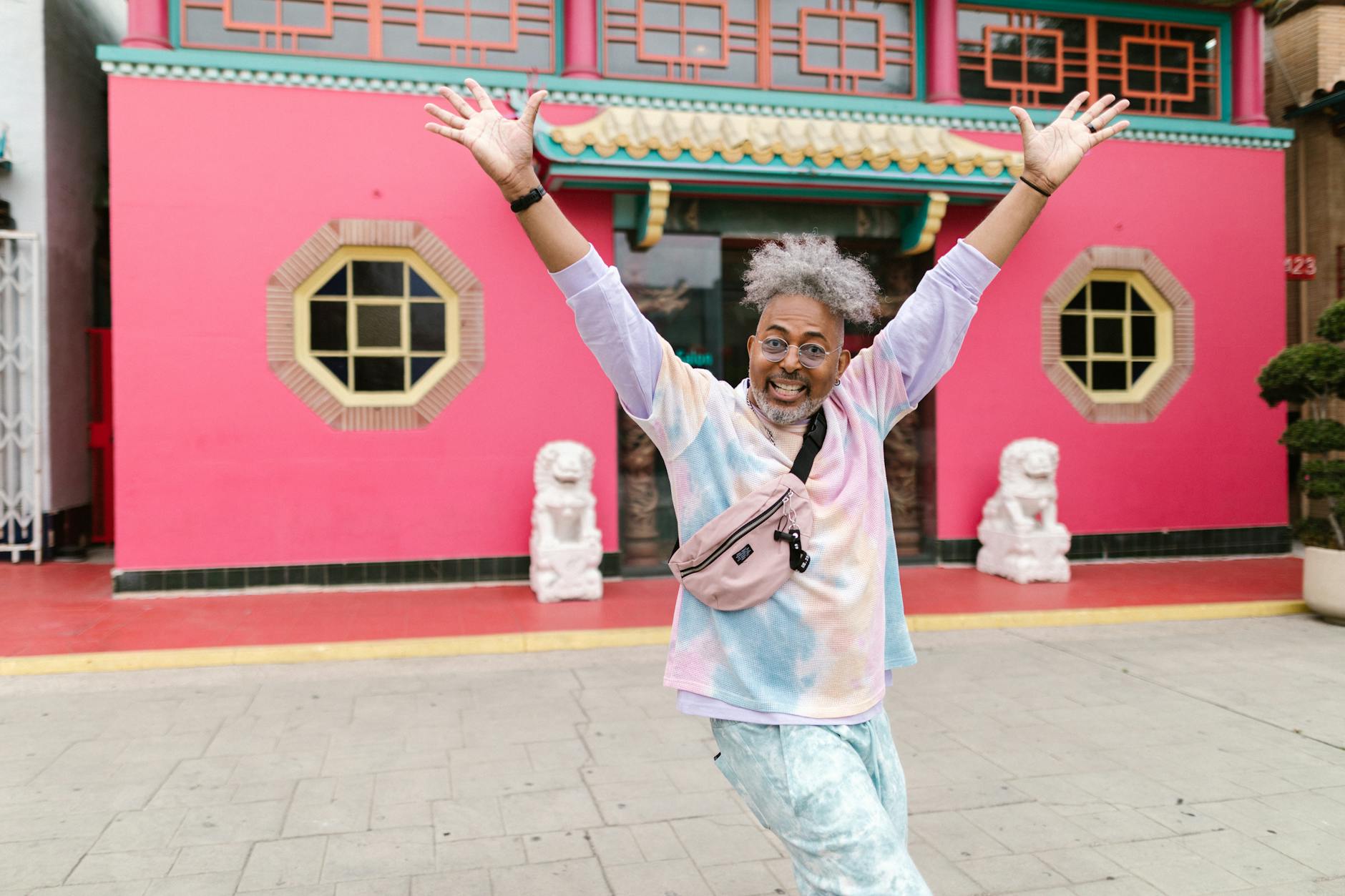
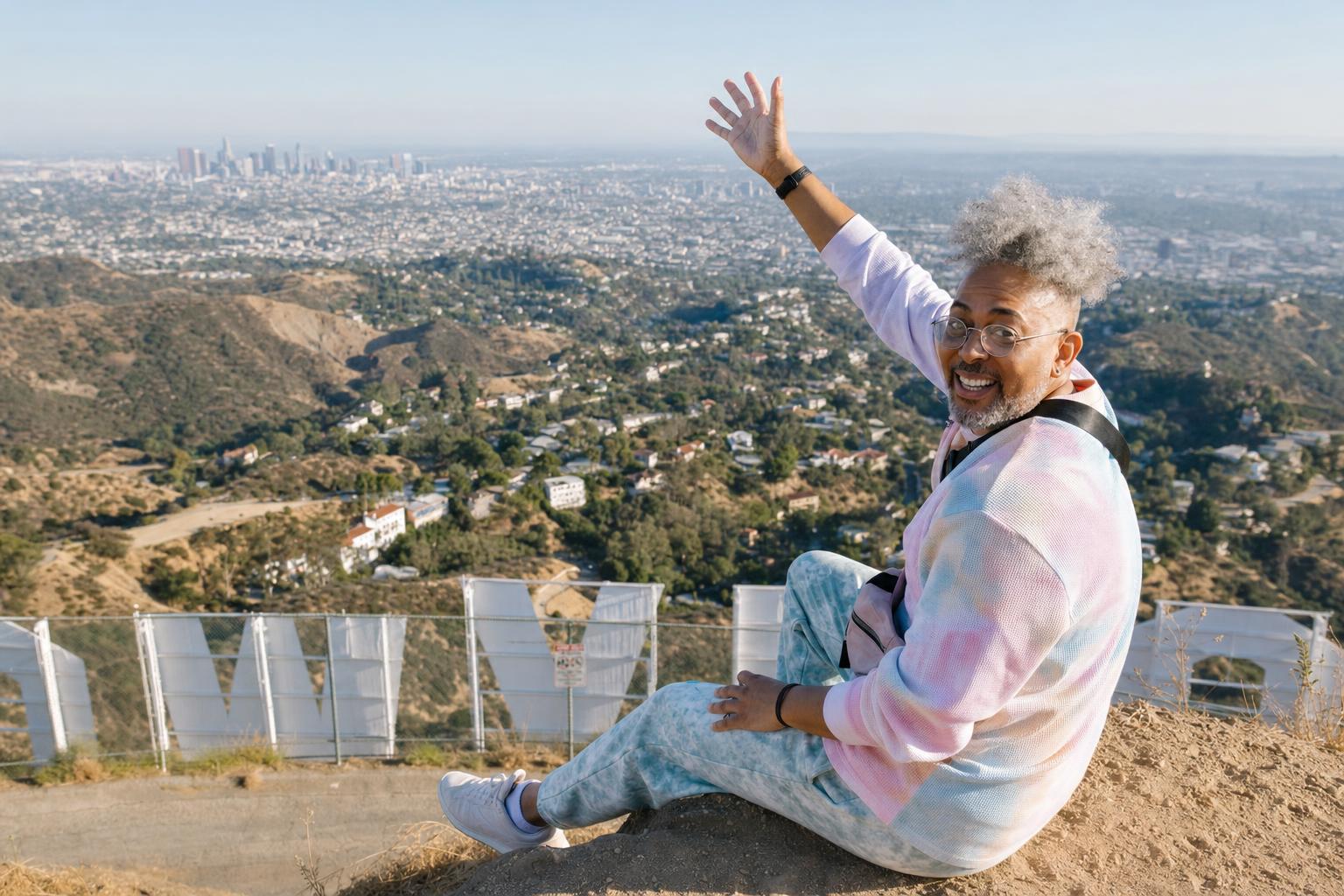
How to adjust this prompt
- Use a clear source photo with the full body visible when possible.
- Keep the landmark name exact so it stays recognizable.
- Ask for contact shadows and scale if the person looks pasted in.
- Use wide framing when the sign needs to remain readable.
FAQ
Can I use this as a photo edit prompt?
Yes. Upload a clear adult source photo and keep the prompt focused on preserving the person while changing the setting, styling, and atmosphere.
What should I change first if the result looks fake?
Add more detail about lighting, shadows, scale, camera angle, and natural skin texture. These cues usually make the edit feel more photographic.
Can I replace the location or era?
Yes. Keep the same structure and swap the location, decade, wardrobe, or background details while preserving the realism constraints.
Why include a negative prompt?
The negative prompt helps reduce distorted faces, bad hands, watermark-like text, low resolution, and overprocessed AI artifacts.
Which image size works best?
Use the listed size as a starting point, then switch to square, vertical, or wide framing depending on whether the subject or the environment is most important.
Related internal links
Browse more portrait AI prompts, compare transformations in before/after examples, build a new idea with the AI image prompt generator, and clean results with negative prompts.