Artisan Pottery Studio Portrait Prompt for ChatGPT AI Images
Copy a curated Artisan Pottery Studio Portrait Prompt for ChatGPT image generation with examples, negative prompt and practical tips.
About this prompt
Use this Artisan Pottery Studio Portrait Prompt to create a polished AI image from a clear uploaded portrait while keeping the person recognizable. The prompt is designed for ChatGPT image generation and can also be adapted for other AI image tools when you need stronger style direction, better composition and more consistent facial details. It helps define the face, pose, outfit, lighting, background, mood and final image quality without turning the subject into a generic character. Use it when the uploaded photo needs a stronger visual concept but the identity, hairstyle and main expression still need to stay stable. This page includes the full prompt, negative prompt, examples when available, usage tips and related prompt ideas so you can copy the prompt, adjust it quickly and get a more predictable result.
Copy this prompt
Use the curated prompt as a starting point, then customize the subject, style, lighting and mood in your image tool.
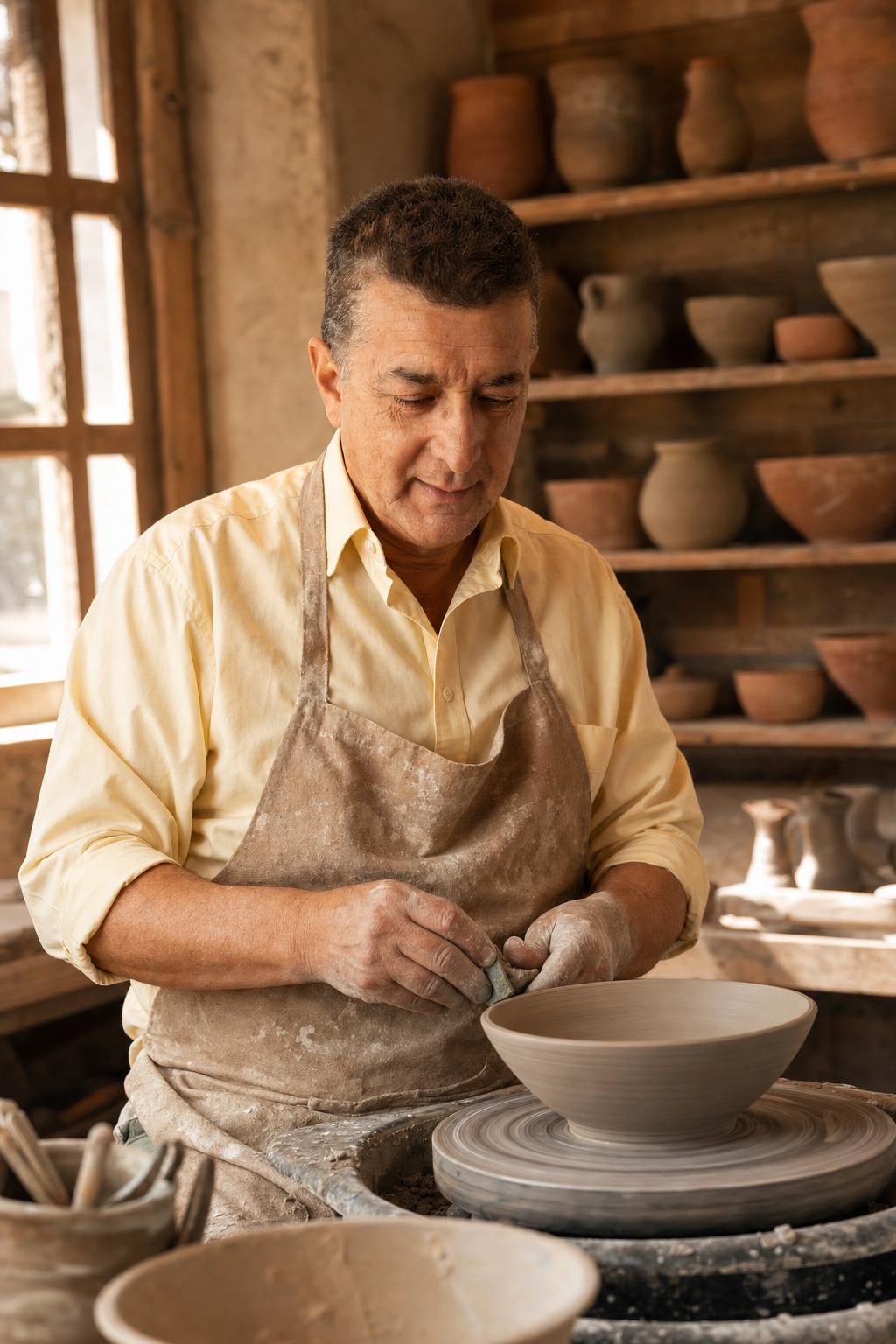
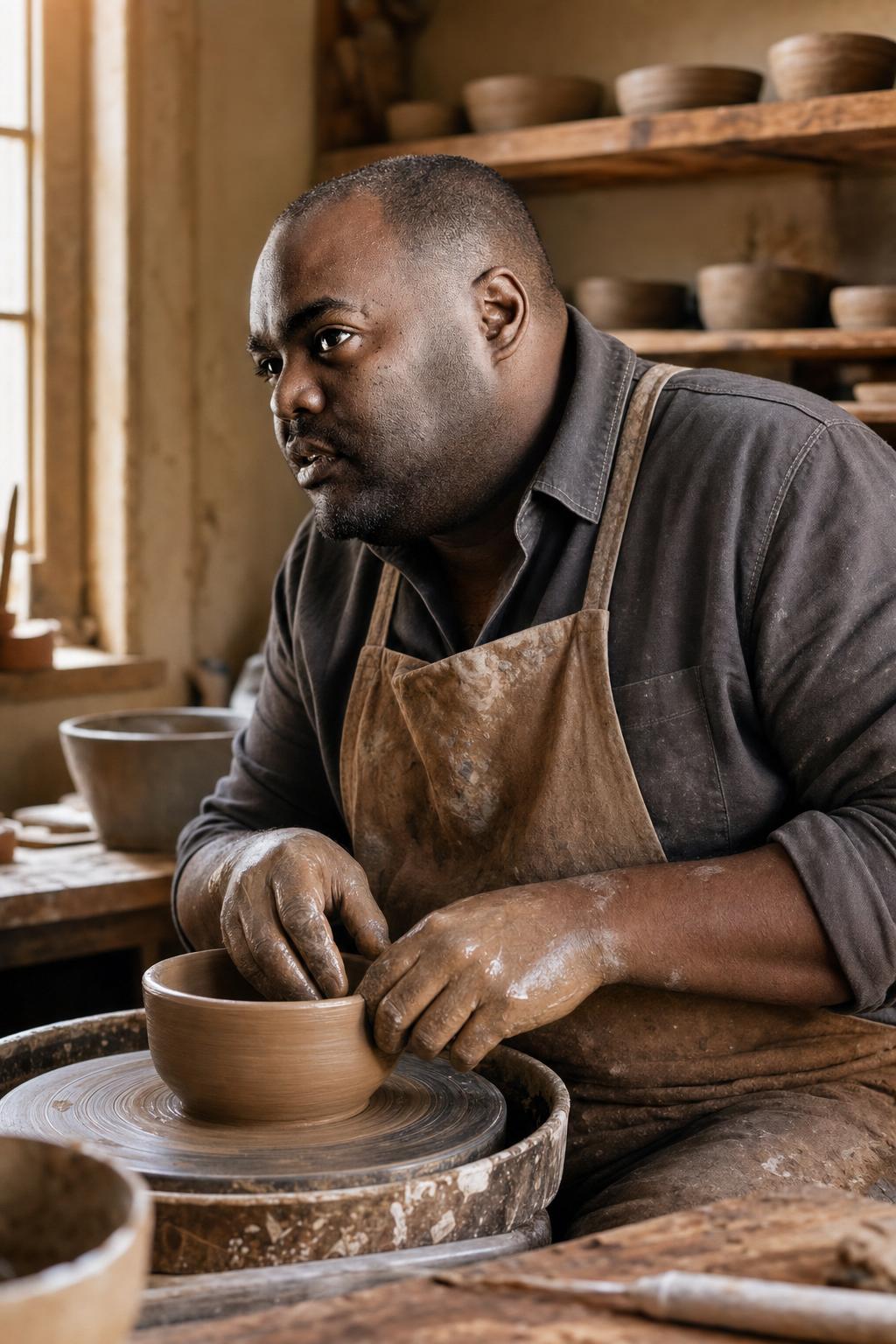
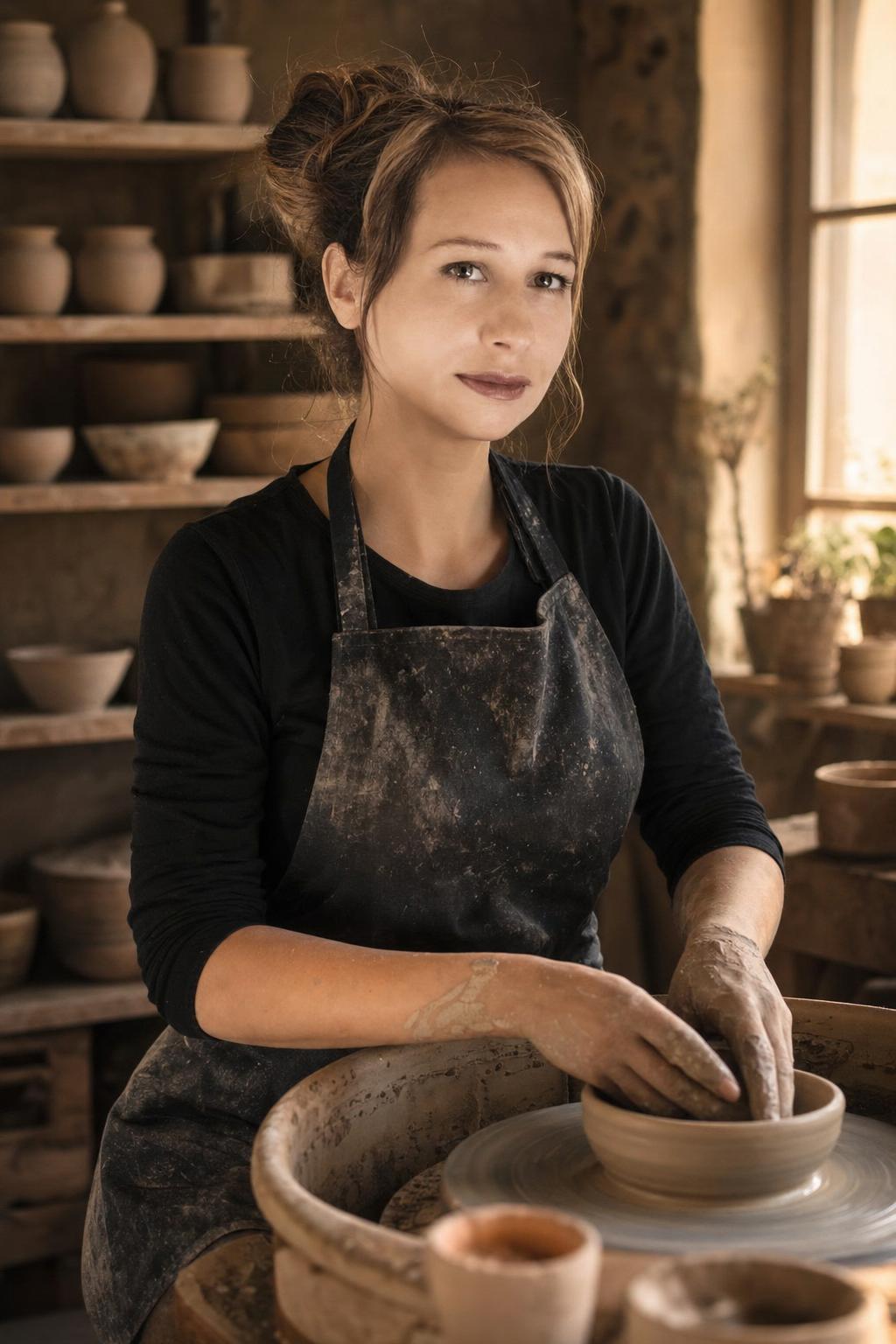
Create a photorealistic artisan pottery studio portrait from the reference image. Preserve the adult person and recognizable face, dress them in a simple clay work apron, place them beside a pottery wheel, add terracotta dust, handmade bowls on shelves, warm window light, wooden worktable texture, soft background blur, natural hands, and a calm focused craft mood.
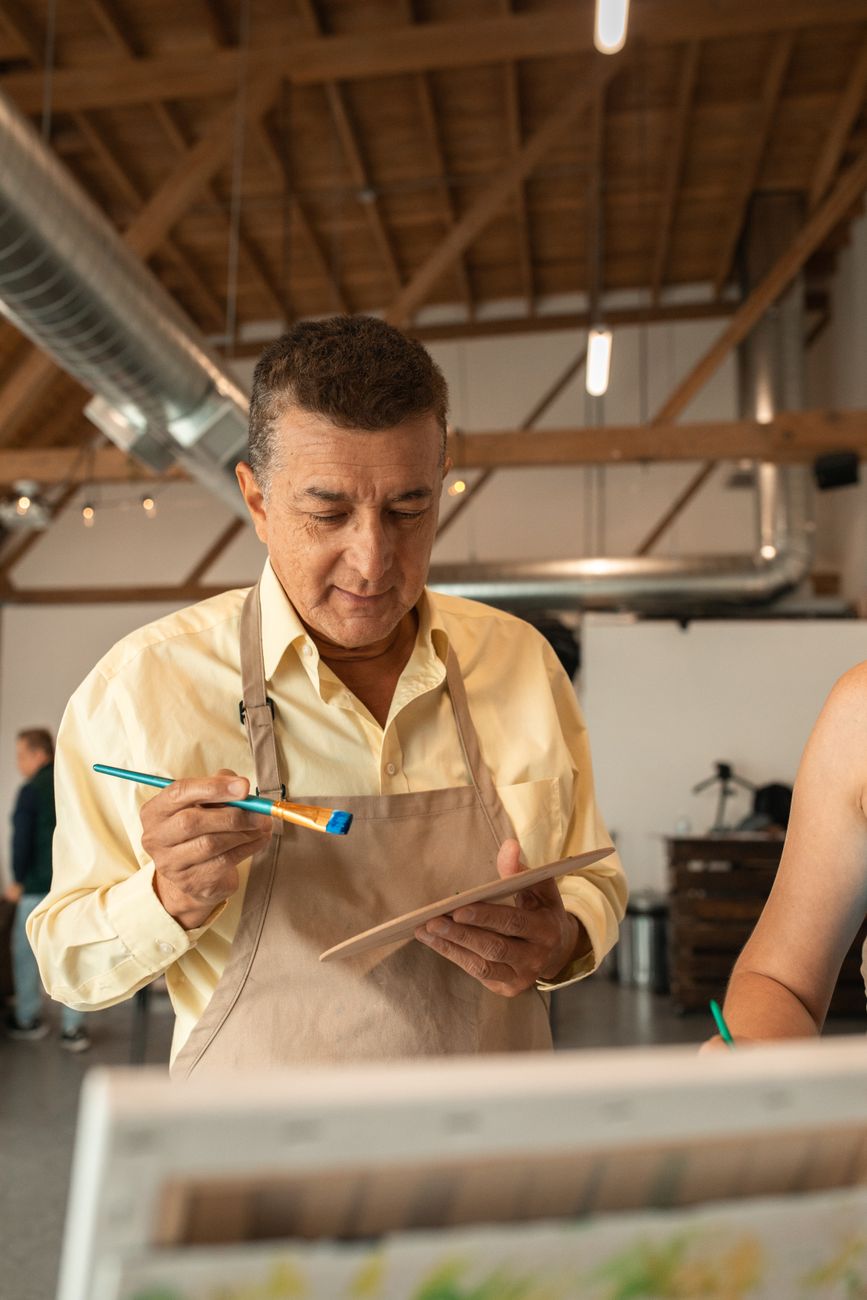
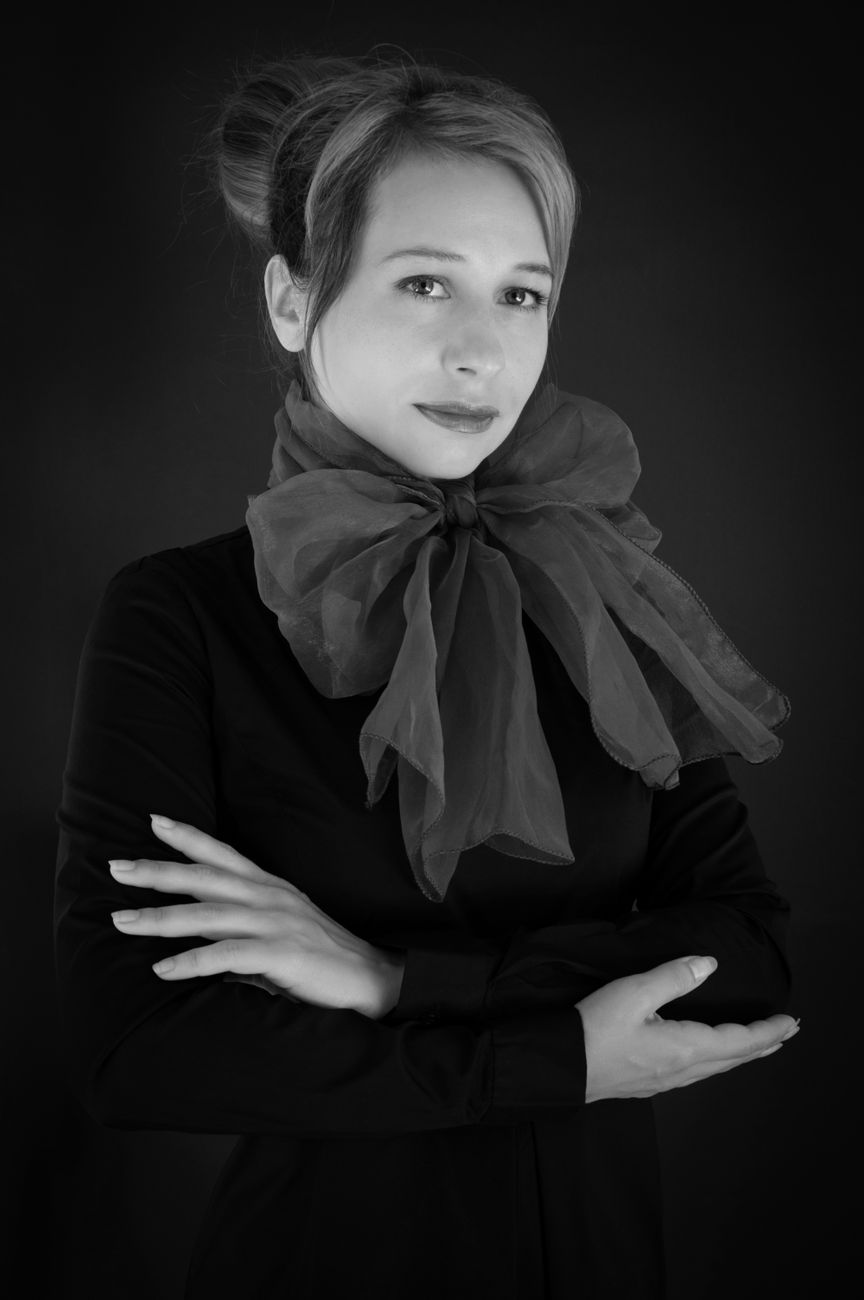
Before reference 1After result 1. This example shows how a simple portrait reference can become a polished AI image while keeping the person recognizable. The result improves the lighting, styling, background and overall composition without losing the main facial identity.
Bad prompt vs improved prompt
Bad prompt
make me a pottery artist
Improved prompt
The full improved prompt is shown once in the copy box above. Use that version as the canonical text for this page.
Why this prompt works
The prompt uses tactile material cues: clay dust, wheel, bowls, apron, wood, and warm window light. These details help the model create a believable craft studio portrait instead of a generic artist scene.
Prompt structure
This prompt defines the adult subject, clay apron, pottery wheel, terracotta dust, handmade shelves, warm window light, wood texture, natural hands, and calm craft mood.
Best use cases
maker portraits
craft studio edits
small business visuals
artist profile images
warm lifestyle portraits
handmade brand concepts
Real source and result examples
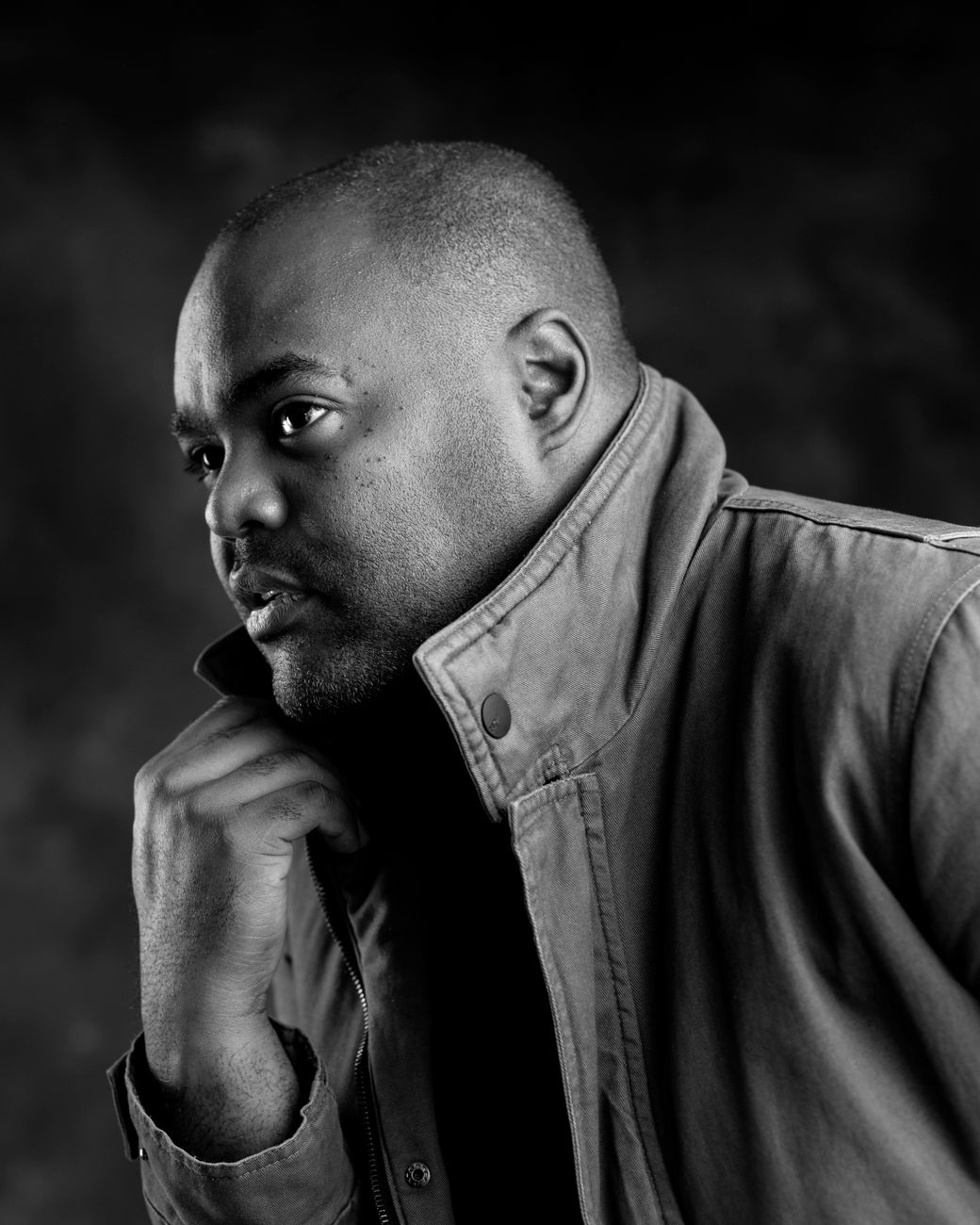
These examples use modern adult stock portraits as source references and transform them with the curated prompt direction.
Source example 1Generated result 1Source example 2Generated result 2Source example 3Generated result 3
How to adjust this prompt
Keep clay texture visible but not covering the face.
Ask for organized shelves if the studio feels cluttered.