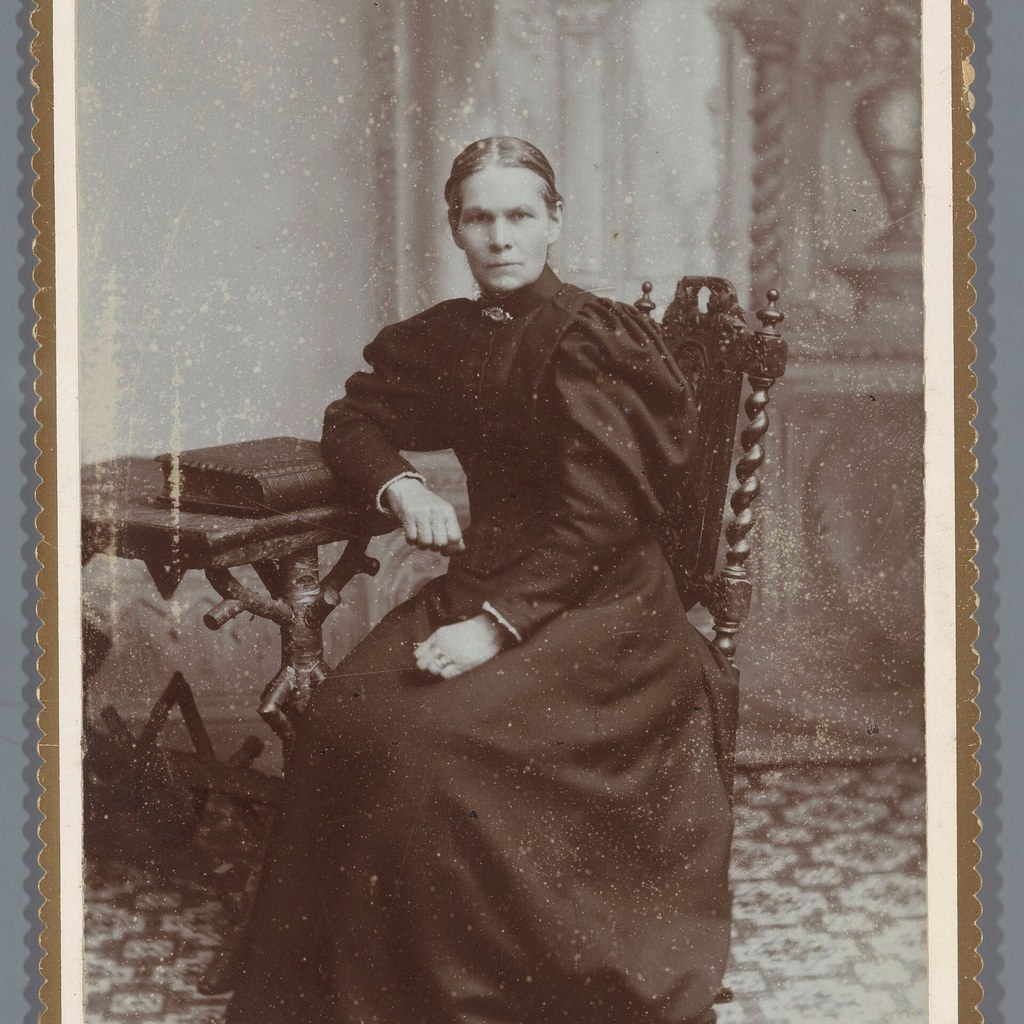
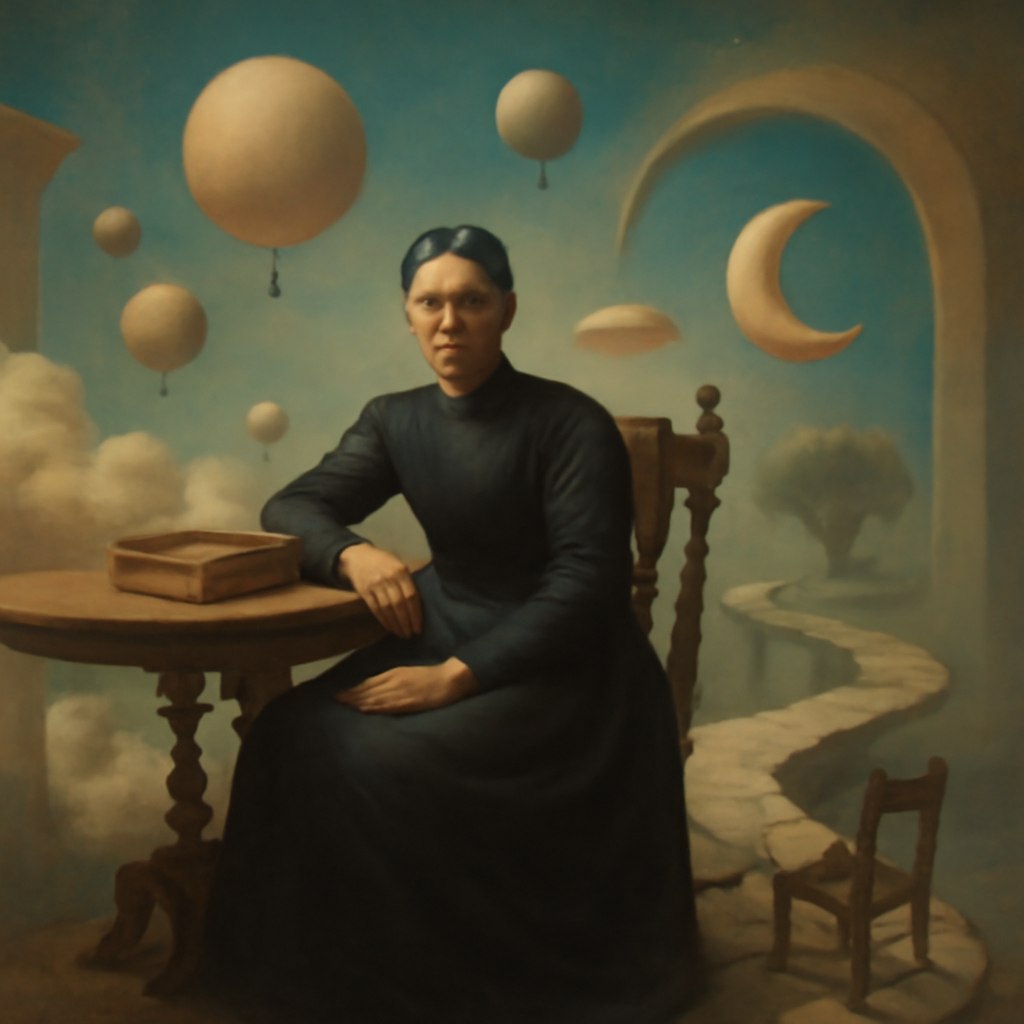
Crazy prompt
Surreal Dream Photo Artwork Prompt
Create a surreal dreamlike artwork from a photo with floating objects, impossible perspective, and symbolic mood.
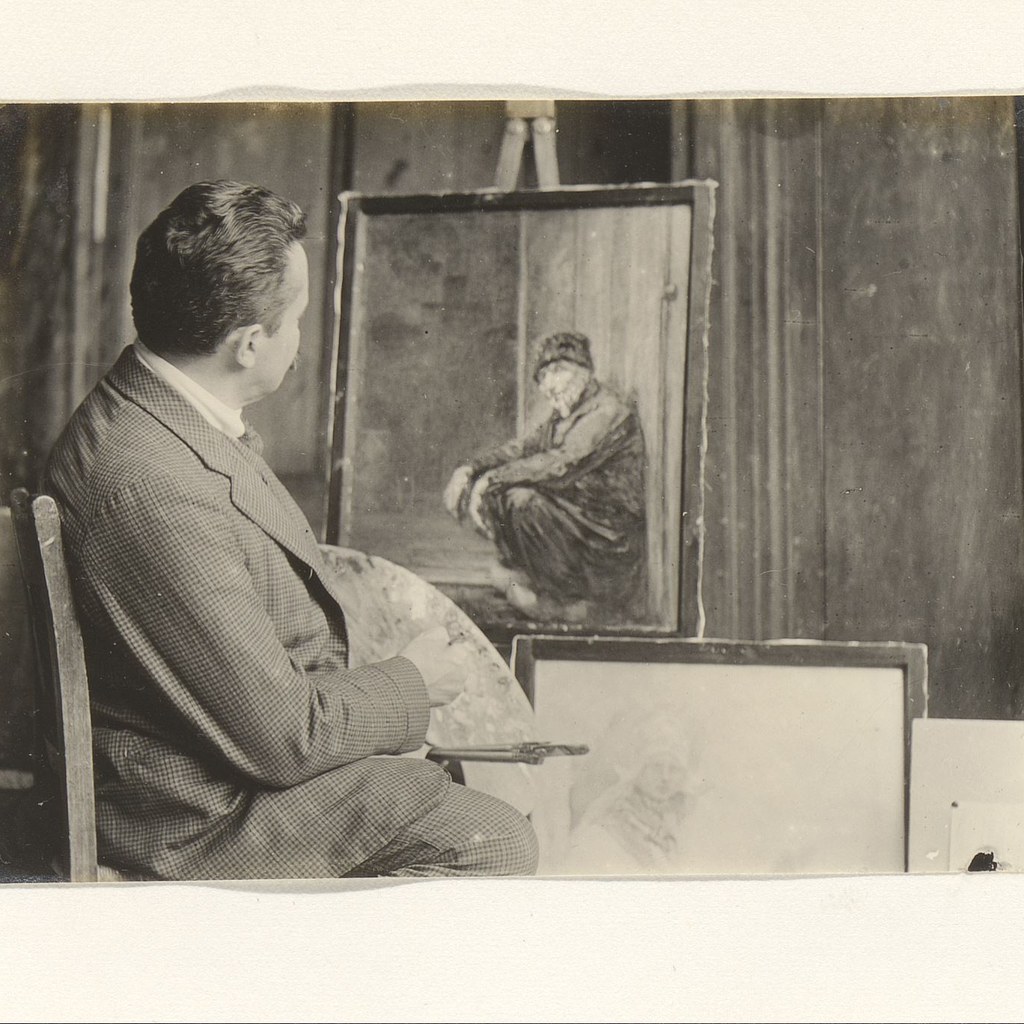
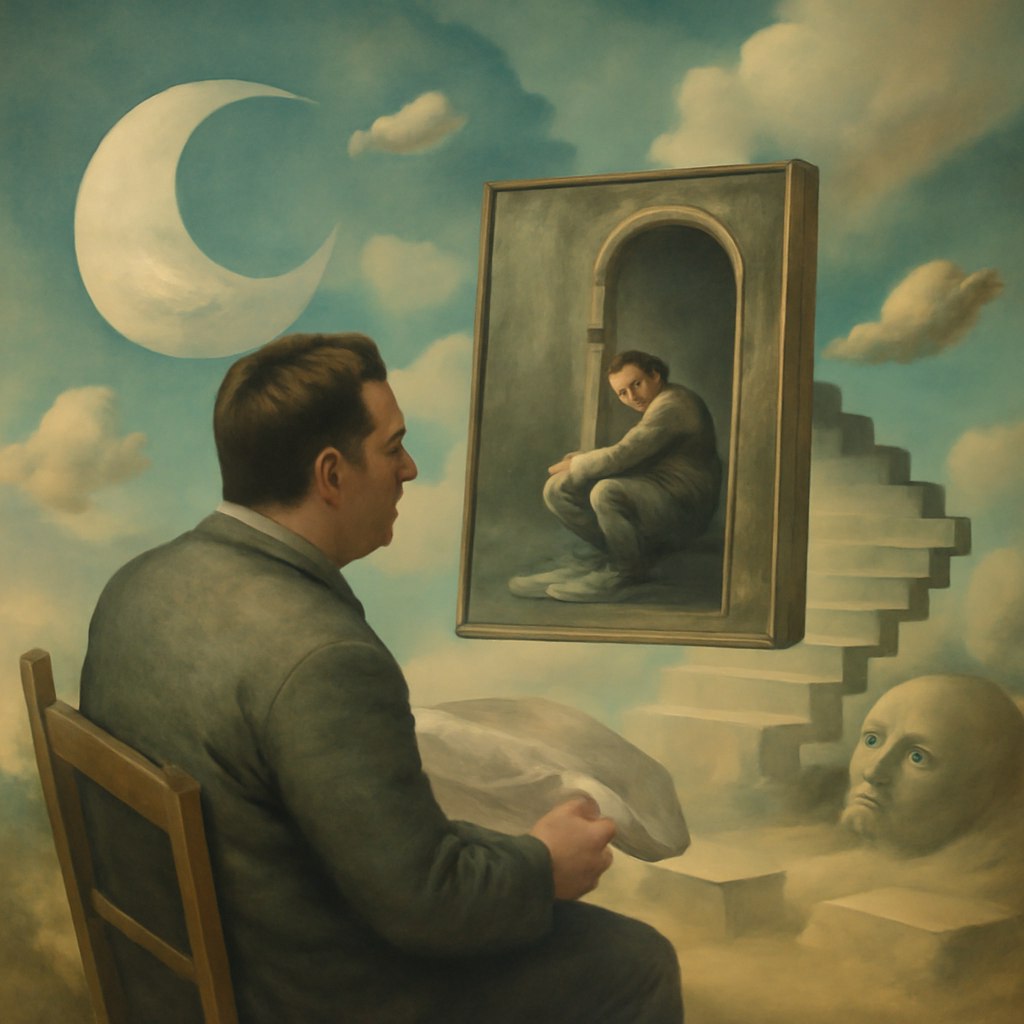
Improved prompt
Transform the uploaded photo into a surreal dreamlike artwork. Keep the main subject recognizable, then add impossible perspective, floating objects, unexpected scale changes, soft symbolic details, and a strange but coherent atmosphere. Make the scene feel dream-built and visually poetic rather than random or chaotic.
Negative prompt
random clutter, horror gore, copied artist style, realistic snapshot, muddy symbolism, unreadable subject, distorted face, broken hands, text artifacts, watermark
Advertisement
Bad prompt vs improved prompt
Bad prompt
Make this image look cool in this style.
Improved prompt
Transform the uploaded photo into a surreal dreamlike artwork. Keep the main subject recognizable, then add impossible perspective, floating objects, unexpected scale changes, soft symbolic details, and a strange but coherent atmosphere. Make the scene feel dream-built and visually poetic rather than random or chaotic.
Why this prompt works
This guide turns the Artistic Styles idea into a practical prompt you can copy, test, and refine. The wording below is rewritten for Image Prompt List, so it focuses on reusable visual instructions rather than copying the source prompt. Use it as a controlled starting point: define the subject clearly, keep the style language concrete, and adjust the negative prompt when the model drifts.
Original prompt idea summary
A photo becomes a surreal artwork with dream logic, strange scale, and impossible visual relationships.
Improved prompt
Transform the uploaded photo into a surreal dreamlike artwork. Keep the main subject recognizable, then add impossible perspective, floating objects, unexpected scale changes, soft symbolic details, and a strange but coherent atmosphere. Make the scene feel dream-built and visually poetic rather than random or chaotic.Negative prompt
random clutter, horror gore, copied artist style, realistic snapshot, muddy symbolism, unreadable subject, distorted face, broken hands, text artifacts, watermarkResult image analysis
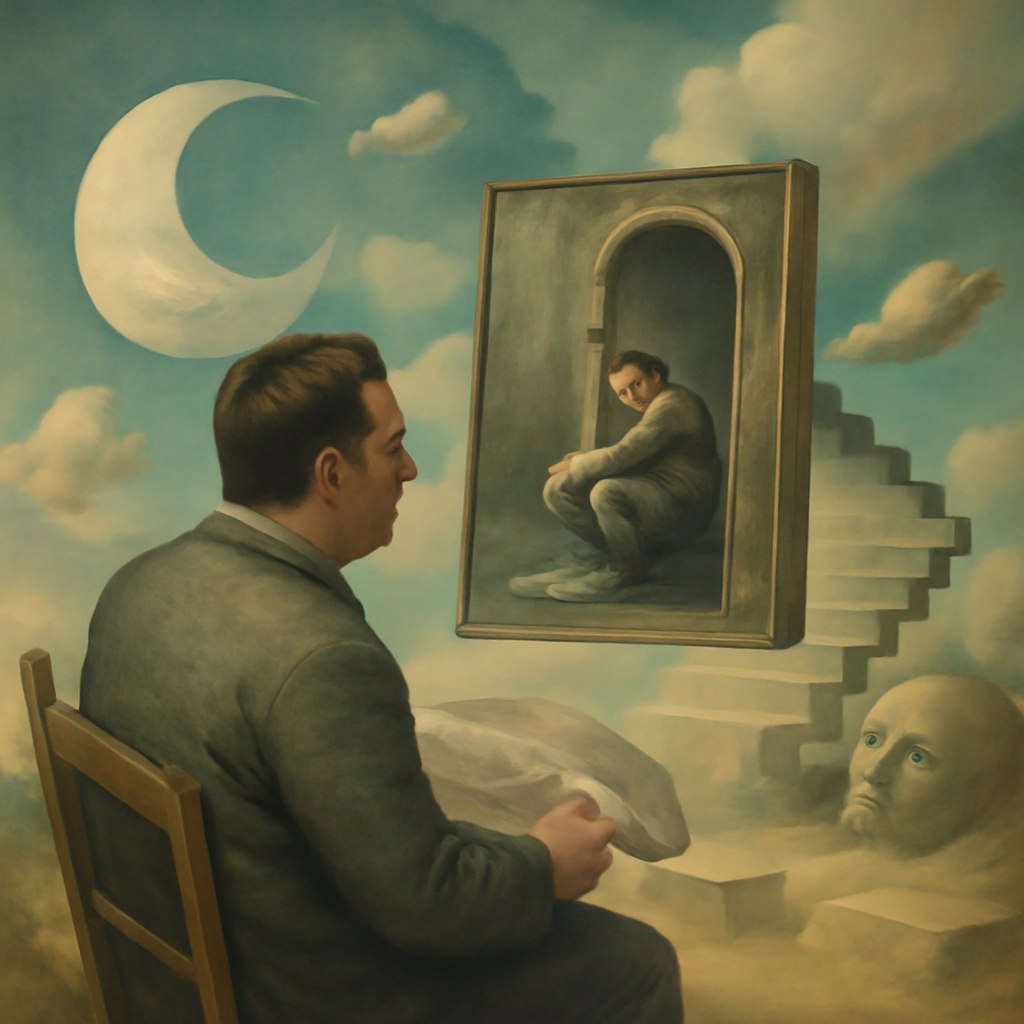
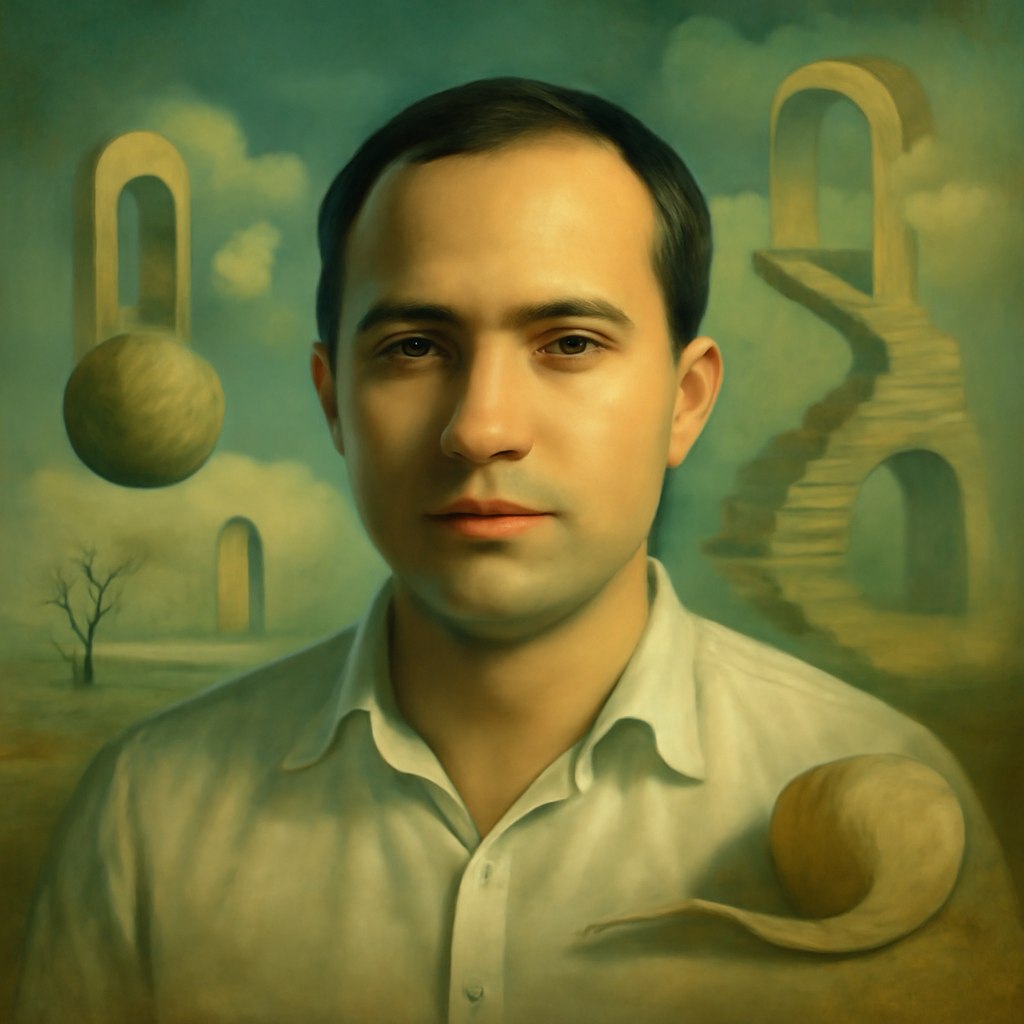
Because this page is a prompt guide, the preview is illustrative. When you test the prompt, evaluate whether the subject remains readable, whether the style is visible without overwhelming the image, and whether the composition still matches the intended use case. If the model exaggerates details, reduce the style intensity and strengthen the negative prompt.
Recommended settings
- Model: ChatGPT
- Aspect ratio: 4:5 or 16:9
- Style: Dreamlike surreal artwork
- Lighting: Soft cinematic dream light
- Camera: Wide surreal composition
Why this prompt works
The prompt separates subject preservation, style treatment, lighting, background, and quality control. That structure helps the model understand what must stay stable and what can become stylized. It also avoids relying on protected artist or studio names by describing visual traits directly.
Prompt variations
- Change the aspect ratio to match the final placement, such as 1:1 for avatars, 4:5 for social posts, or 16:9 for cinematic scenes.
- Add a stronger background direction if the output feels generic, but keep the main subject and style language consistent.
- Reduce style intensity when faces, hands, products, or text details start to deform.
- Use the negative prompt to remove unwanted artifacts, copied brand elements, and over-processed texture.
Common mistakes
- Using a vague style word without describing texture, lighting, composition, or output format.
- Asking for a copyrighted character, logo, studio look, or living-artist imitation instead of describing visual traits.
- Adding too many competing ideas in one prompt, which usually makes the composition messy.
- Forgetting the negative prompt when the model starts adding extra text, warped anatomy, or random background objects.
FAQ
Can I copy this prompt?
Yes. You can copy the improved prompt and adapt the subject, style strength, aspect ratio, and background details for your own image test.
Do I need to upload a source photo?
For the best result, upload a clear source photo and keep the prompt focused on visible composition, style, lighting, and output quality.
Which model should I use?
ChatGPT image generation is the intended starting point, but the prompt can also be adapted for other image models by simplifying the wording if needed.
Related internal links
Try the AI image prompt generator, browse more AI image prompts, improve outputs with negative prompts, compare transformations in before/after examples, and explore ChatGPT prompts or ChatGPT image prompts. Related category: /crazy/ prompts.
Source note
This guide was inspired by a CyberLink prompt idea roundup and rewritten with original wording for Image Prompt List: source article.
Real source and result examples
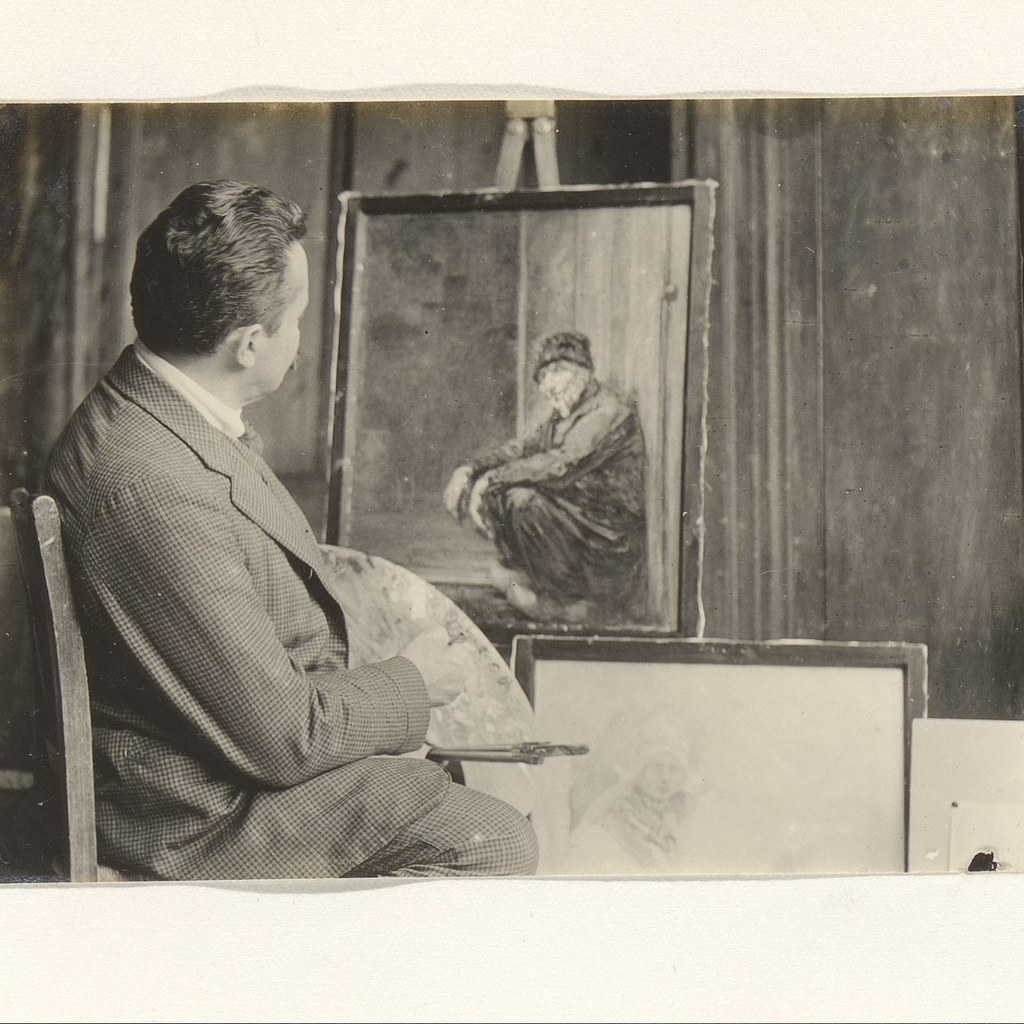
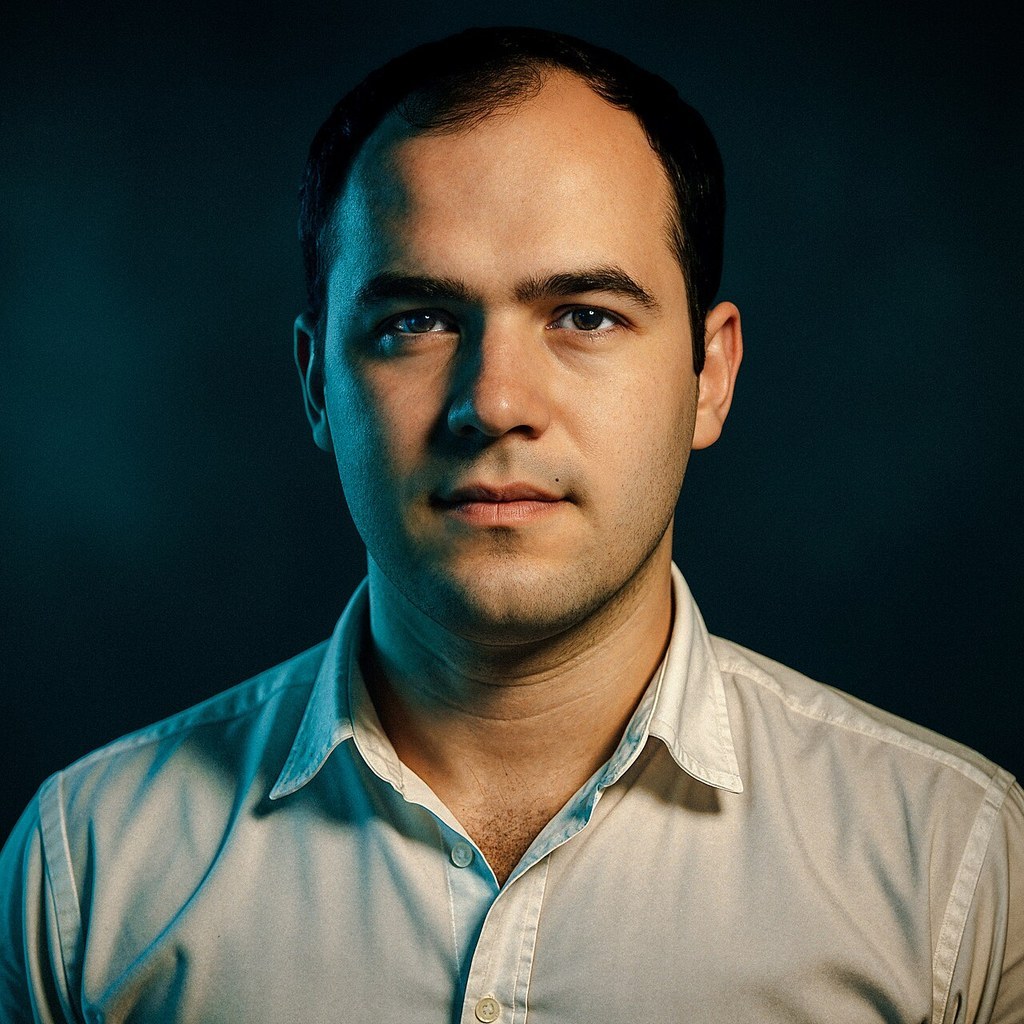
These examples show how the prompt changes real source portraits into generated results. The comparison focuses on visible style, composition, and output behavior.