Source portraits and improved results
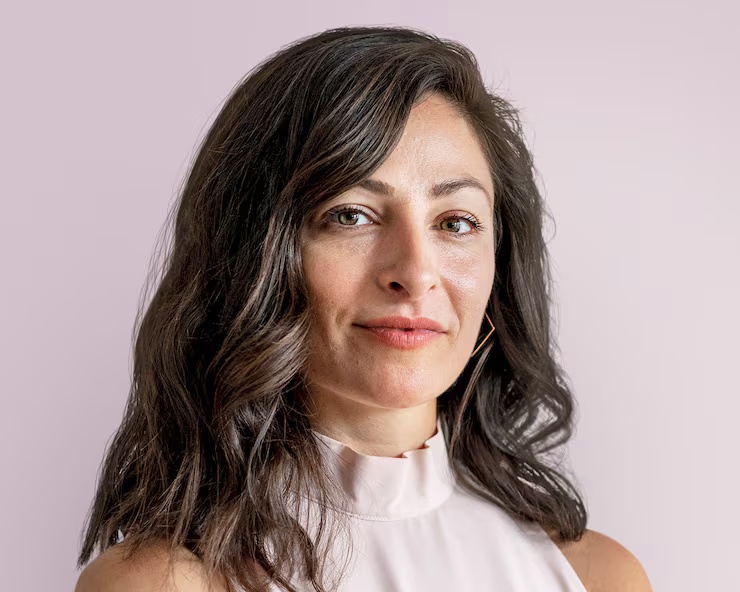
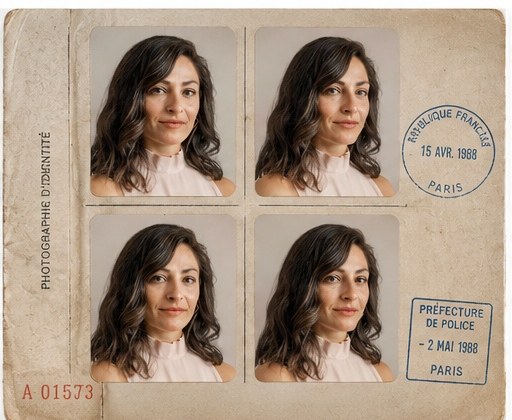
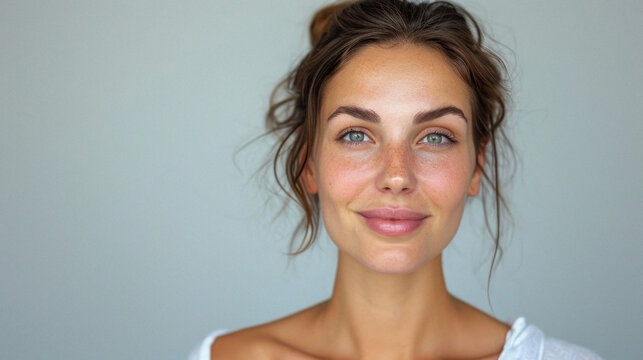
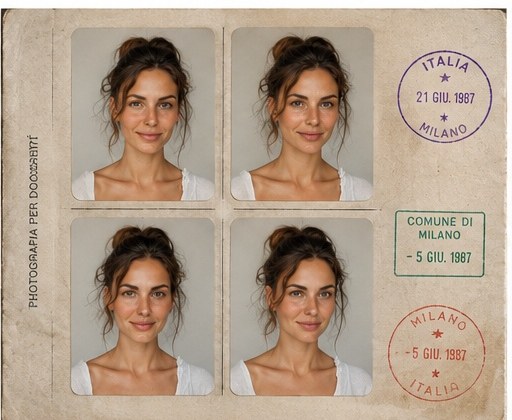
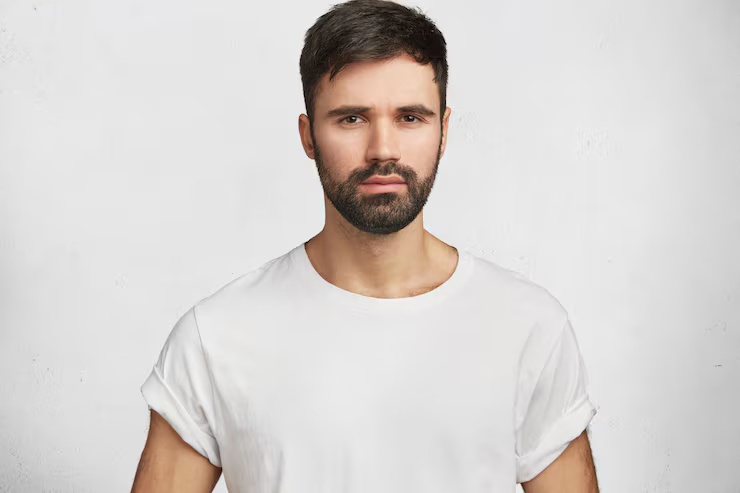
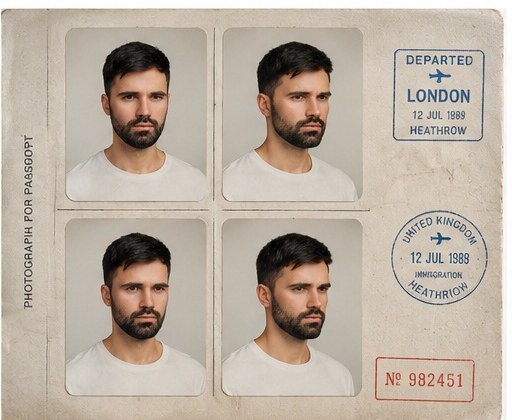
The improved prompt does more than ask for an old passport image. It defines a four-pose document set, asks the model to keep identity stable, and adds physical details such as aged paper, stamp marks, faded colors and soft travel-document wear.
What changed in the improved prompt
The stronger prompt keeps the face recognizable, asks for four controlled passport-style poses and describes the final material look: faded ink, aged paper, stamp marks, soft color and a nostalgic travel-document layout. That gives the model a clear document format instead of a generic vintage portrait.
Why the weak prompt fails
The weak prompt is too broad. It does not explain the number of poses, the passport-photo framing, the paper texture, the color treatment or the identity-preserving requirement, so the result can become a single retro portrait or a random old-photo effect.
Make this person look like an old passport photo.
Create a realistic vintage passport photo set from the uploaded portrait. Keep the person recognizable, show four slightly different passport-style poses, add aged paper texture, stamp marks, soft faded colors, and a nostalgic travel-document aesthetic.
Analysis
The improved prompt adds identity preservation, four passport-style pose variations, aged paper texture, stamp marks, faded colors and a clear nostalgic travel-document aesthetic.