Before and after examples
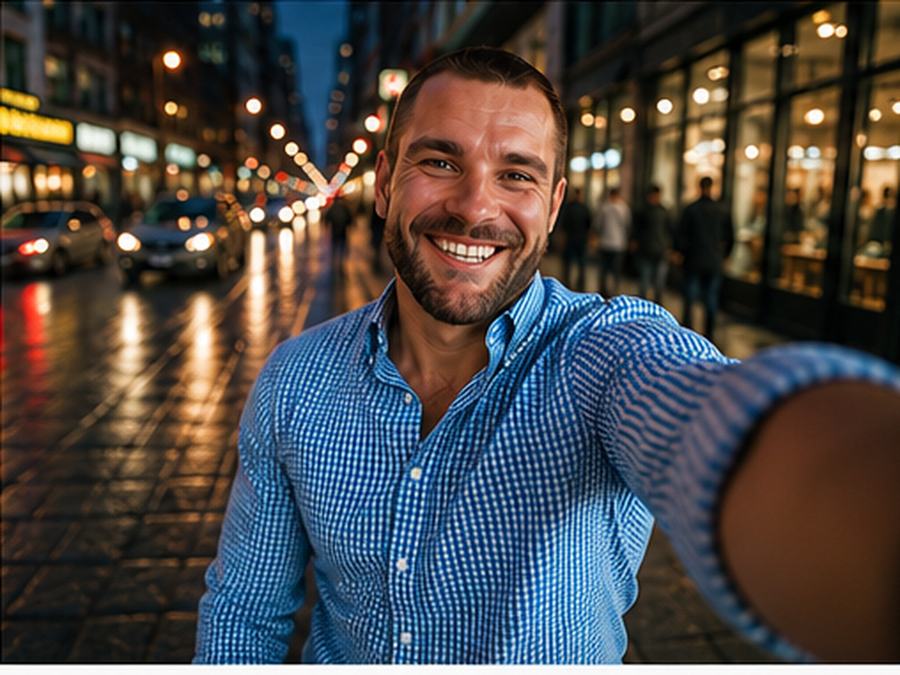
These examples compare the uploaded portrait references with the improved main-character street selfie results.
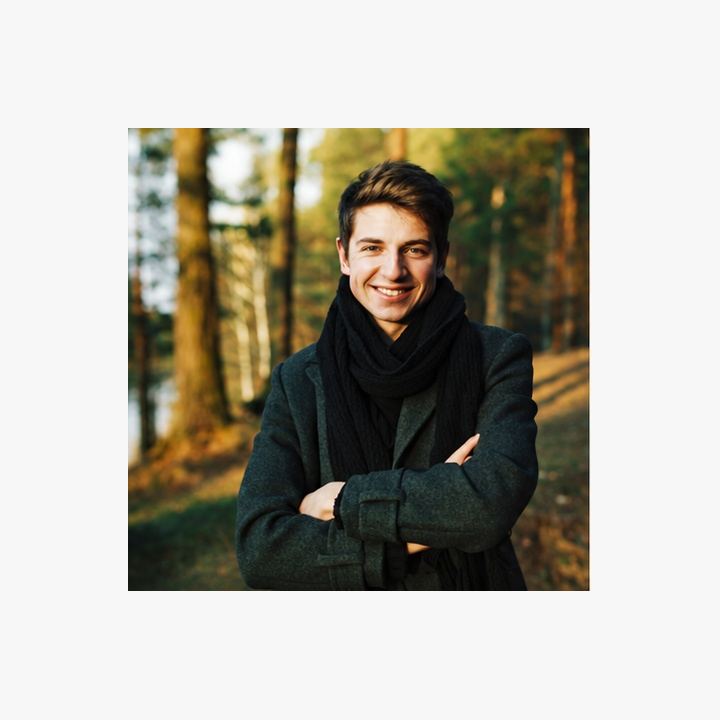
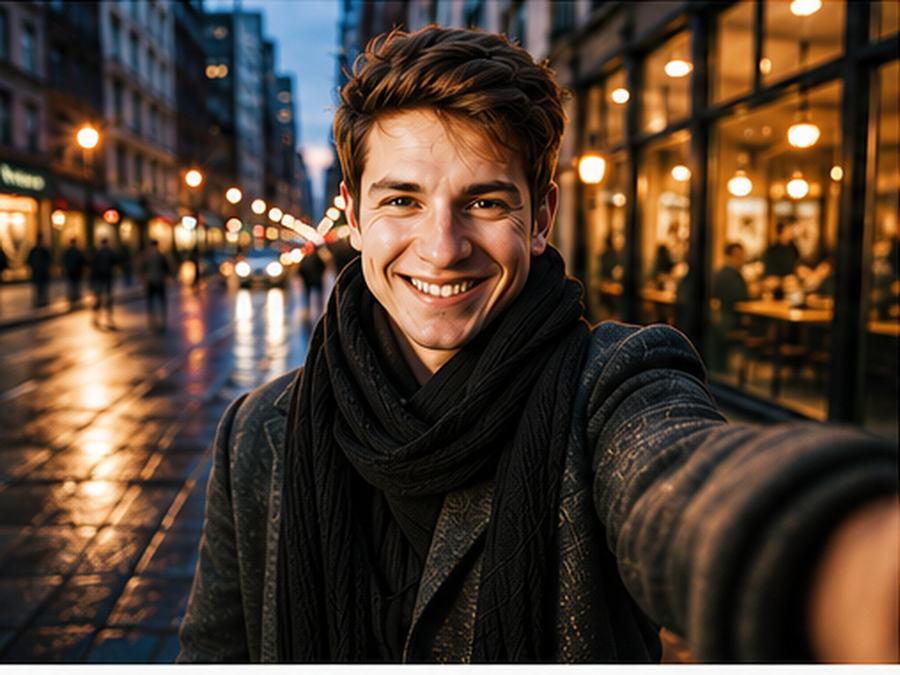
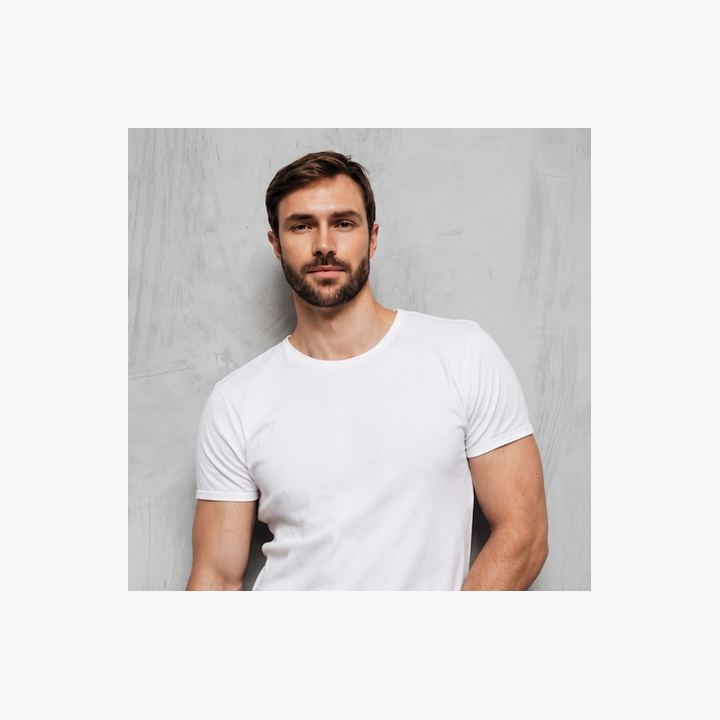
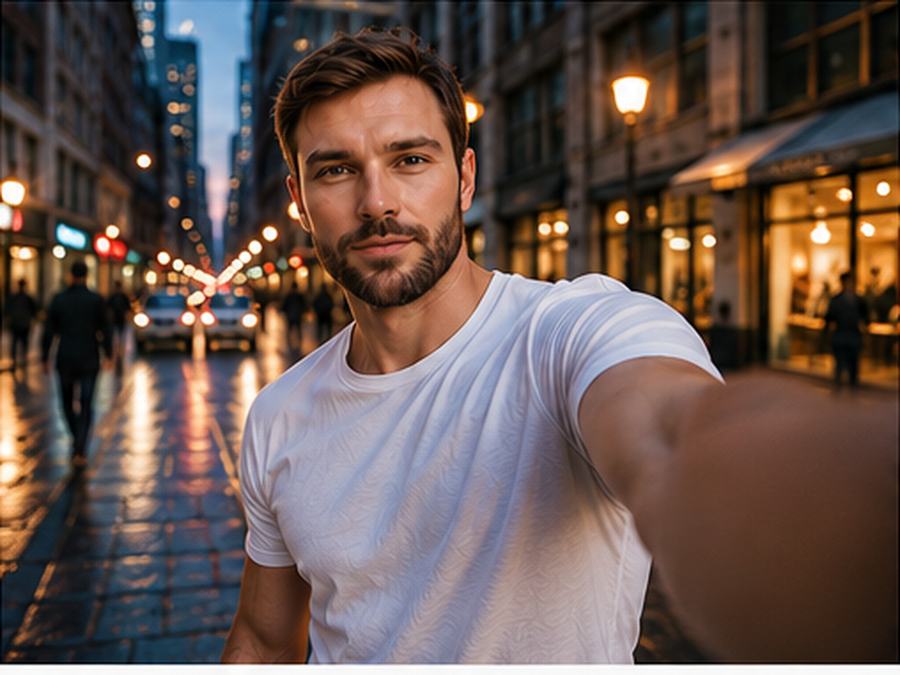

Turn this photo into a cool city selfie.
Transform the uploaded selfie/portrait into a cinematic "main character street selfie". Keep the person clearly recognizable and preserve their natural facial features, hairstyle, expression, clothing style, and identity. Create a single clean photo only, not a contact sheet, not a collage, not a mockup, not a file preview. No text, no labels, no UI elements, no filenames, no borders. Do not crop the head, face, neck, shoulders, or torso awkwardly. Keep natural upper-body selfie framing with the full face clearly visible. Keep hands and arms natural; avoid broken fingers or warped selfie arms. Make it look like a spontaneous phone selfie taken during a stylish city walk at golden hour or blue hour. Completely replace non-city backgrounds with a modern urban street scene. Add realistic street depth, soft city lights, blurred pedestrians, warm reflections in shop windows, subtle lens flare, natural skin texture, light wind in hair or clothes, and a confident main-character mood. The background should feel alive but not distracting: cafes, crosswalks, city buildings, neon signs, passing cars, or rainy pavement reflections. Make the image look authentic, modern, expensive, and emotionally cinematic, not like a studio portrait or obvious AI edit.
Analysis
The improved prompt adds identity preservation, natural selfie framing, city background depth, golden-hour or blue-hour light, realistic texture and negative prompt cleanup. These details help prevent cropped faces, labels, file-preview artifacts and an over-polished studio look.
What changed in the improved prompt
The improved prompt adds the details that image models need to make consistent decisions: a clearer subject, stronger style direction, camera or composition cues, lighting, background control and quality constraints. Instead of asking for a broad image, it explains what should stay recognizable and what should change in the final result.
Why the weak prompt fails
A weak prompt often fails because it asks for an outcome without describing the visual recipe. If the model is not told about pose, framing, materials, expression, shadows or the intended style, it may create a generic image, lose important identity details, distort hands or invent background elements that do not support the idea.
Prompt formula used here
Use this formula: uploaded image or subject reference + transformation goal + recognizable details to preserve + style and mood + lighting and camera + composition + quality constraints + negative prompt. This structure works for before and after AI prompts because it separates the creative change from the details that must remain stable.
How to adapt this prompt
Replace the subject and reference details with your own image. Keep the strongest style instructions from the improved prompt, then adjust the setting, color palette, camera angle and final format. If the result becomes too stylized, add realistic texture, natural light and identity-preserving details. If the result is too plain, strengthen the style, pose or editorial direction.
Common mistakes
- Using a short command without camera, lighting or background details.
- Forgetting to say which facial features, product proportions or outfit colors should stay recognizable.
- Mixing several visual styles that compete with each other.
- Leaving out negative prompts for bad hands, distorted faces, fake text, warped logos or messy backgrounds.
Related prompt examples
- See the full copy-paste prompt example here
- Portrait prompt category
- Negative prompts for cleaner AI images
- AI image prompt generator
The important lesson is not only the wording of the improved prompt, but the amount of visual control it gives the model. Use the weak version as a reminder of what is missing, then use the improved version as a checklist for clearer AI image prompt writing.
What is the main improvement in this before and after AI prompt?
The improved prompt gives the model clearer instructions about subject, style, lighting, composition and output quality, so the result is more controlled than the weak prompt.
Why does the weak prompt fail?
The weak prompt is usually too short or vague. It leaves the model to guess the visual style, camera angle, background, proportions and quality constraints.
Can I adapt this prompt for my own image?
Yes. Keep the prompt structure, then replace the subject, reference details, setting, lighting and style with details from your own uploaded photo or image idea.
Where can I copy the full prompt example?
Use the related prompt page for AI Main Character Street Selfie Prompt when available, or copy the improved prompt directly from this before and after example.