This example compares the source portrait with the generated result for the prompt. The comparison is limited to visible composition, style, and output behavior.
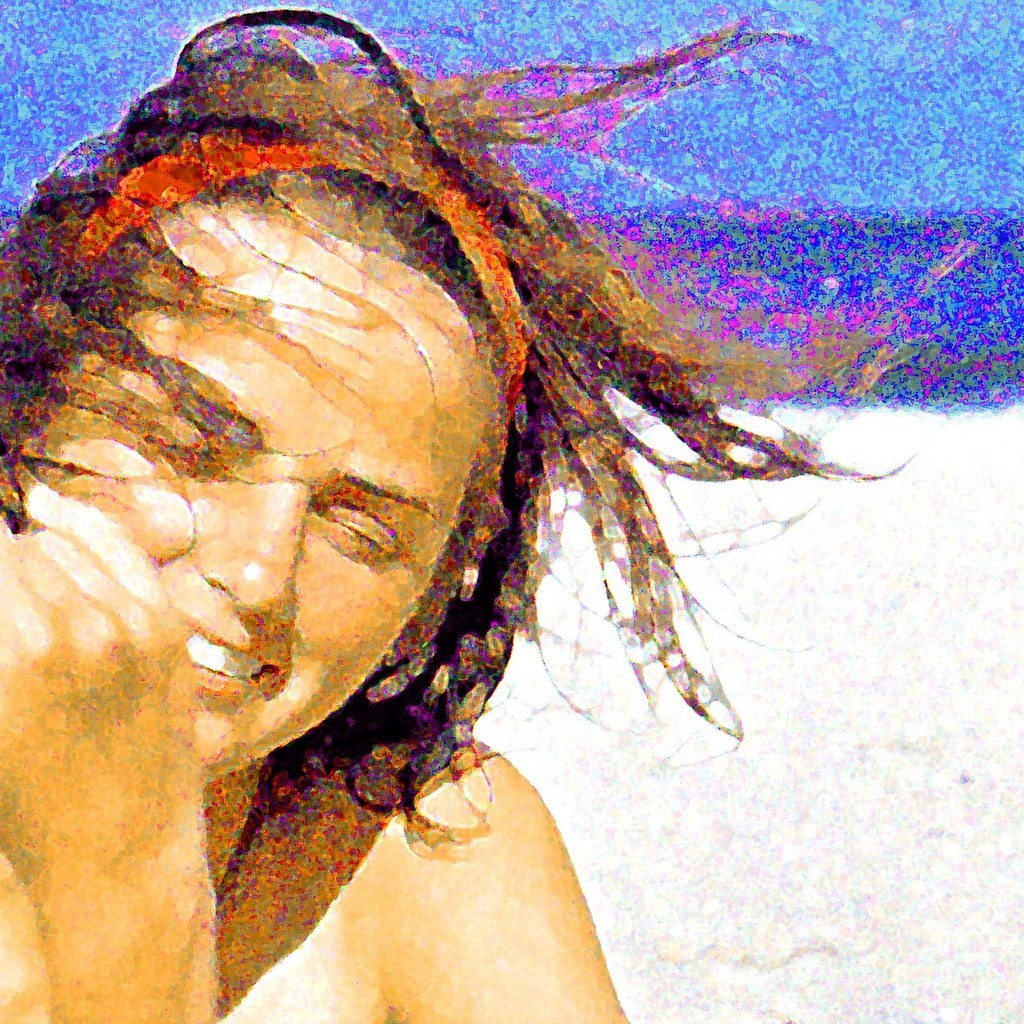
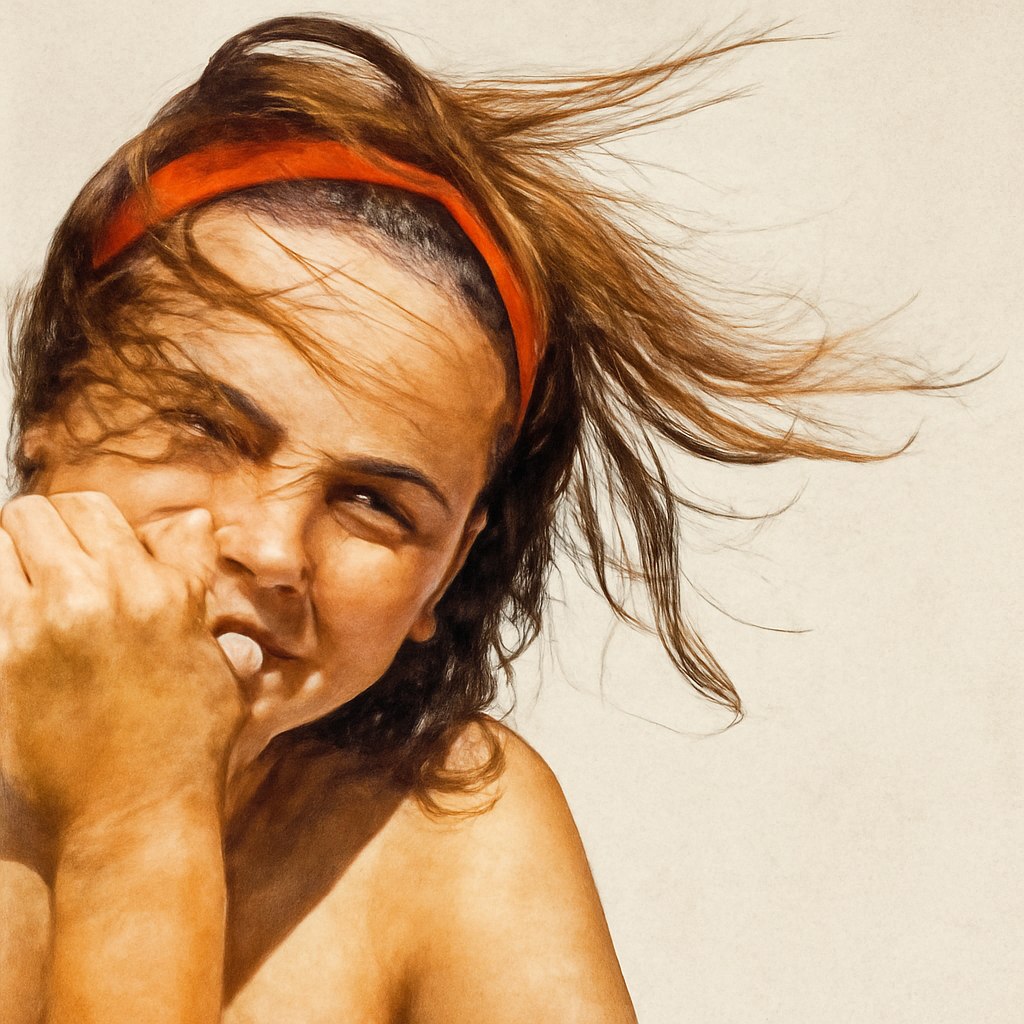
Before prompt
Source portrait example 1
After prompt
Edit the image by keeping only the main foreground subject and removing the background cleanly. Preserve natural edges, hair, fabric texture, reflections, and object contours. Place the isolated subject on a transparent background or a clean neutral backdrop, without changing the subject’s shape, color, or important details.
Analysis
The result keeps the source as a visual reference while applying the prompt style. Review the visible framing, texture, and character treatment before reusing the prompt in production.