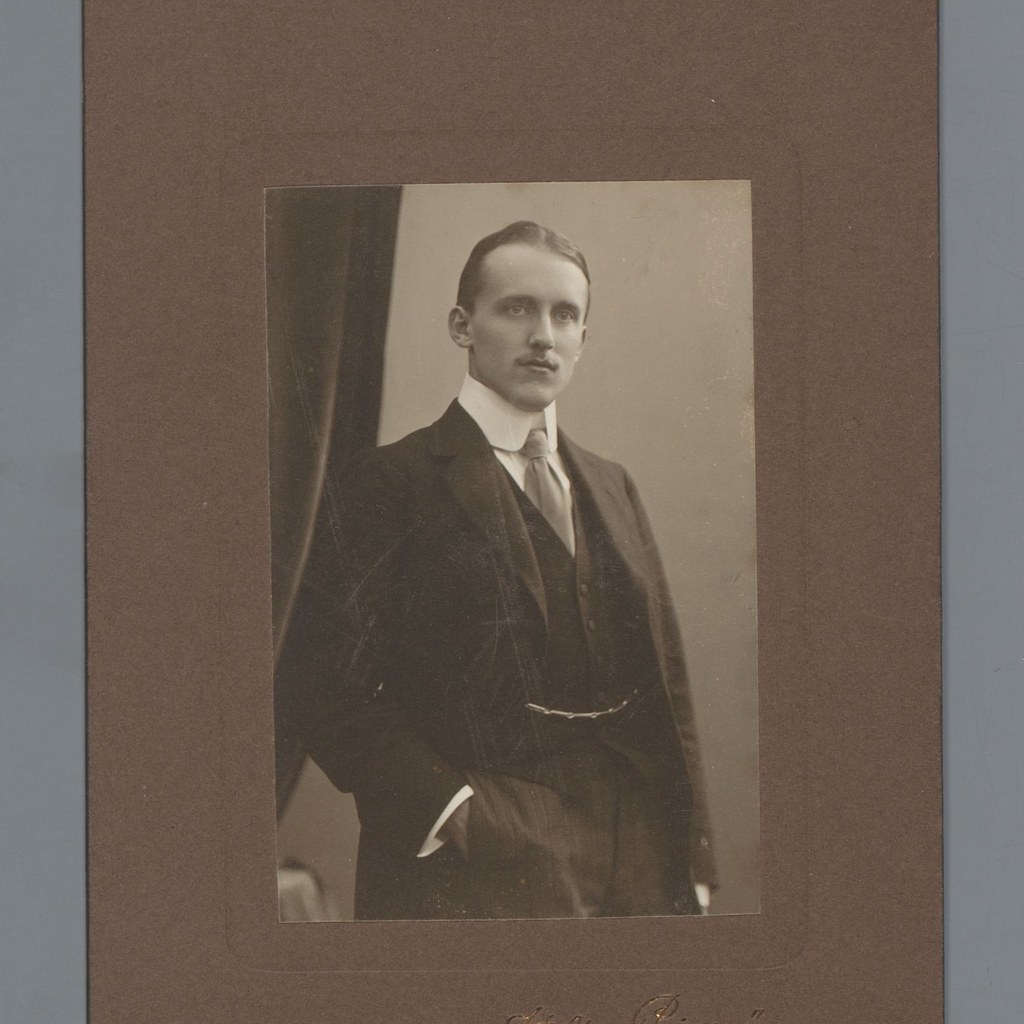
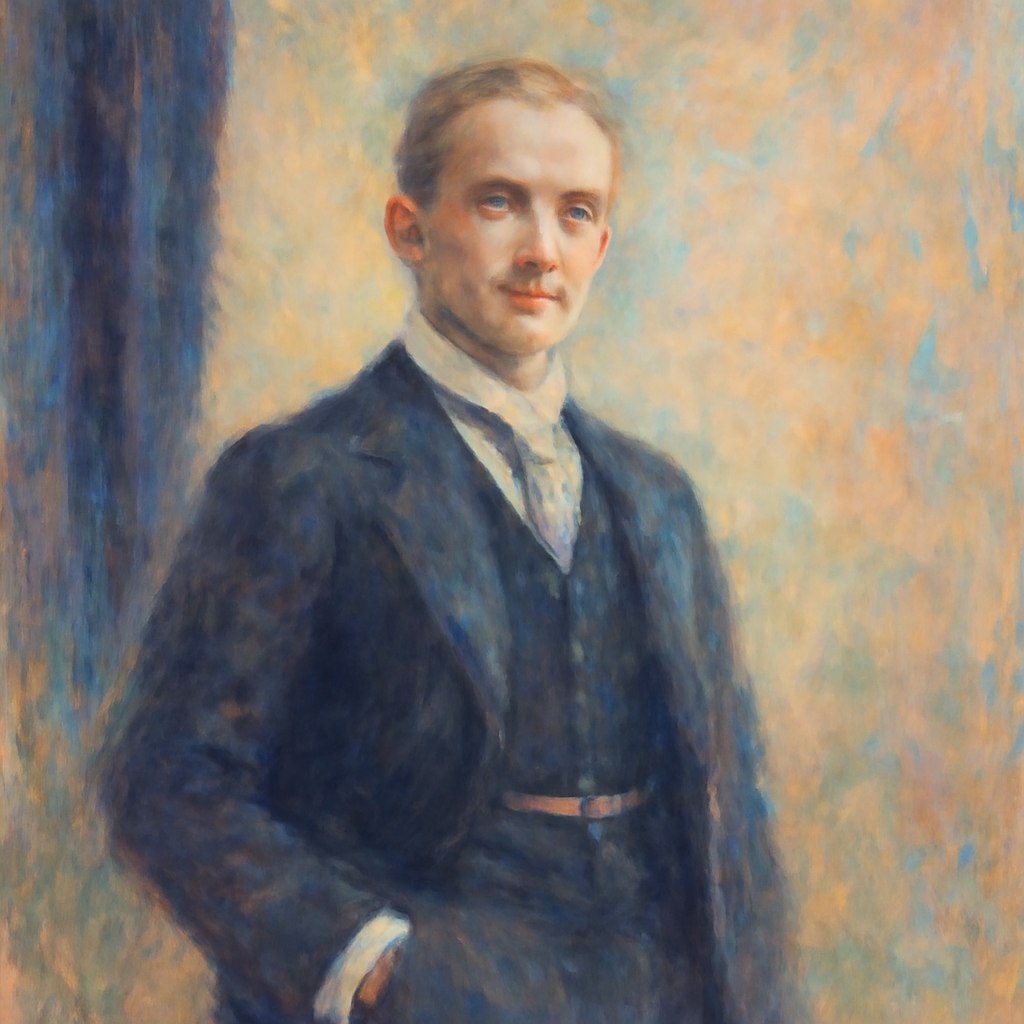
This example compares the source portrait with the generated result for the prompt. The comparison is limited to visible composition, style, and output behavior.
Before prompt
Source portrait example 3
After prompt
Turn the uploaded photo into a loose impressionist painting. Use soft broken brushstrokes, pastel color, gentle natural lighting, and atmospheric edges. Preserve the main subject, pose, and composition, but reduce small details so the image feels painted from light, color, and movement rather than photographic precision.
Analysis
The result keeps the source as a visual reference while applying the prompt style. Review the visible framing, texture, and character treatment before reusing the prompt in production.