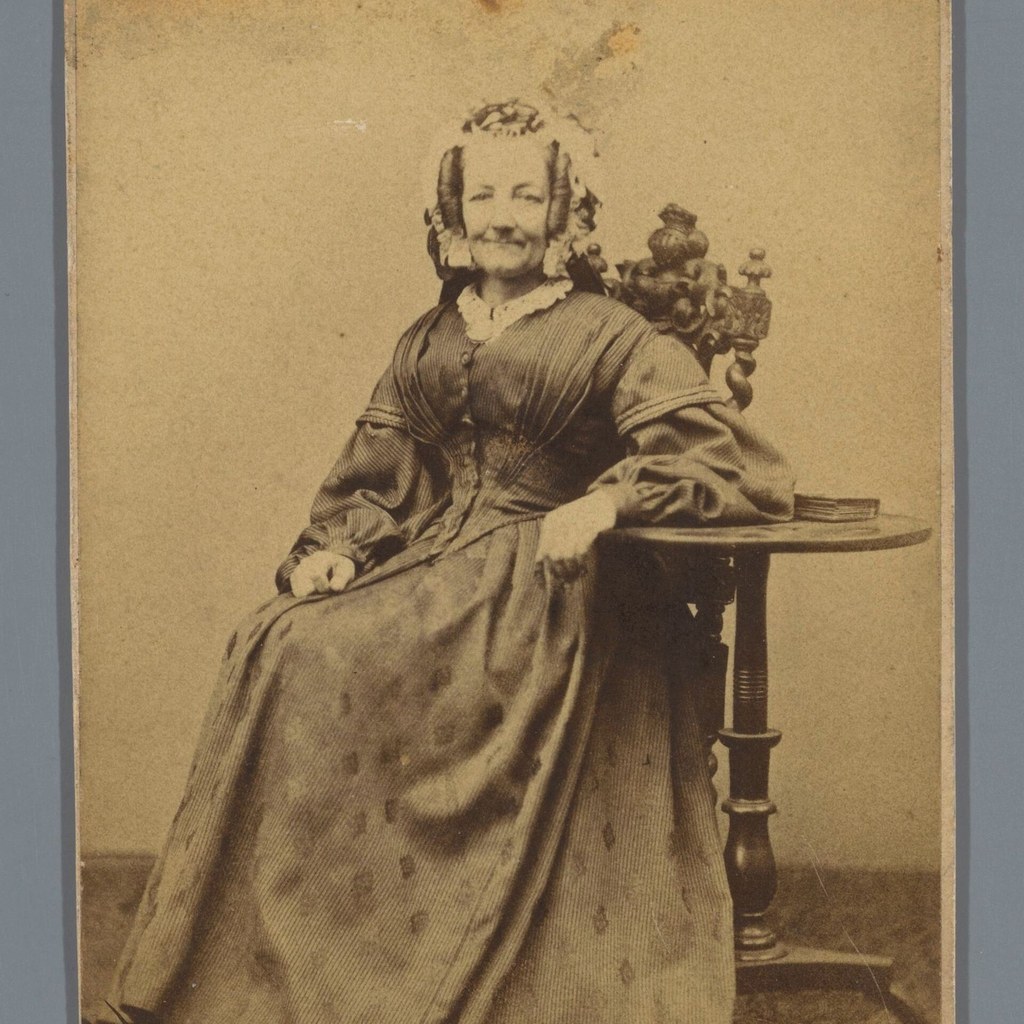
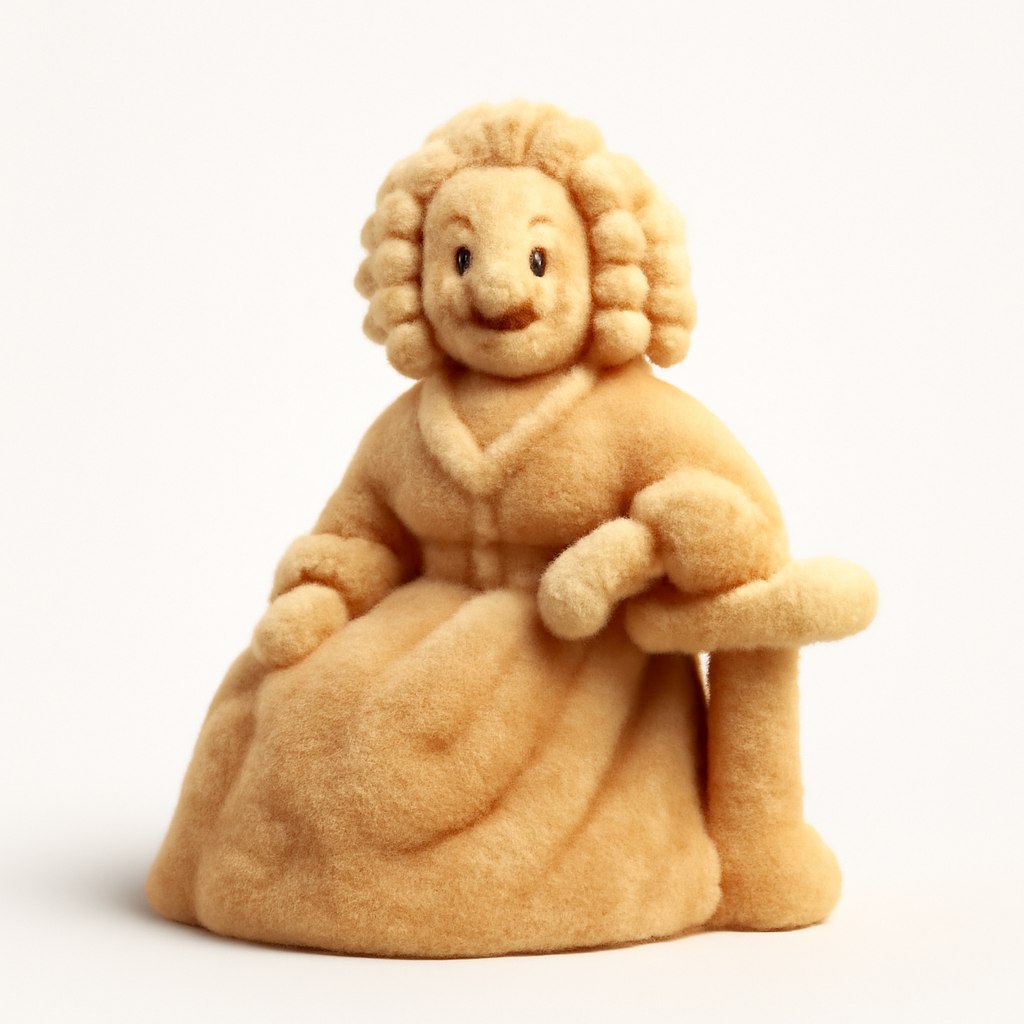
This example compares the source portrait with the generated result for the prompt. The comparison is limited to visible composition, style, and output behavior.
Before prompt
Source portrait example 3
After prompt
Turn the provided flat icon, symbol, or simple object into a soft 3D fluffy icon. Keep the silhouette readable, cover the form with fine plush fur, add subtle depth, rounded edges, soft shadows, and a clean light background. The result should feel tactile, modern, friendly, and suitable for app icons, social graphics, or playful brand visuals.
Analysis
The result keeps the source as a visual reference while applying the prompt style. Review the visible framing, texture, and character treatment before reusing the prompt in production.